 아이오트
아이오트
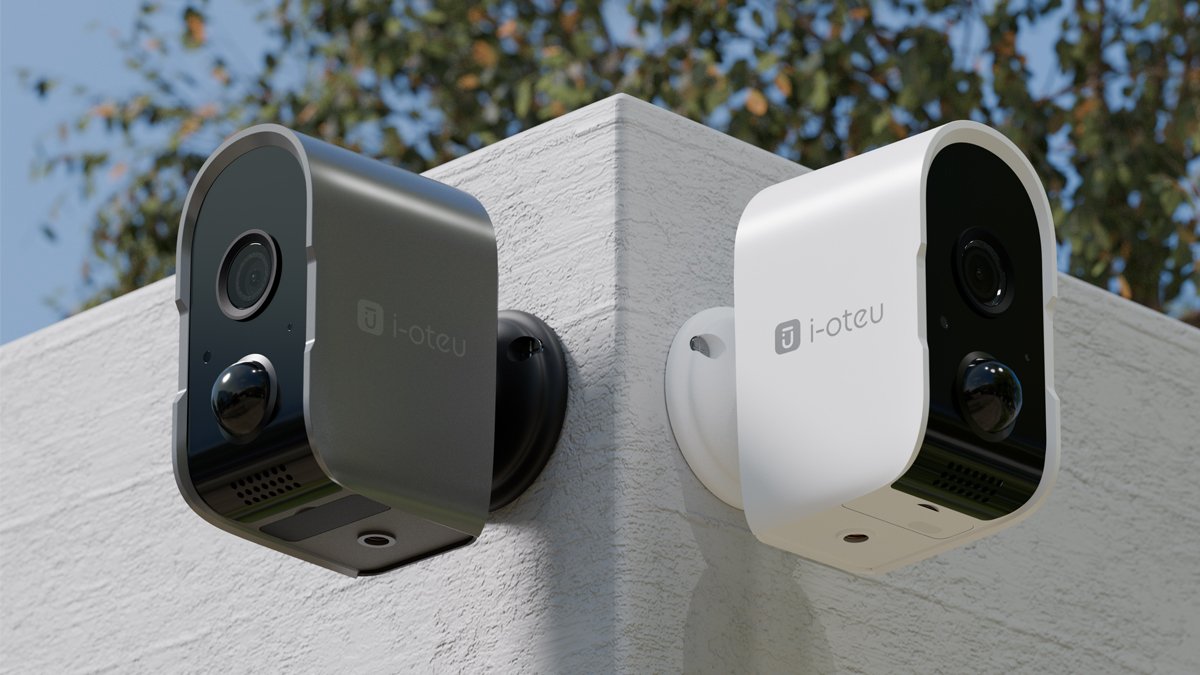

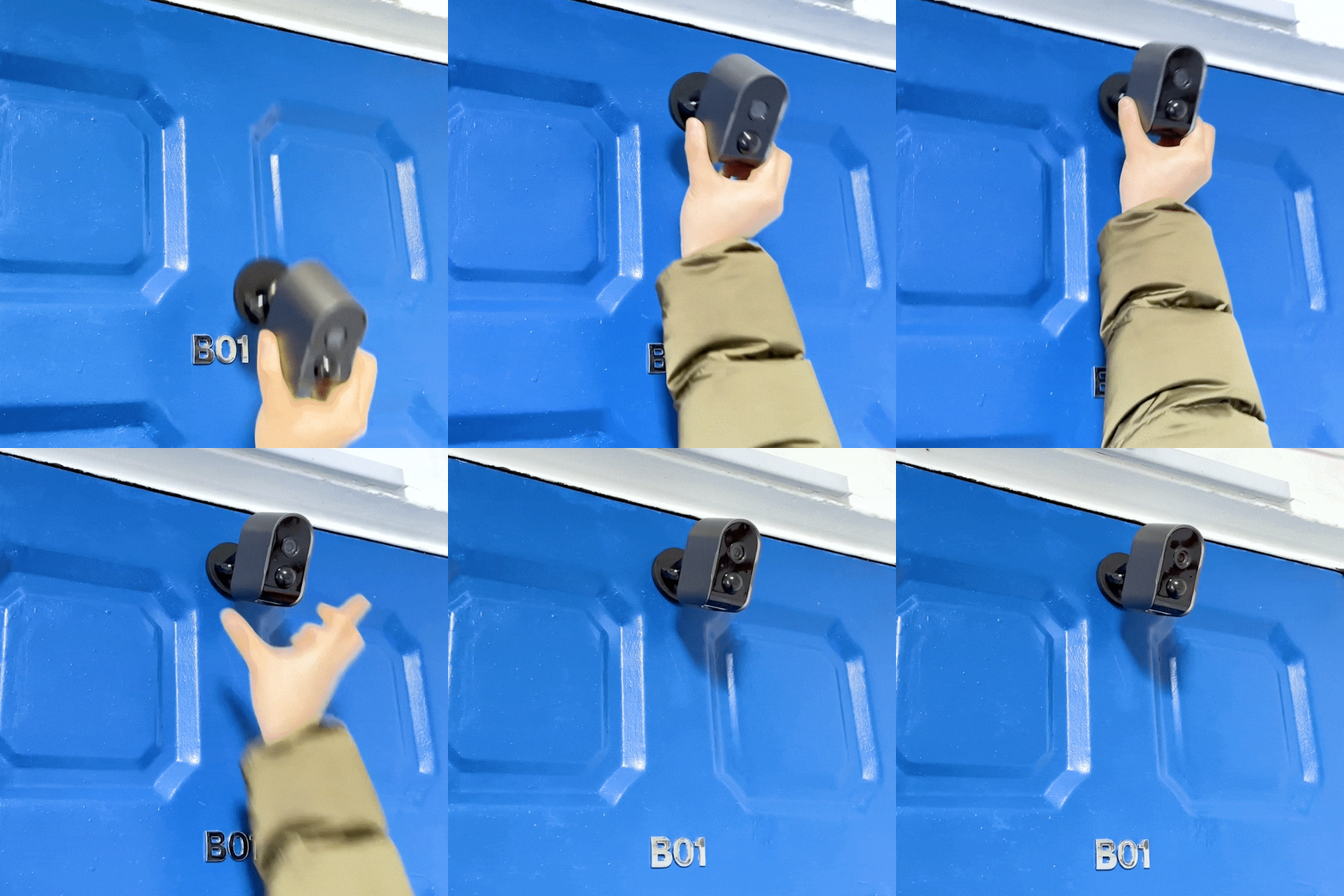
Only the IOT Wireless Camera S6
Pre-orderCumulative amount 250 million KRW
Thank you to all the supporters who made this possible.
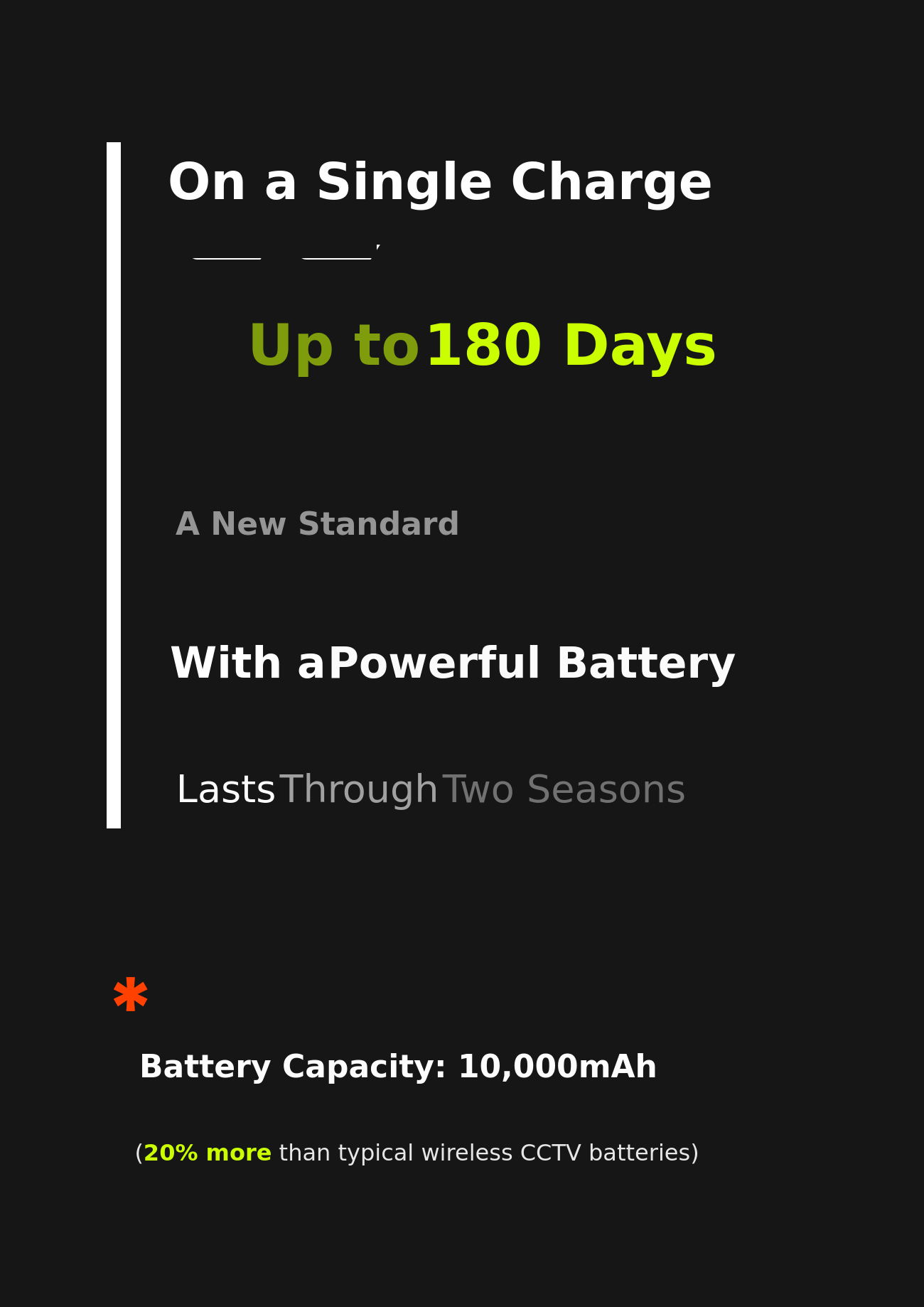


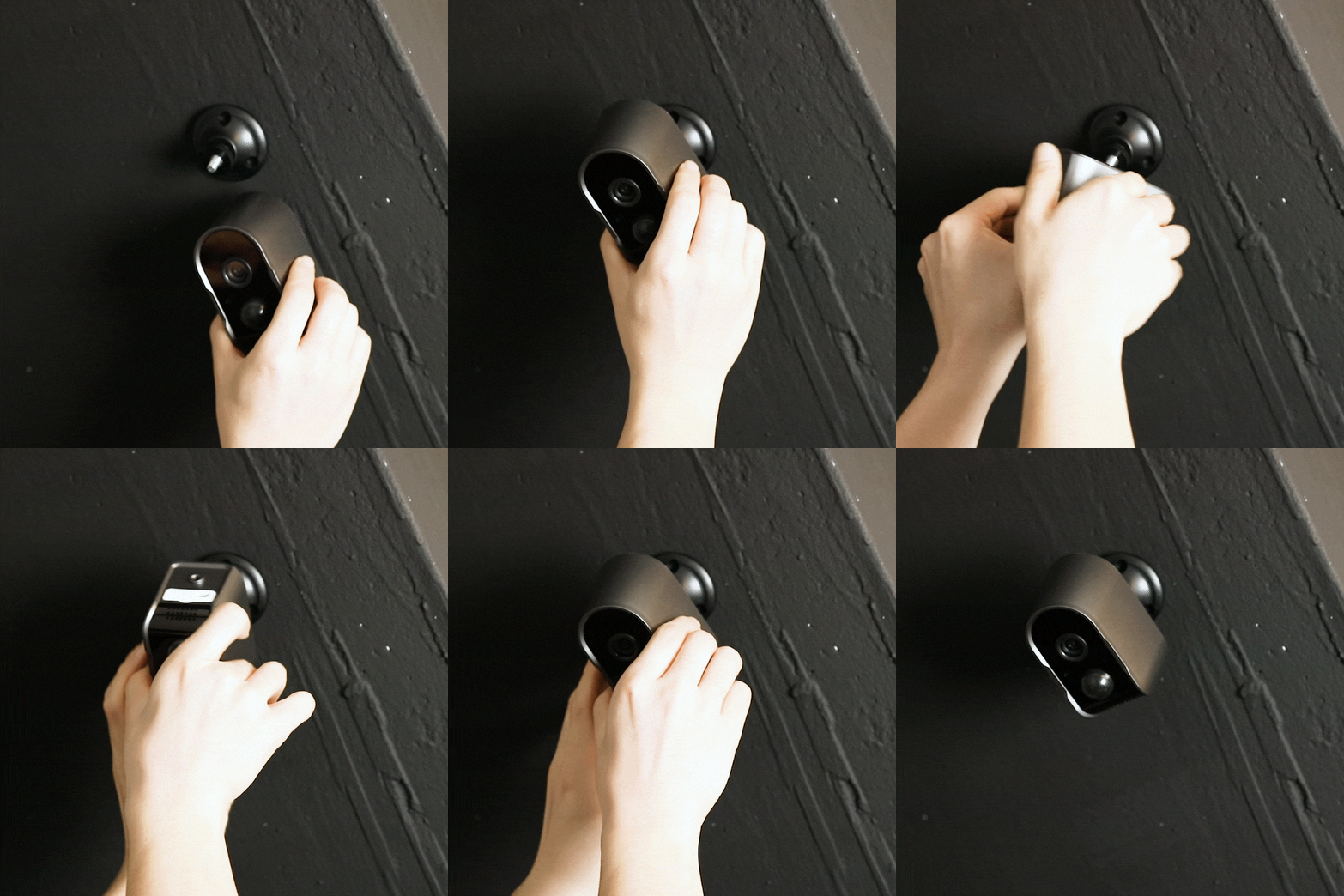






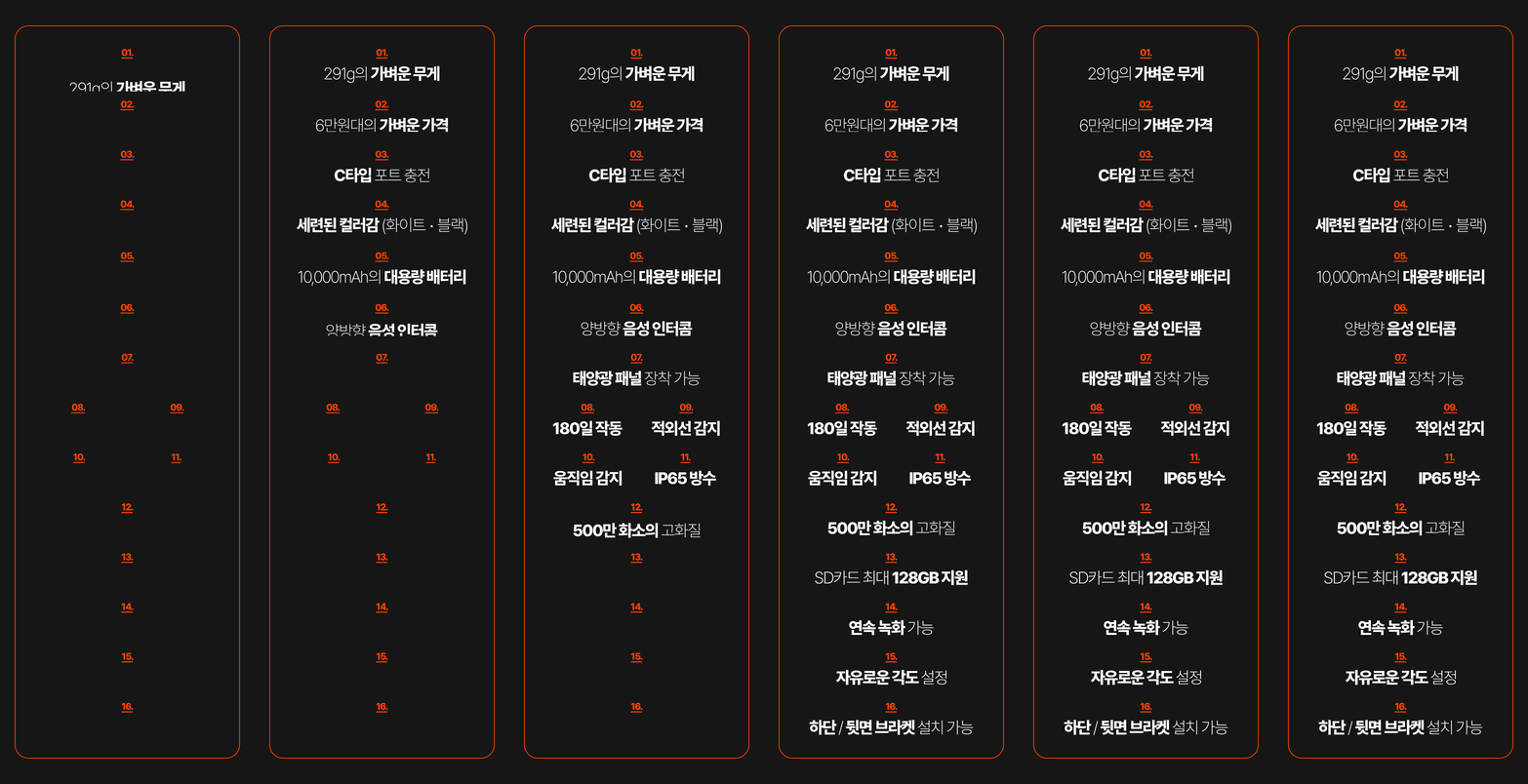



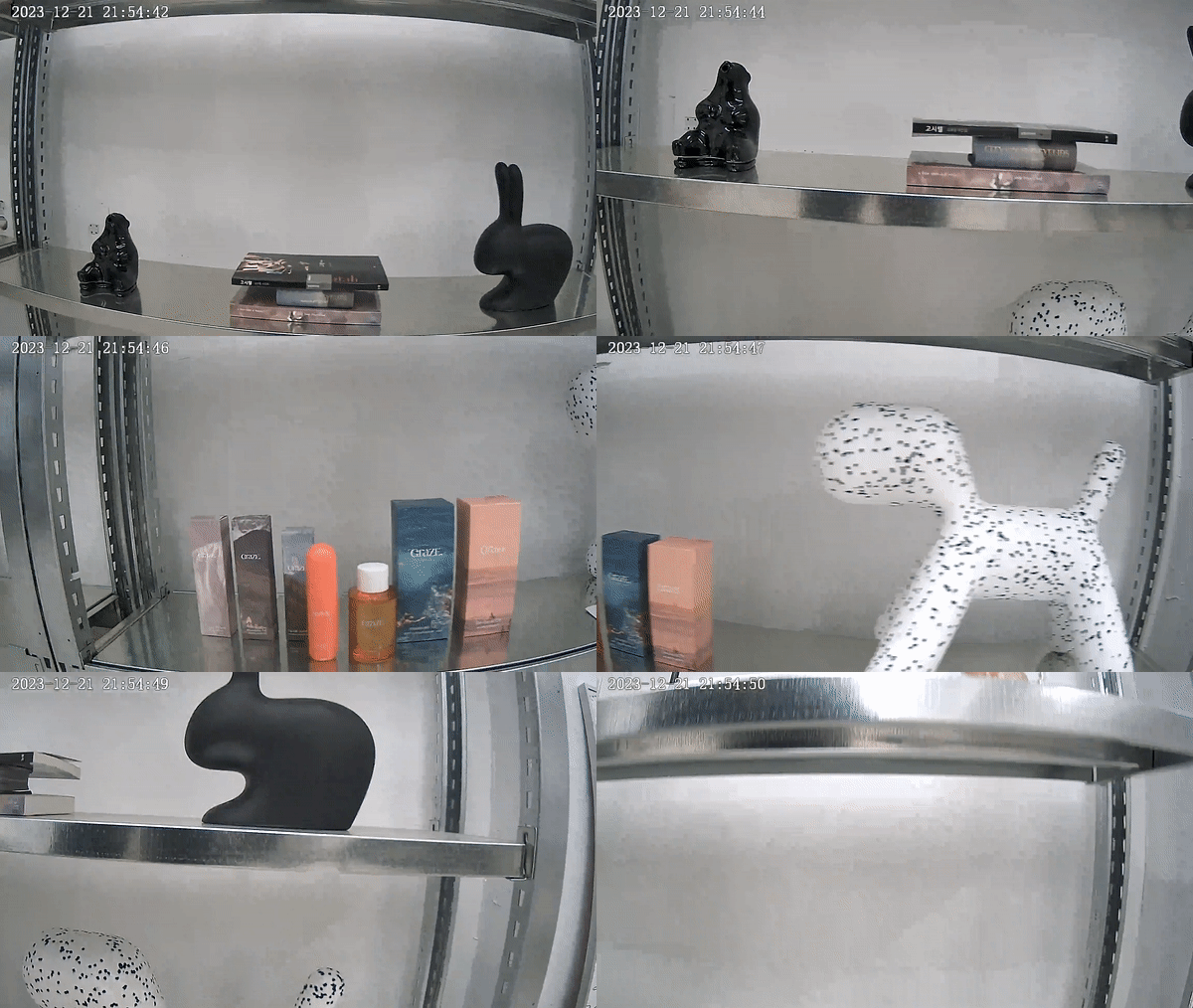

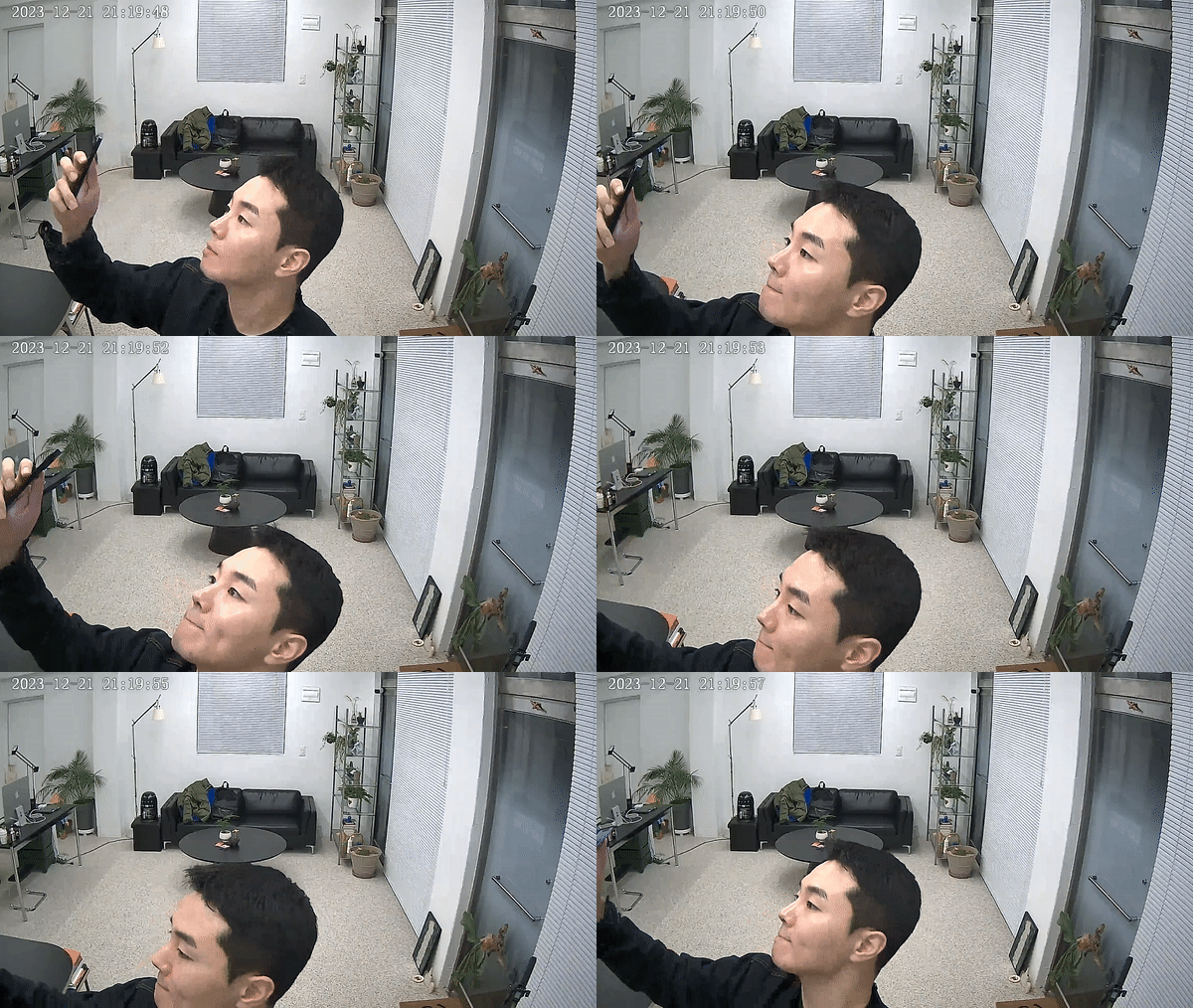

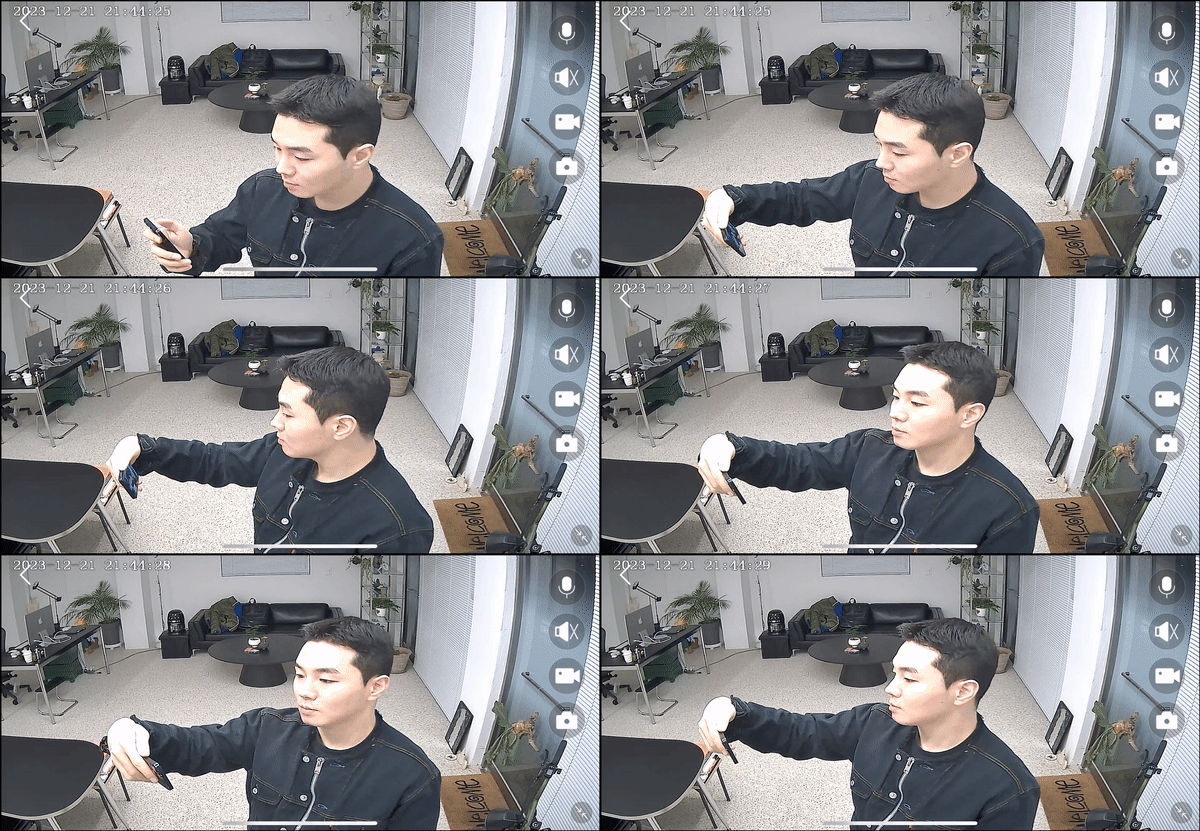


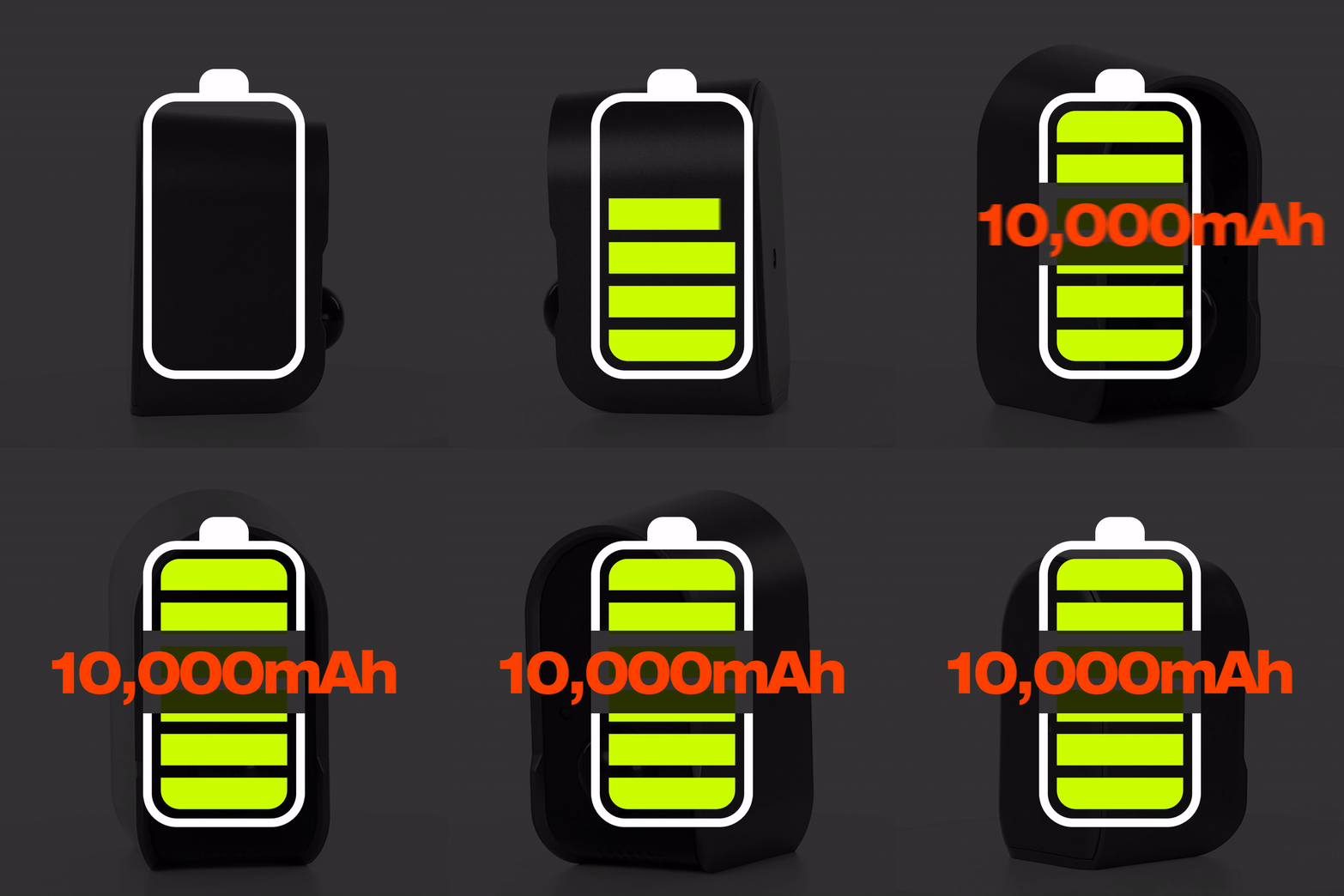
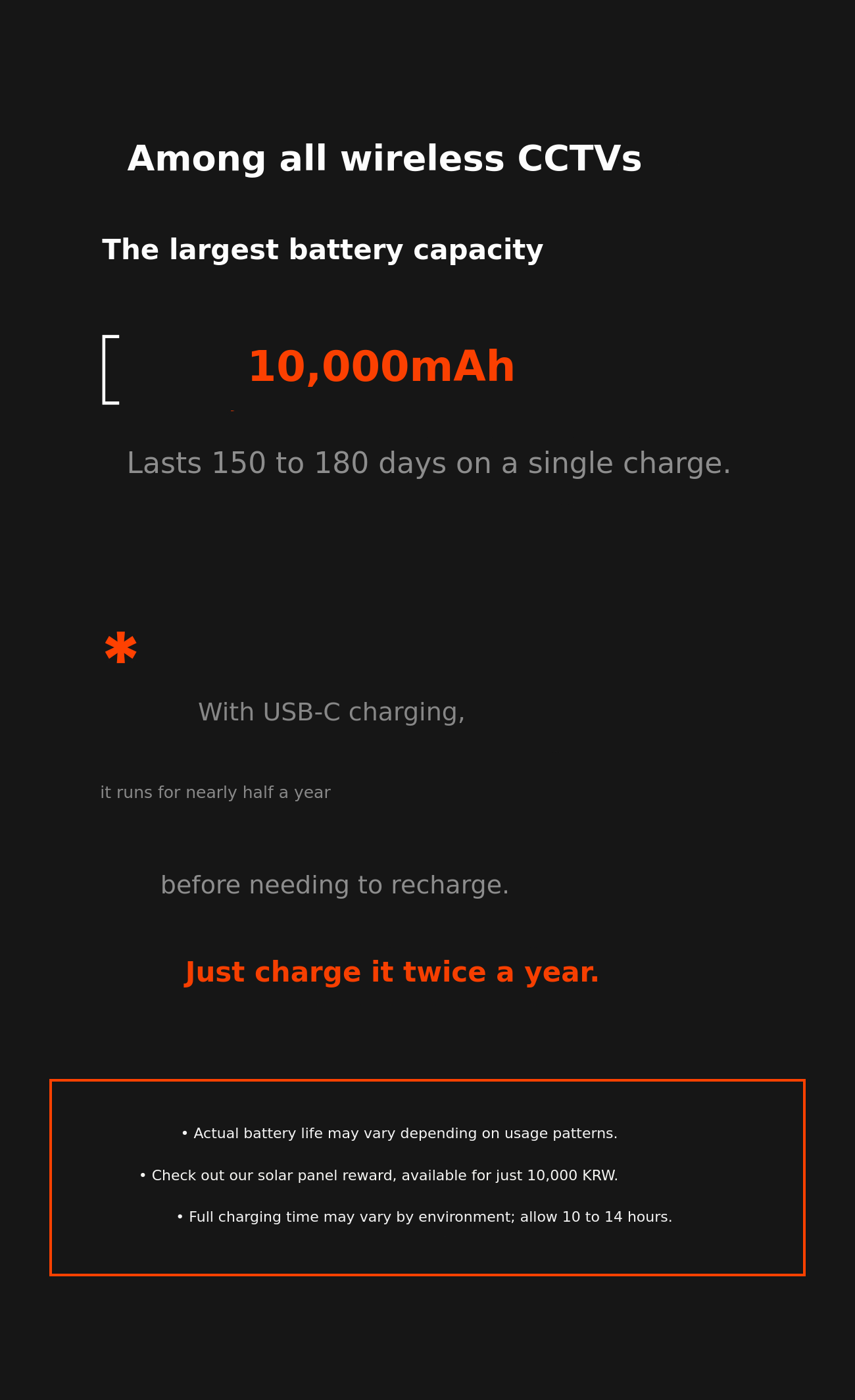
Usage time may vary depending on the number of motion detections and real-time screen checks.
- Approximately 30 motion detections per day, about 90 days
- Approximately 50 motion detections per day, about 60 days
- Approximately 100 motion detections per day, about 30 days
- Continuous recording allows up to 34 hours of use
+) Based on camera motion detection. If you frequently check the real-time screen, record separately on the camera, download, or perform additional tasks, battery usage may decrease further.
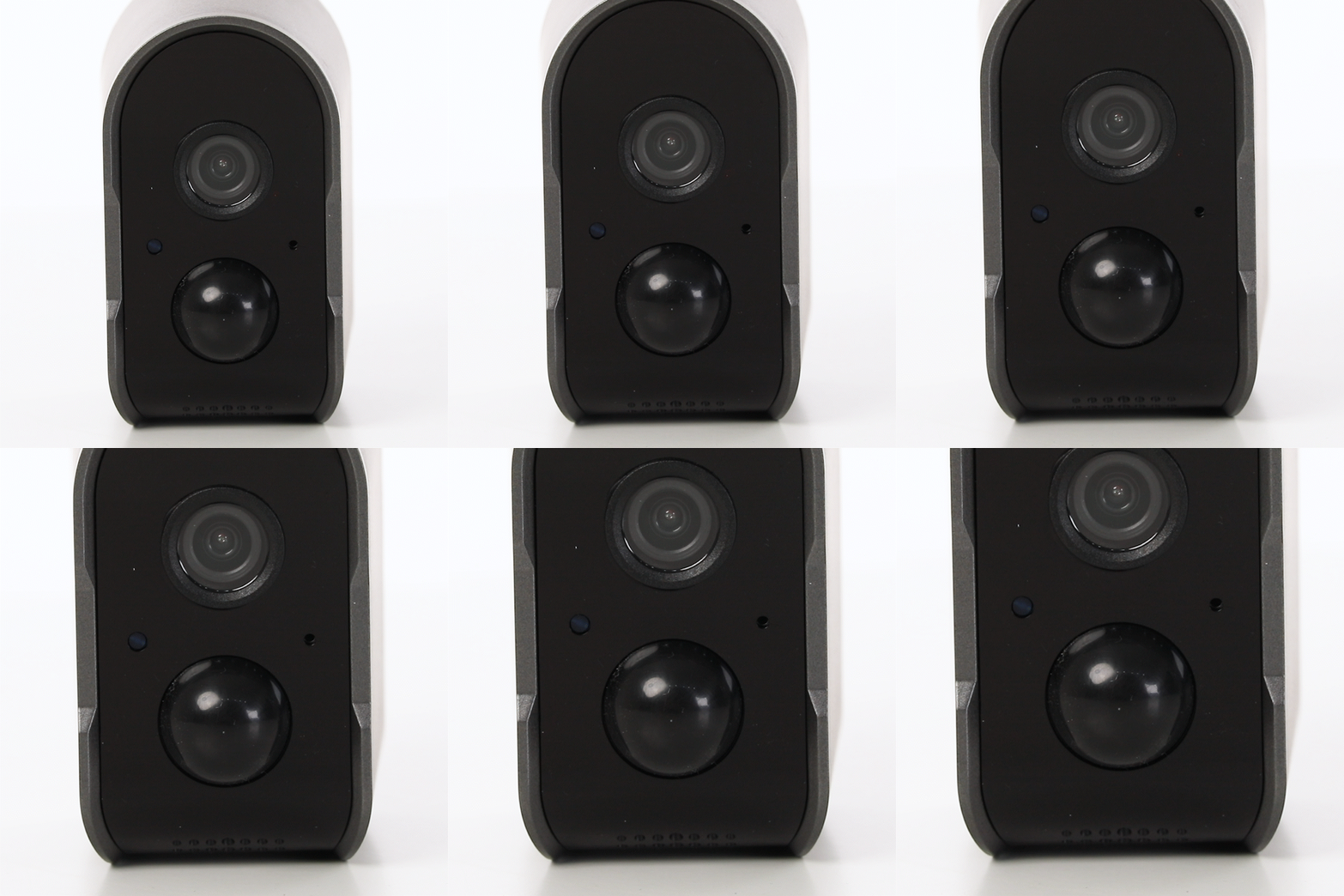
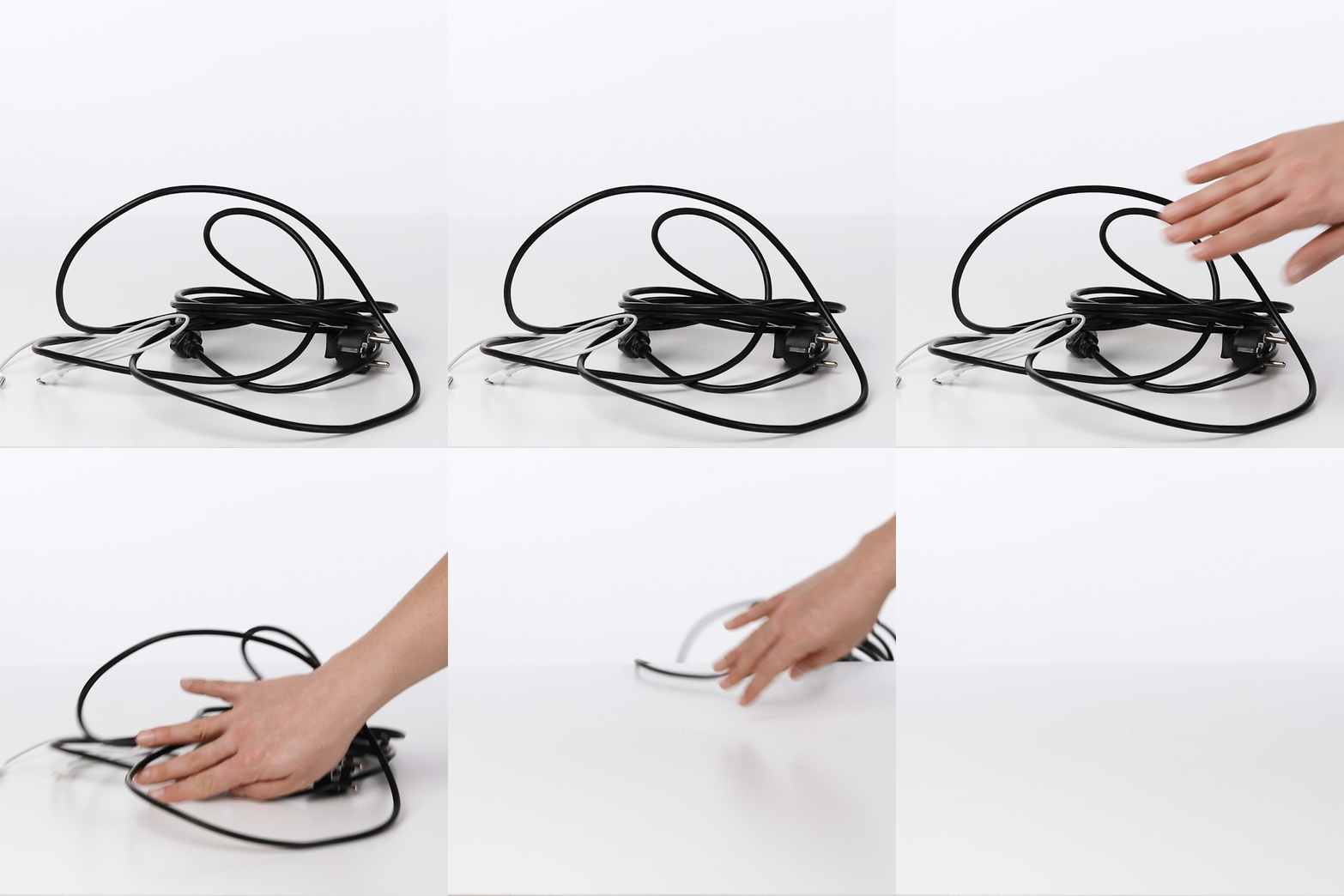
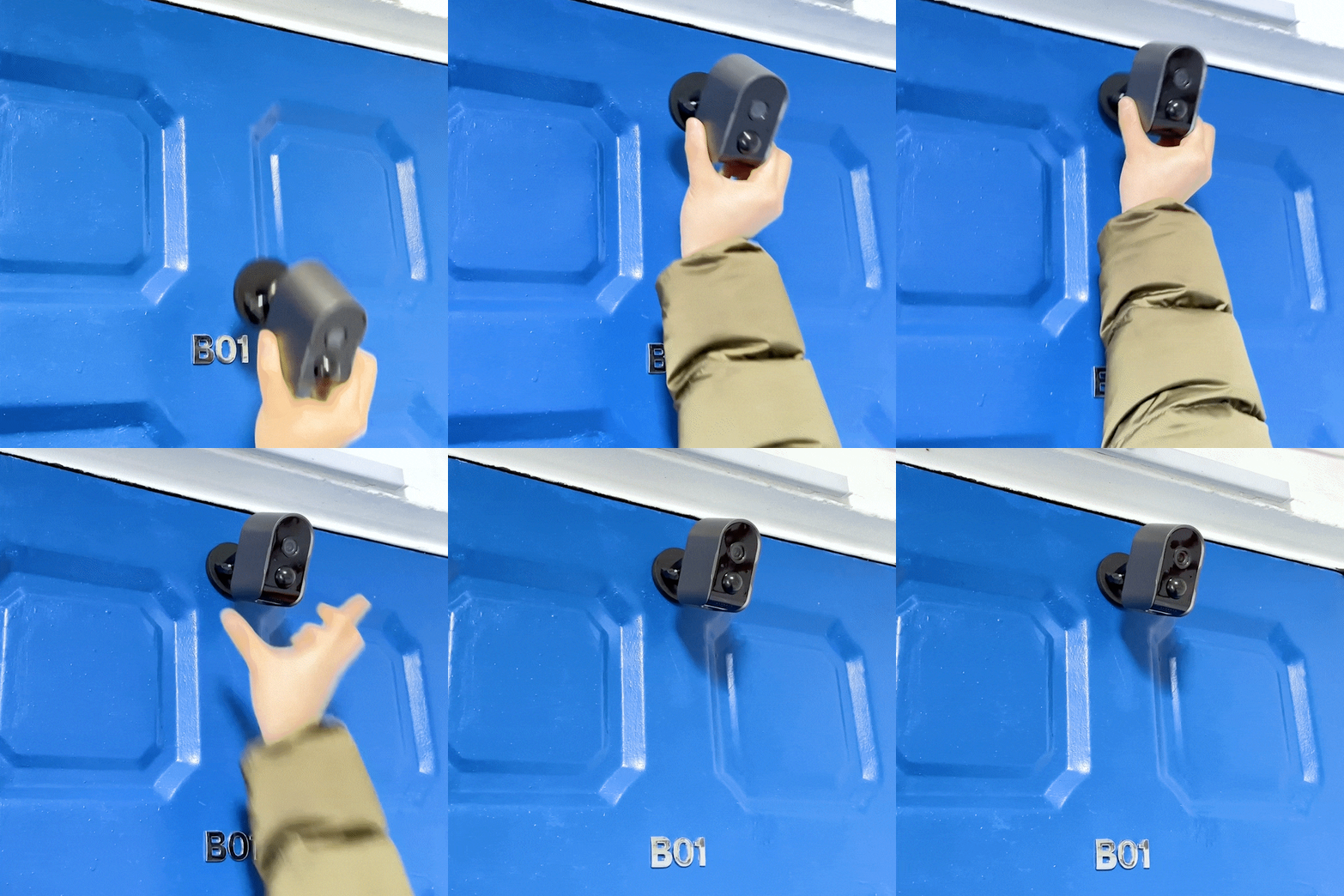
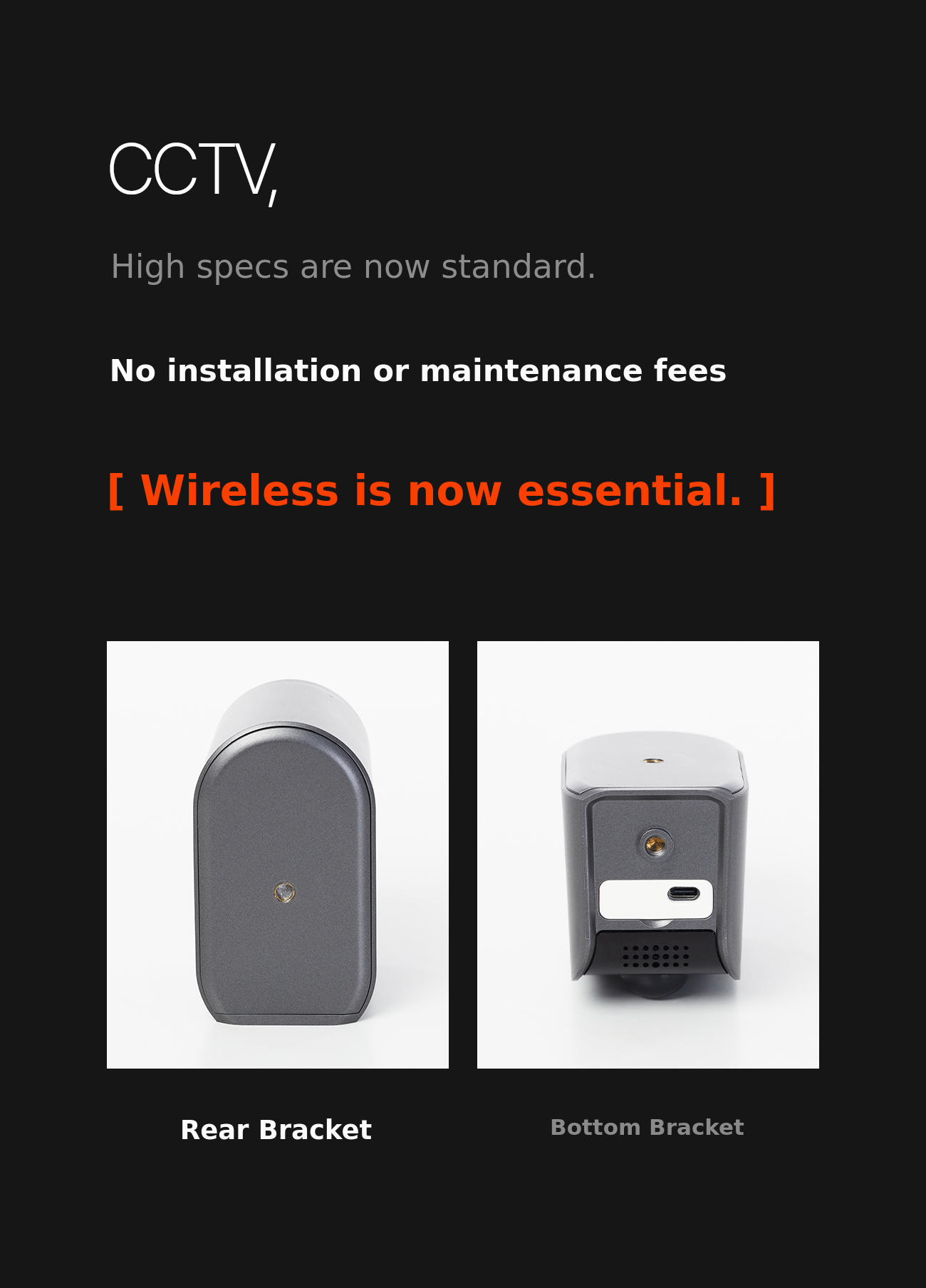

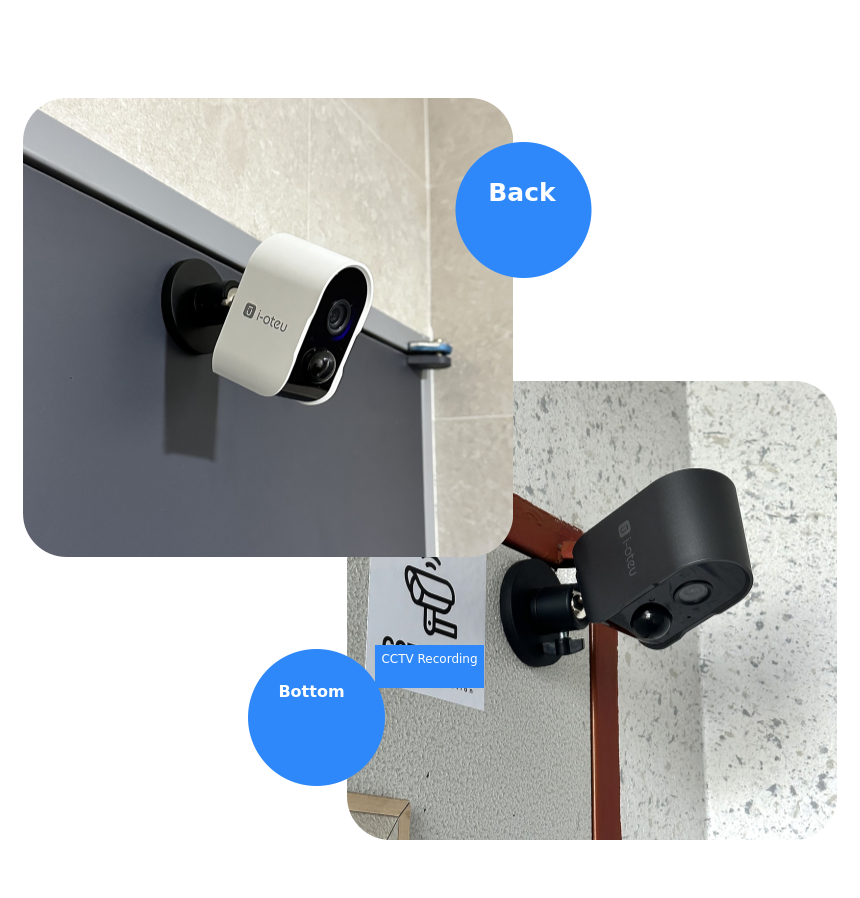
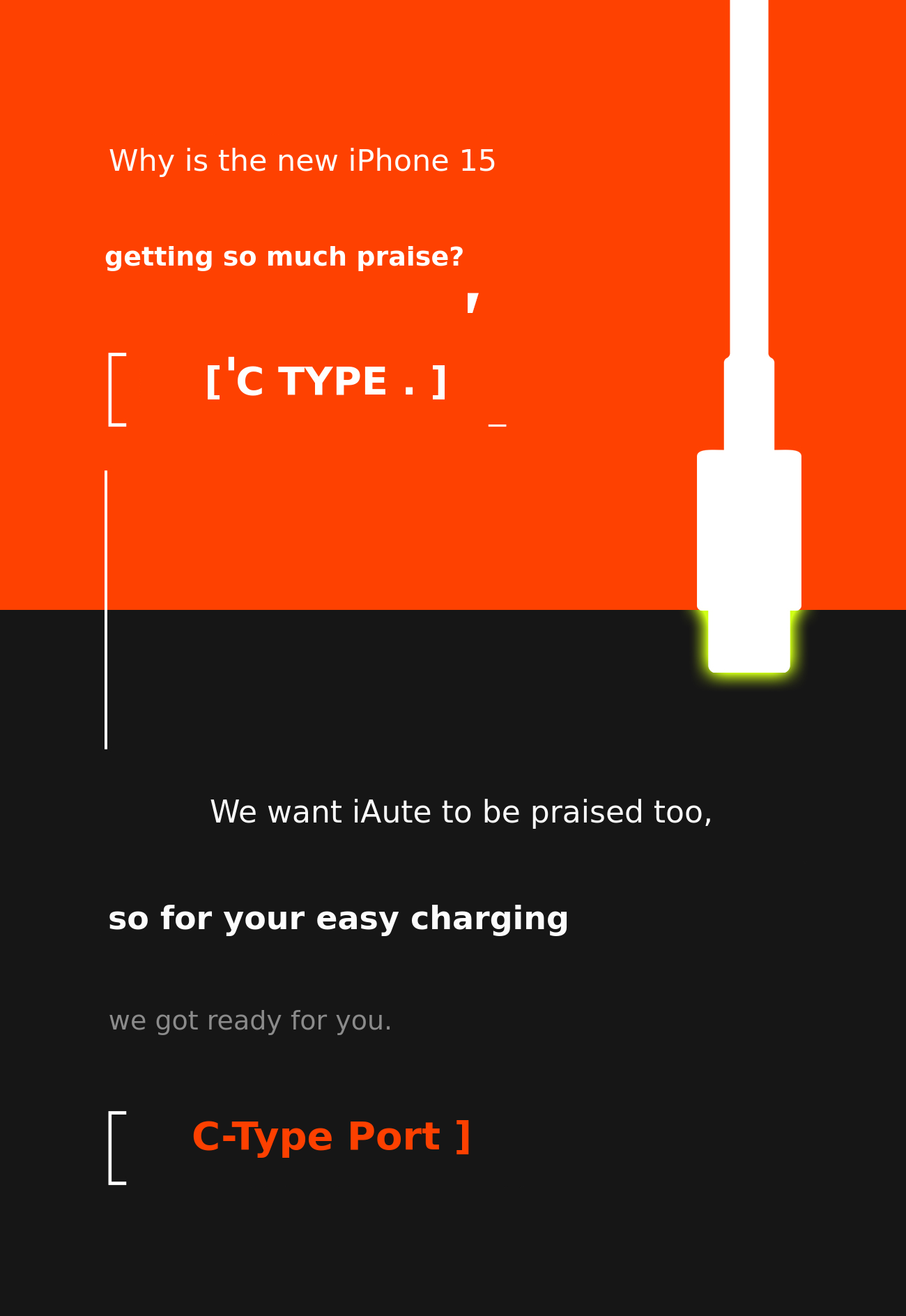
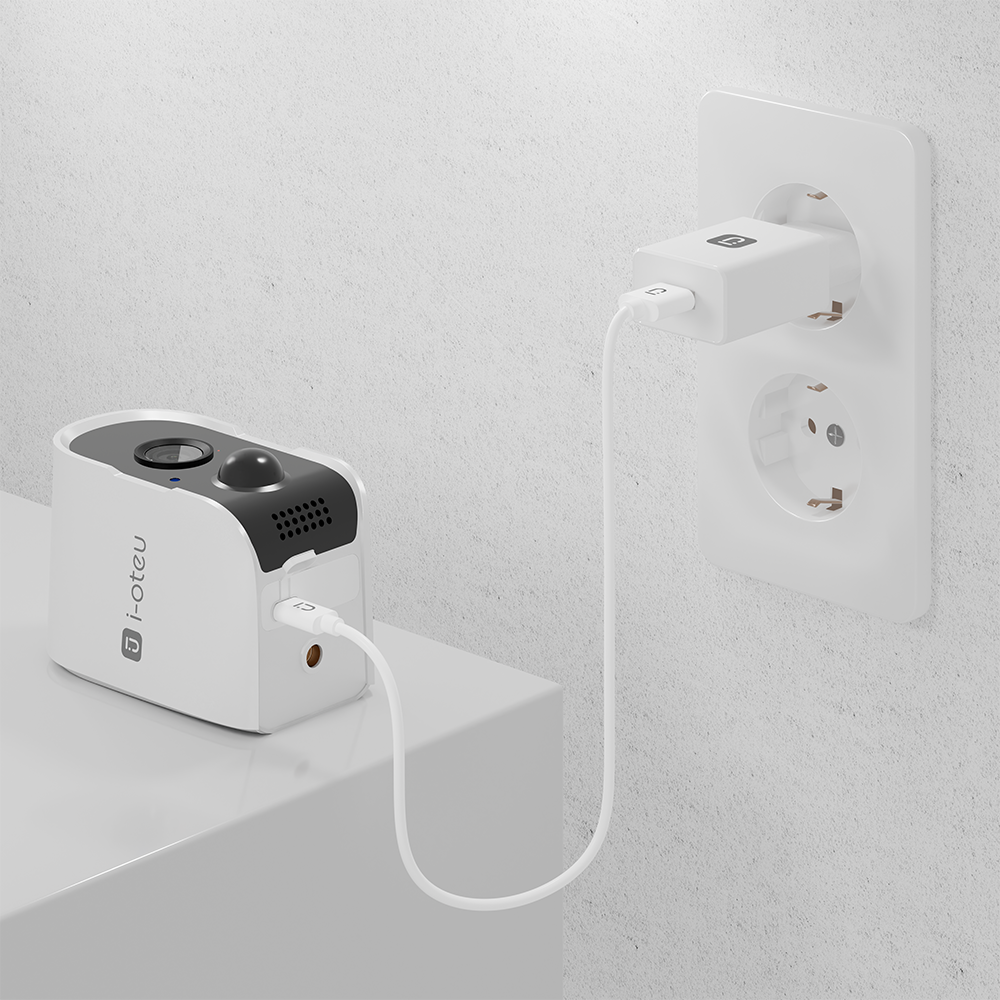
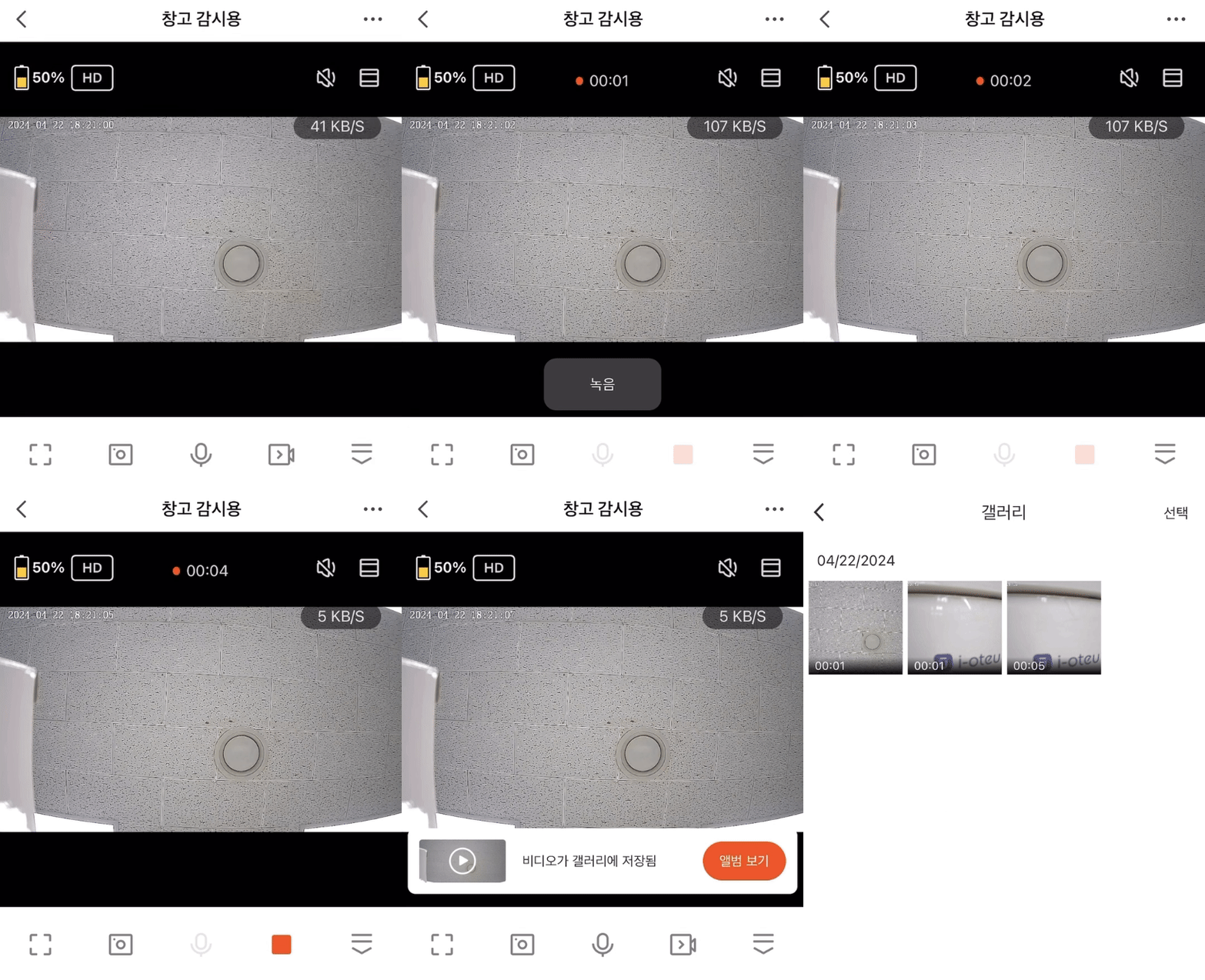
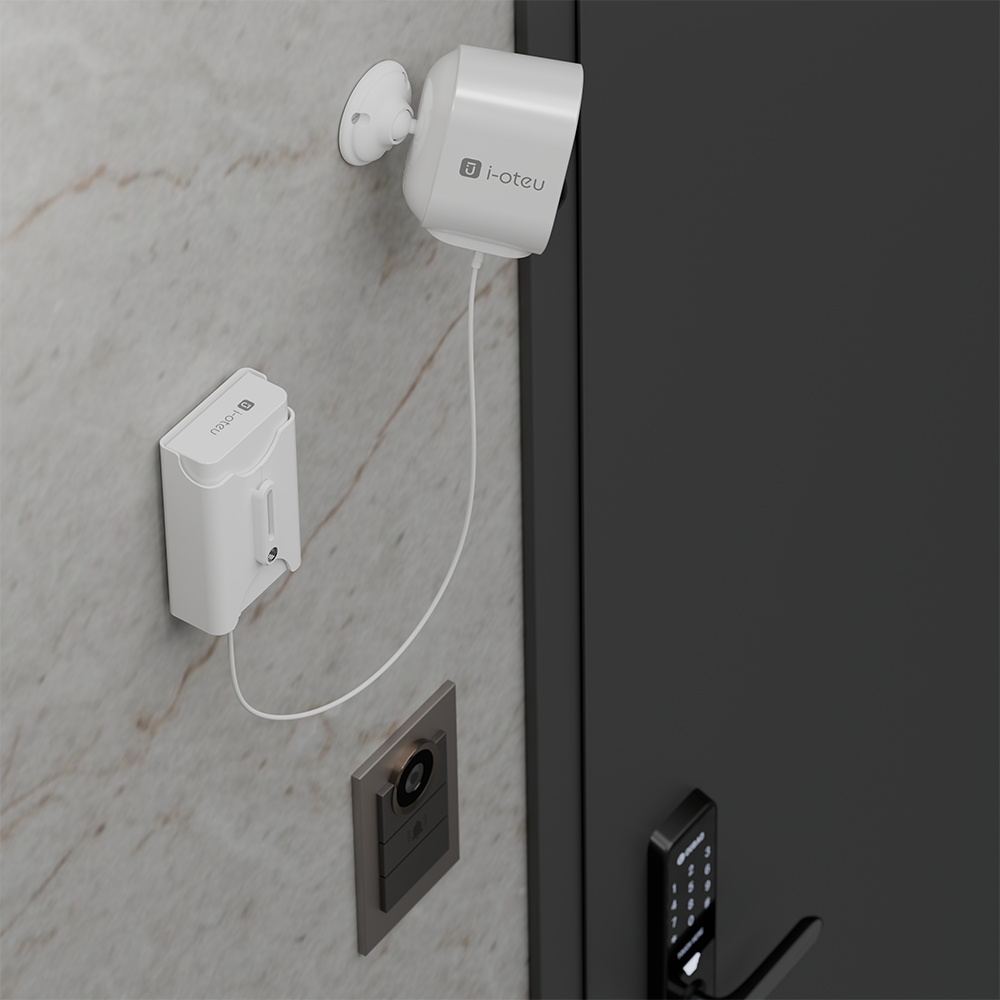
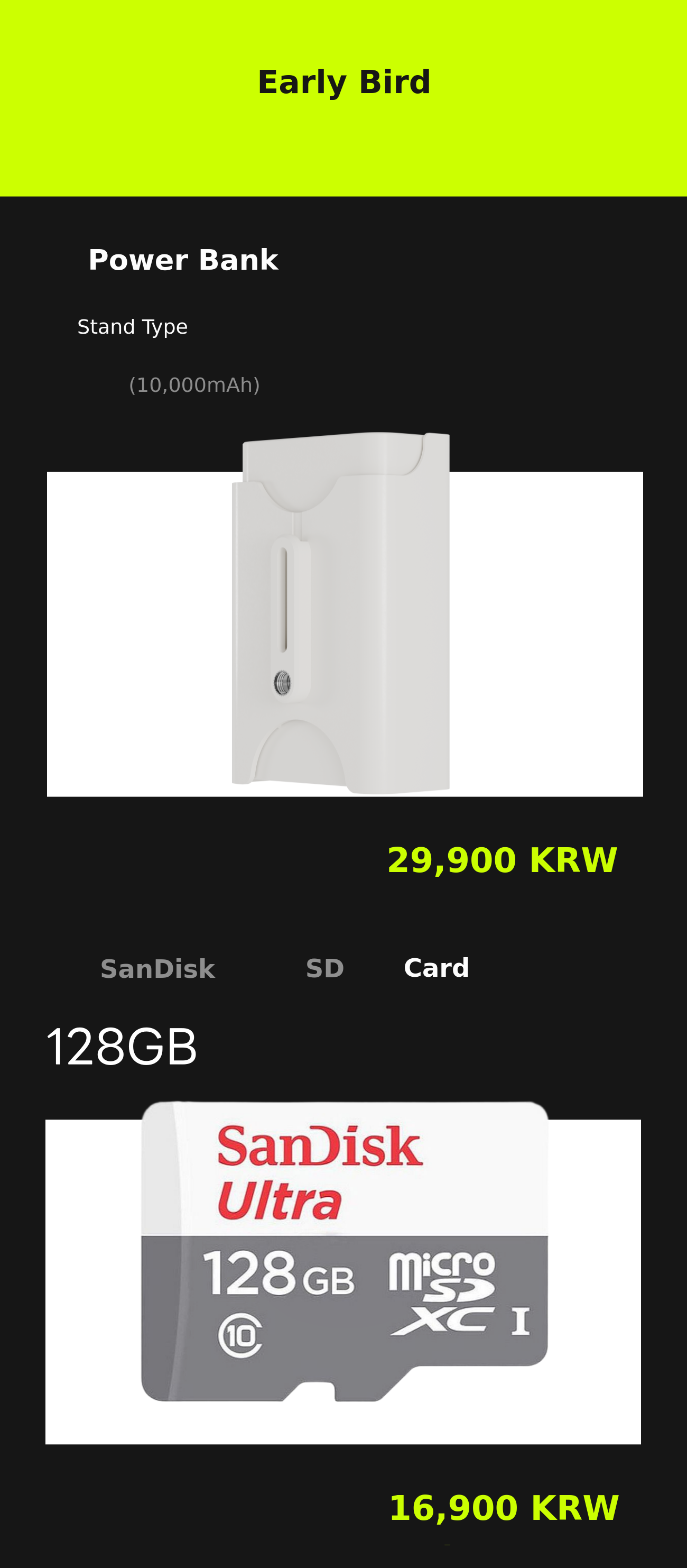
You can charge even more conveniently with a dedicated wireless camera power bank.
(The product connected to the power bank is shown as the higher version S7 image, for reference only!)


Maker Introduction

IOT is a smart home brand that started with the theme of 'A comfortable daily life that catches the eye.' We promise to become a brand that not only offers simple usability but also provides high-quality, practical products at reasonable prices to create a newer and more comfortable lifestyle.
Reason for Wadiz Pre-order &
Plan for Using the Raised Funds
We are always thinking and striving to provide comfort at more reasonable prices to consumers in the continuously growing IoT market.
We are very pleased to have the opportunity to officially introduce our wireless camera on Wadiz!
Before officially launching our most competitive and attractive product in the Korean market, we plan to present it to the meticulous and wise Wadiz supporters, collect valuable feedback from each and every one, and continuously research to provide smarter and more satisfying products.
Reward Shipping Information
Shipping method: Sequential shipping (CJ Logistics)
Packaging condition during delivery: Box packaging
For delivery inquiries: Please contact the maker through 'Contact the Maker.' :)
Customer service hours for delivery inquiries: Weekdays, 10 AM ~ 5 PM
Additional shipping fee for remote areas: There is no additional shipping fee for remote or island areas. Even if you are in such areas, feel free to participate.
Q&A
Q. What should I do if I can't add the camera device?
A1. Please check the distance from your internet router. The farther you are from the router, the weaker the Wi-Fi signal, which may prevent connection. Install the camera within 6 meters of the Wi-Fi router. If the distance is too far and connection is not possible, we recommend installing a Wi-Fi extender.
A2. Please check if you are using a 2.4GHz Wi-Fi. This camera does not support 5GHz Wi-Fi.
A3. If the battery is low, it may be difficult to connect to Wi-Fi. Please fully charge the battery and try again.
A4. Please check if the Wi-Fi password has been entered correctly. Settings can be made when the network status light is red, so please make sure to check.
Q. How long can I use it on a full charge?
A.
- About 30 motion detections per day, approximately 90 days
- About 50 motion detections per day, approximately 60 days
- About 100 motion detections per day, approximately 30 days
- Continuous recording: up to 34 hours of use
+) Based on camera motion detection. If you frequently check the live view, record separately, or download from the camera, battery usage may decrease further.
On average, CCTV installed in areas without people detects motion about 5 to 10 times per day, but this can vary greatly depending on the user's environment.
Q. Wi-Fi is connected, but I am not receiving motion detection notifications on my phone.
A. Please check if the permissions are set to allowed in the 'IOT' app settings on your smartphone.
A2. Please check if notifications for 'IOT' are set to allowed in your smartphone's notification settings.
Q. What should I do if the motion detection sensor does not respond sensitively?
A. This camera is designed with intelligent low power consumption and operates to record video and send messages when movement is detected.
A2. The PIR sensor reacts sensitively to external environments. For example, it responds to sources of heat or light. Please avoid placing the camera in direct exposure to air conditioners, heaters, or sunlight.
Q. What should I do if I cannot receive the verification email when setting up my account?
A. Some emails may treat the verification email as spam, so please check your spam folder.
Q. What should I do if there is no sound from the intercom?
A. Go to your phone settings, find 'IOT', and check if voice settings are allowed, then select allow.
Q. How long is the refund period for product defects?
A. If there is a product defect, you can apply for a refund and request a refund within 30 days. Please contact us through the KakaoTalk channel 'IOT'!