 Ronepark motion



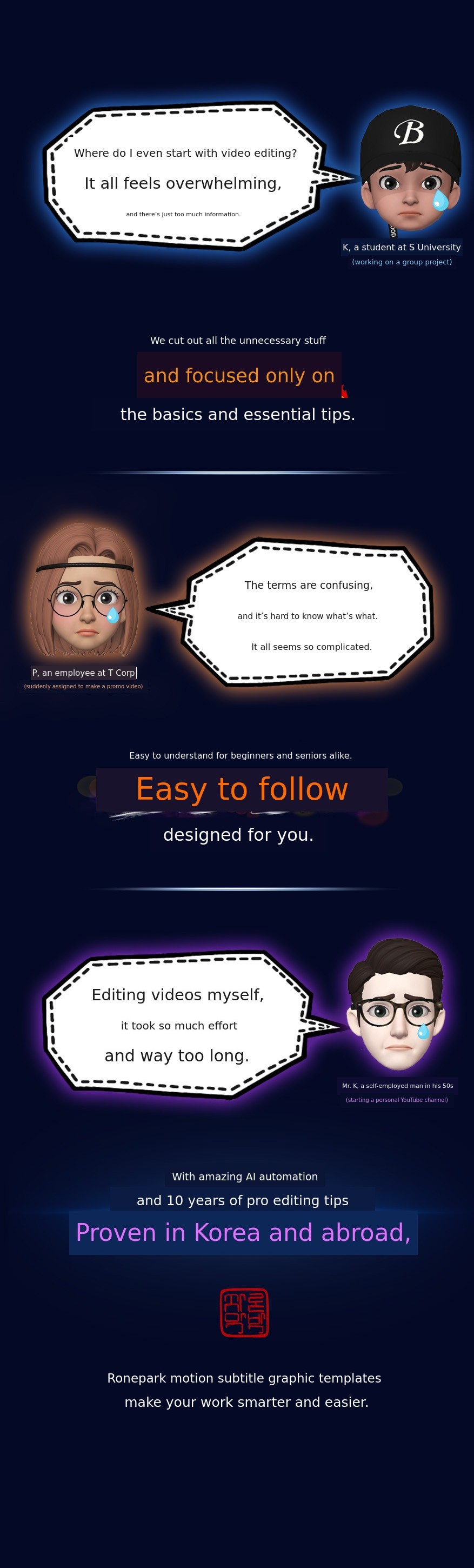
Is video editing still difficult for you?
Are you hesitating?
We will now solve these concerns for you.
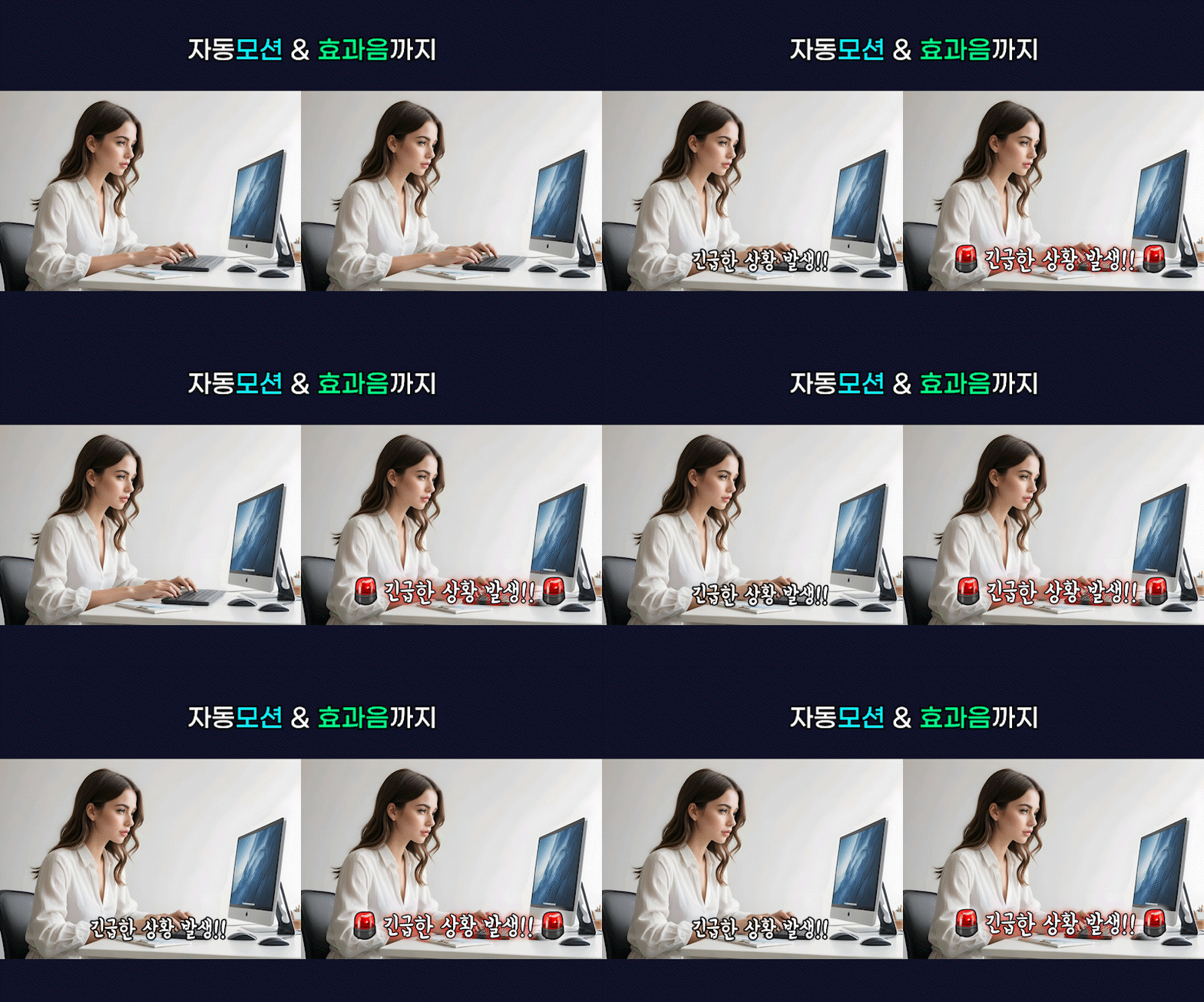
BEFORE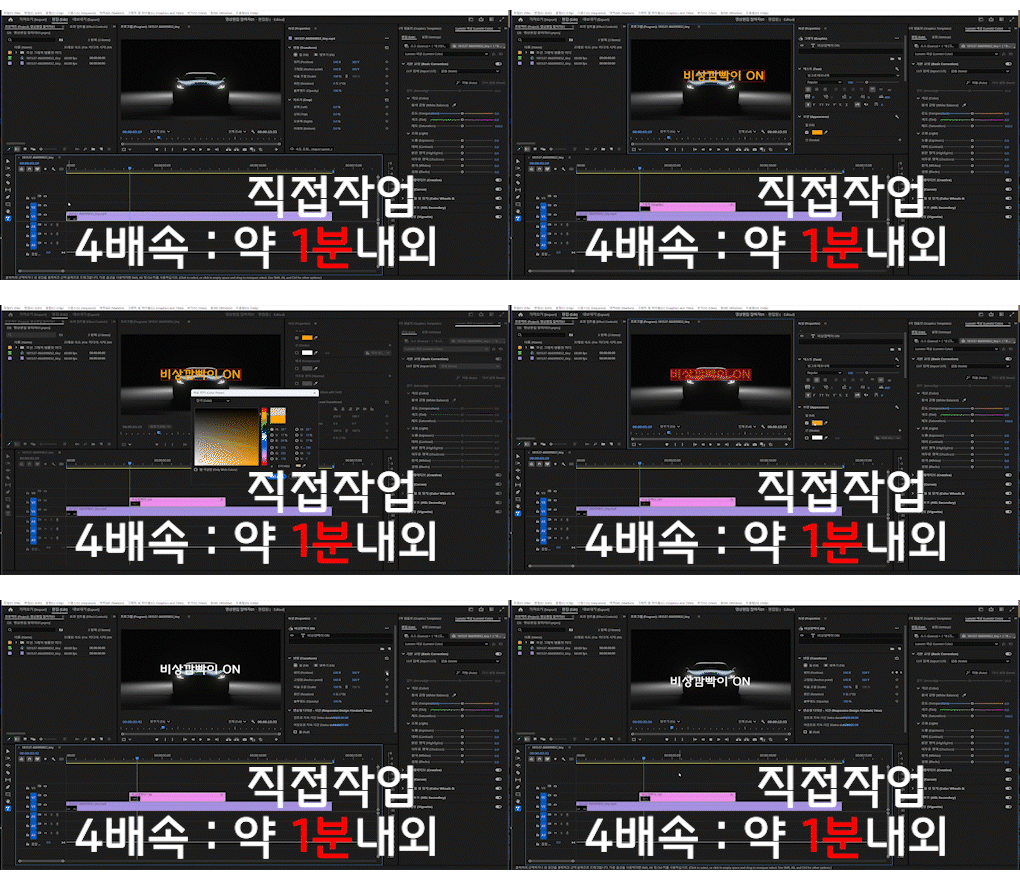
AFTER
Time is reduced by five times.
The quality gets even better.
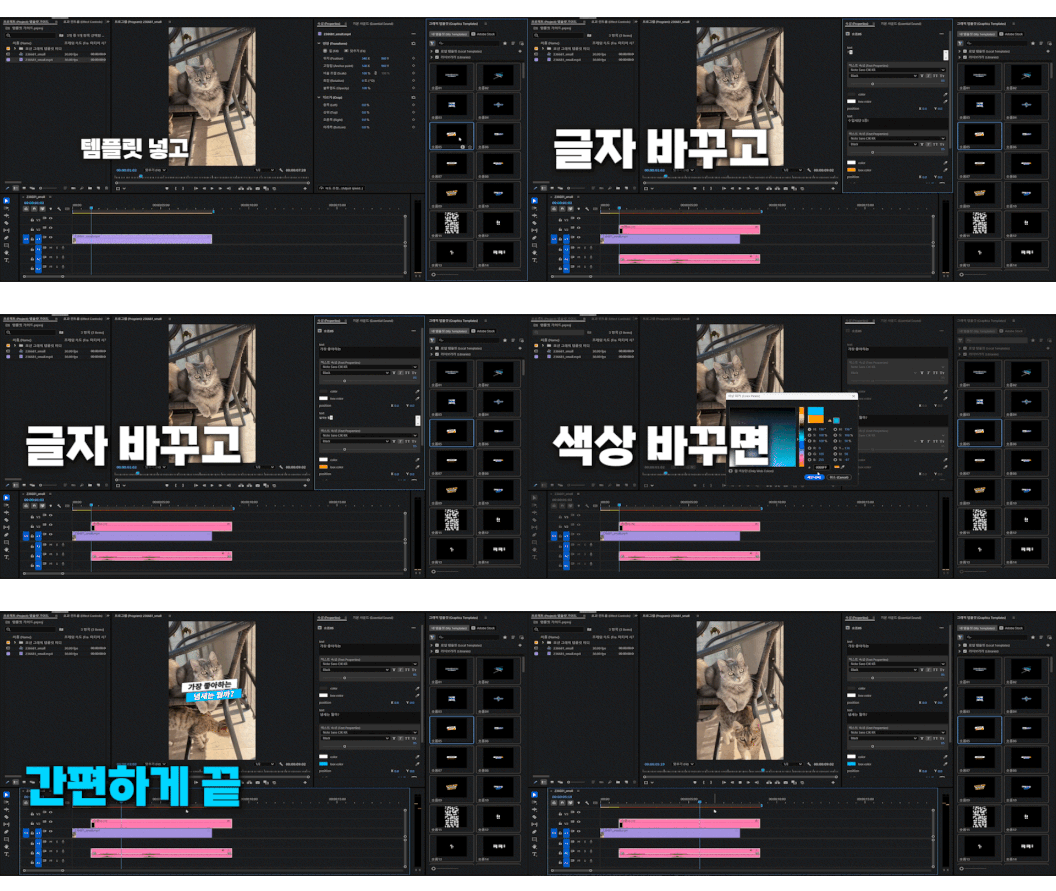
Is it easy to use?
Insert > Change text > Change color
Finished so easily.
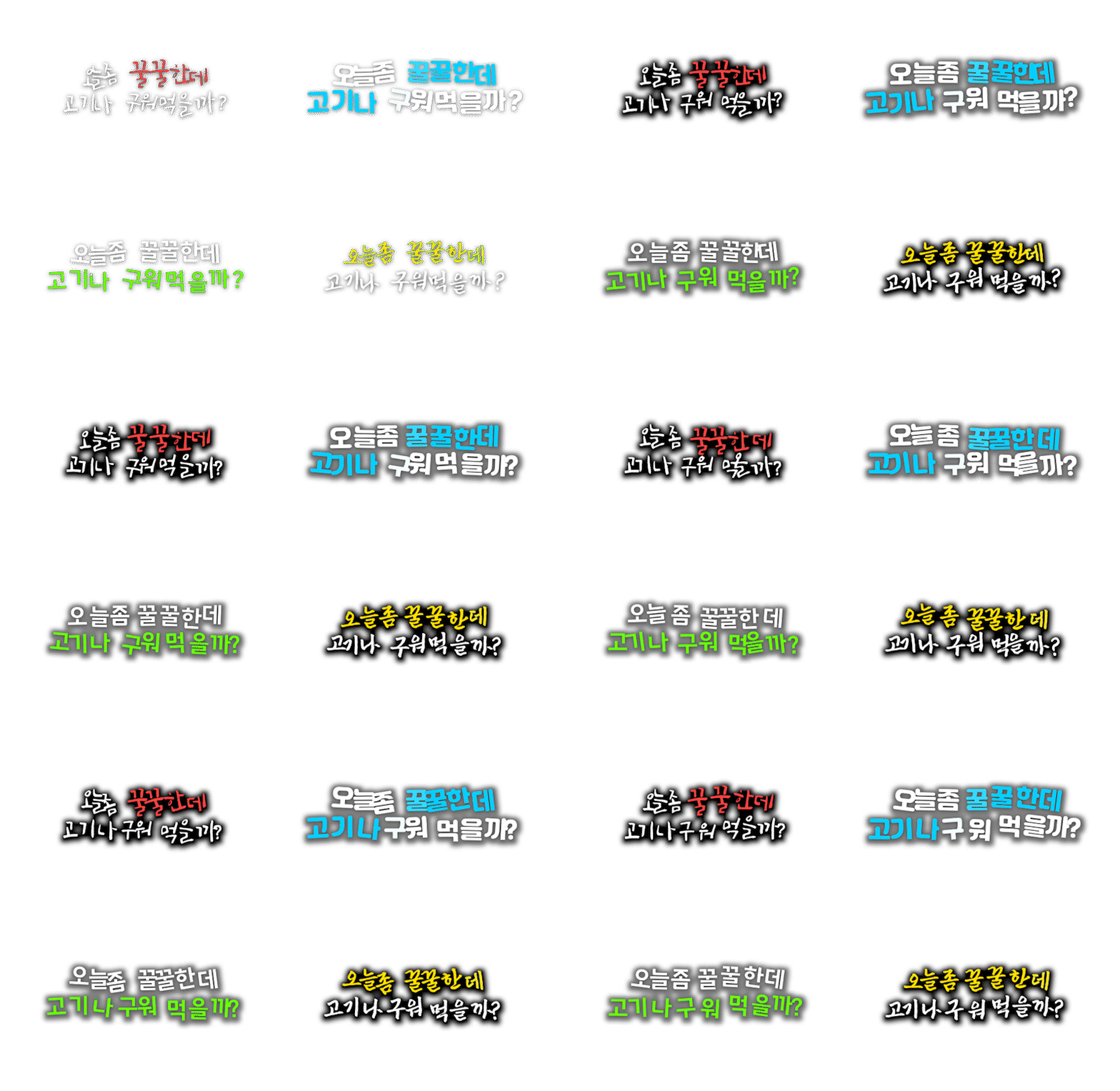
Even the same template
Can be changed to your own style.




10 years of video editing experience
Over only subtitlesMore than 2,500 Created
Even published a book on making motion subtitles.
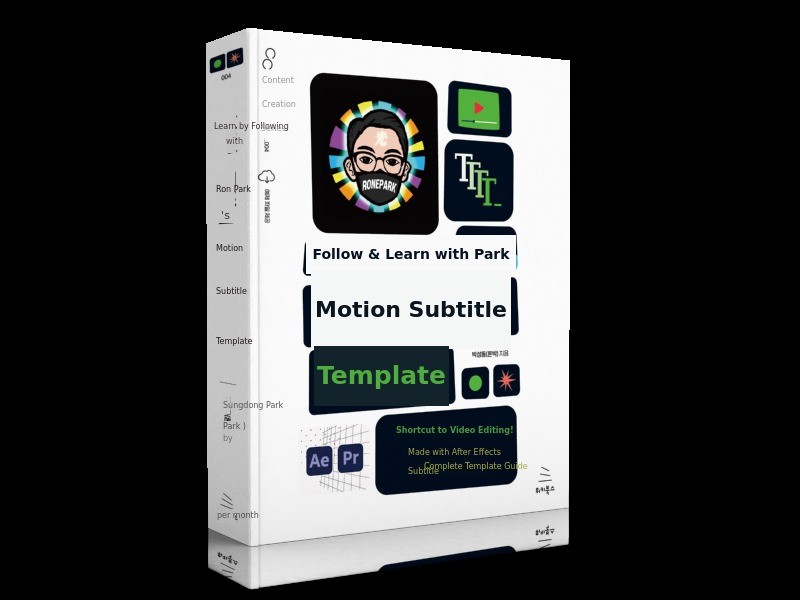
Carefully selected by an expert. Exclusive to Wadiz,
Special rewards are included.
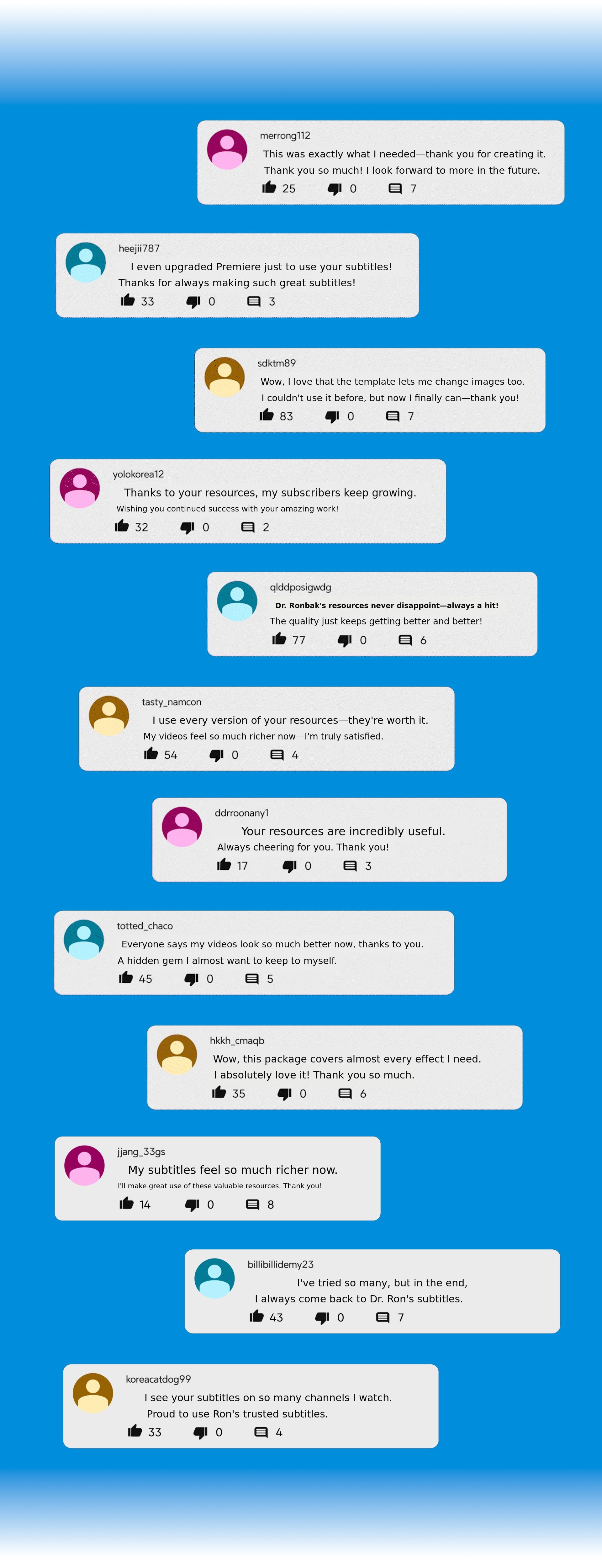
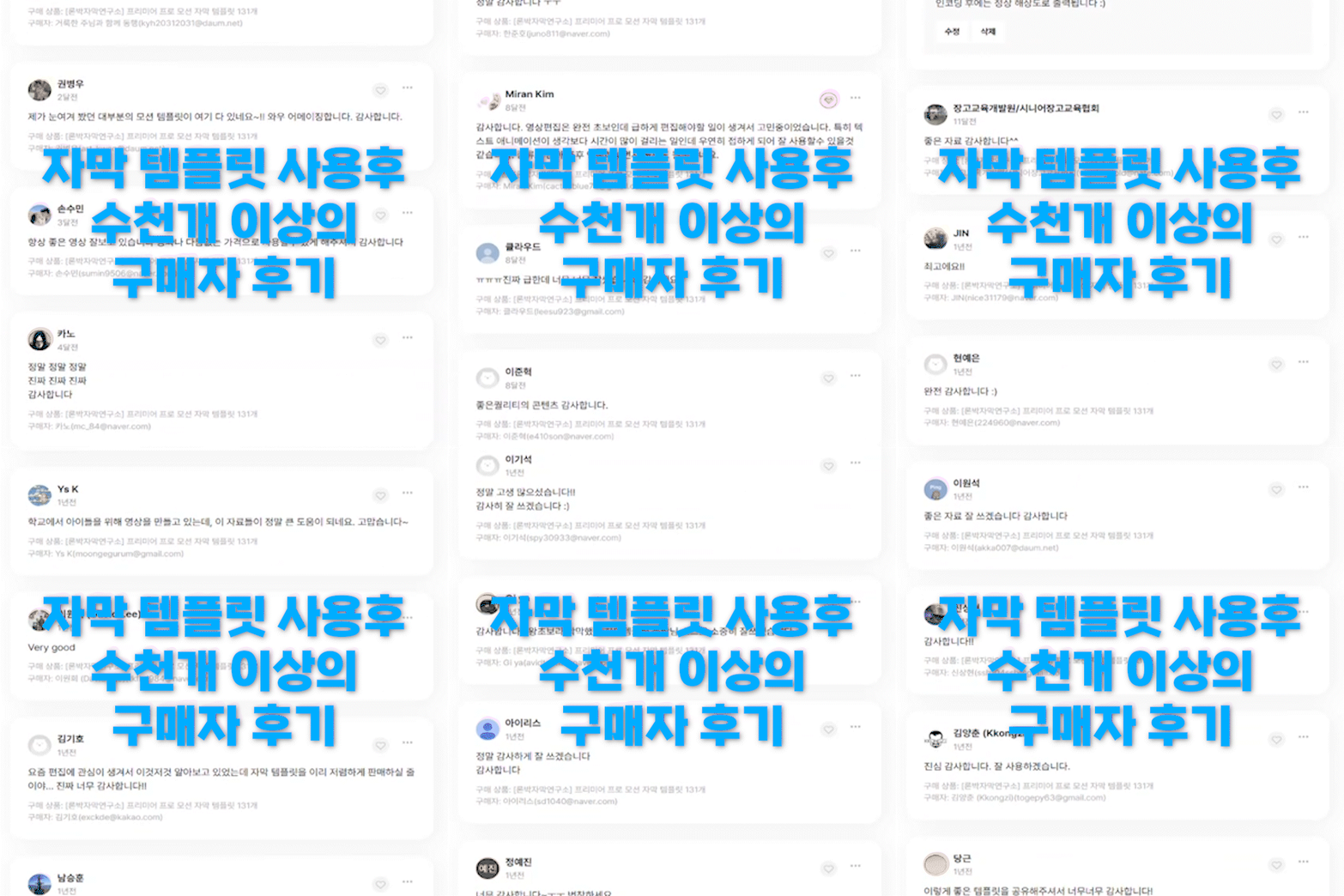
Tens of thousands of subscribers and editors
are proven by real reviews.
(These are user reviews of the subtitle template from the 2019 to 2024 versions.)
Wadiz exclusive special reward
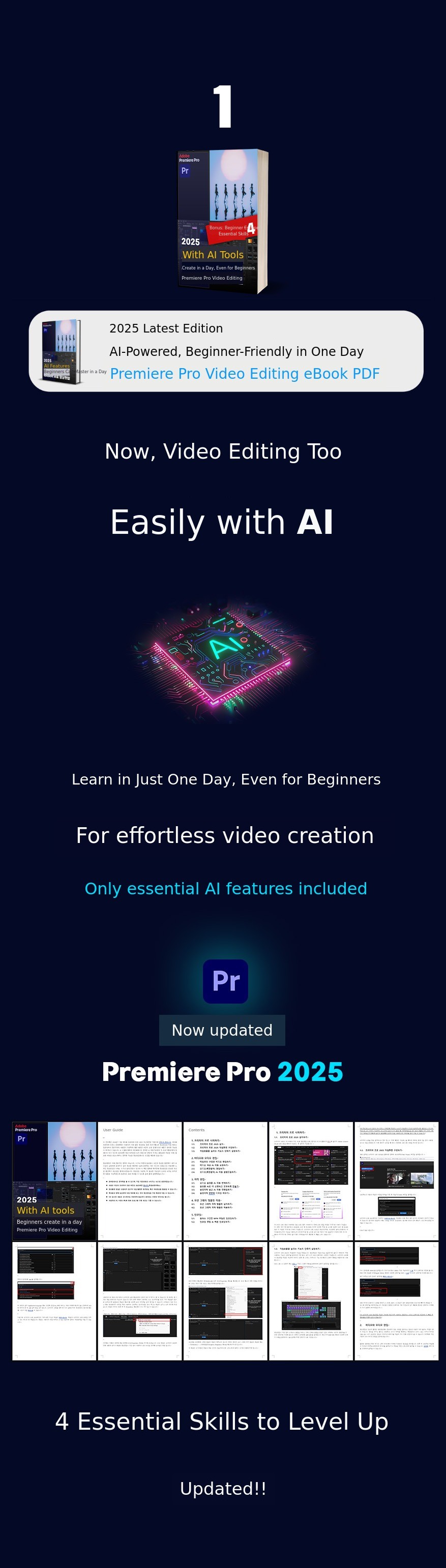
What can I learn from the e-book?
Is more content always better? NO
Is it okay if I don't know the terminology? YES
Excluding rarely used or complicated feature explanations
Focusing on only the essential features and content needed at the starting stage
So you can learn quickly in just one day
We have compressed only the key tips throughout.
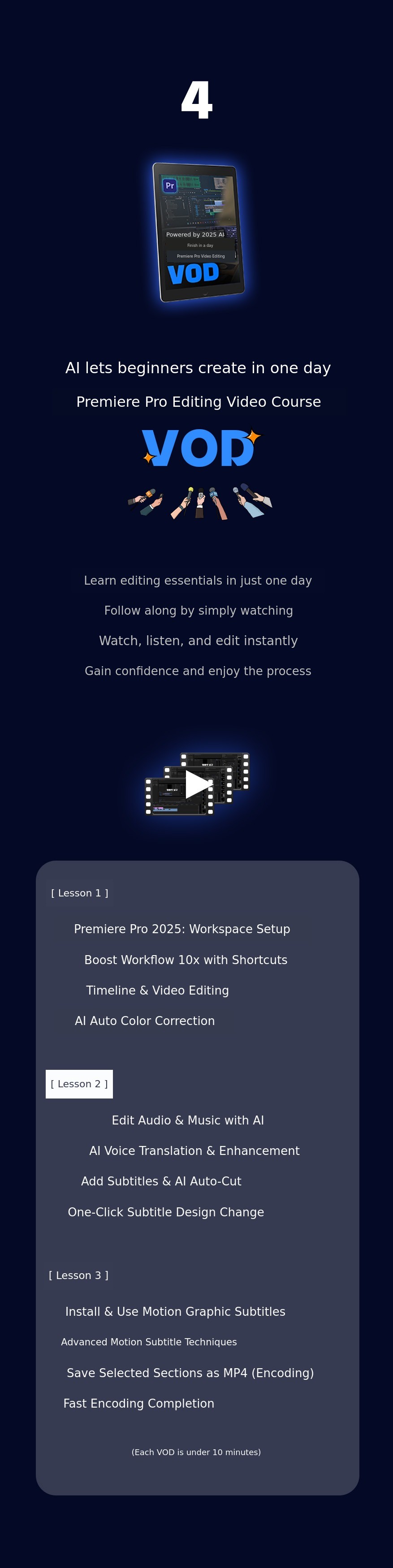
1. Getting started with Premiere Pro
1.1. Installing Premiere Pro 2025
1.2. Setting up the Premiere Pro 2025 workspace
1.3. Setting up keyboard shortcuts to increase work efficiency tenfold
2. Video and audio editing
2.1. Organizing the timeline and editing video
2.2. Automatically correcting video color with AI
2.3. Editing audio (background music)
2.4. Automatically adjusting audio (background music) with AI
3. Subtitle Editing
3.1. AI Automatic Translation of Audio Voice
3.2. Enhance Voice Clarity and Audibility with AI
3.3. Add Voice Subtitles and AI Auto Cut Editing
3.4. Change Subtitle Design All at Once
4. Applying Motion Graphic Templates
4.1. Installing Motion Graphic Subtitle Templates
4.2. Applying Motion Graphic Subtitle Templates
4.3. Utilizing Motion Graphic Subtitle Templates
5. Encoding
5.1. Encoding Only the Desired Section as an MP4 File
5.1. Encoding Settings & Fast Encoding
- The Adobe Premiere Pro version used is the latest 2025 version (Korean & English).
- Video shooting methods are not included in the content.
- The easiest and fastest way to learn is to follow along with the book content yourself.
- In addition to the main table of contents, various video editing tips are included.
- Difficult terms? No. You can easily learn video editing even without knowing the terminology.
- Depending on the user's PC specifications, the program's running speed may vary.
Appendix. Four Essential Skills to Escape Beginner Status
- Four Key Editing Techniques to Help Beginners Escape Video Editing
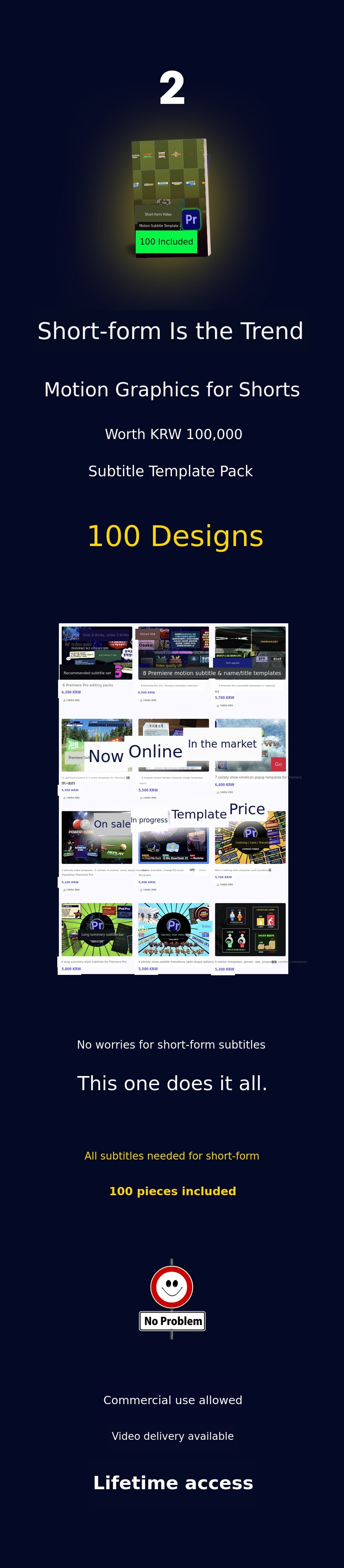
Now even beginners can be like video experts.
Easily customize and apply to your taste.
Motion graphic subtitle templates for short-form (FHD).
Was everyone using it except me?!
Enhance the quality of your videos.
The best way to save editing time.
Motion graphic subtitle template pack for short-form.
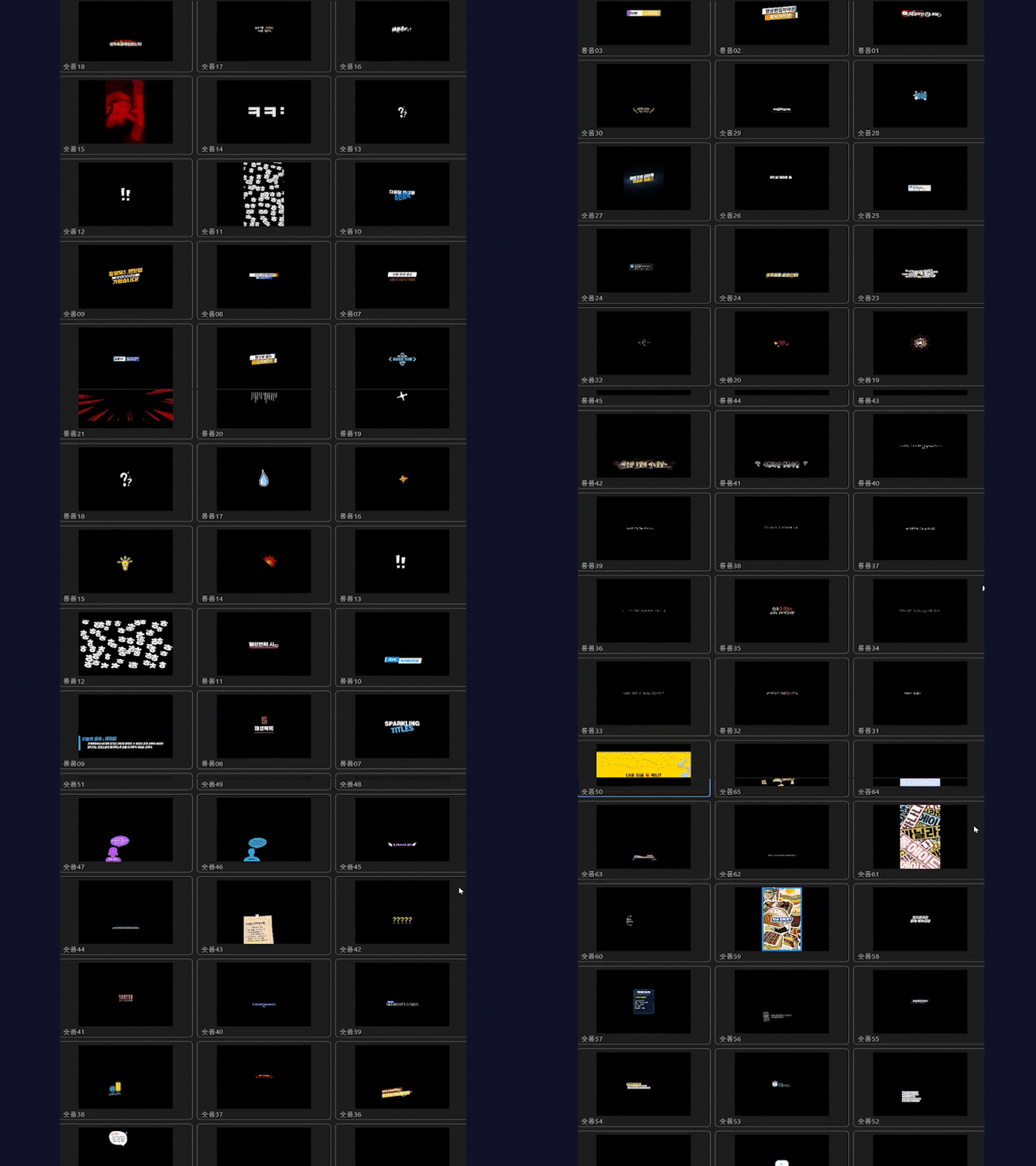
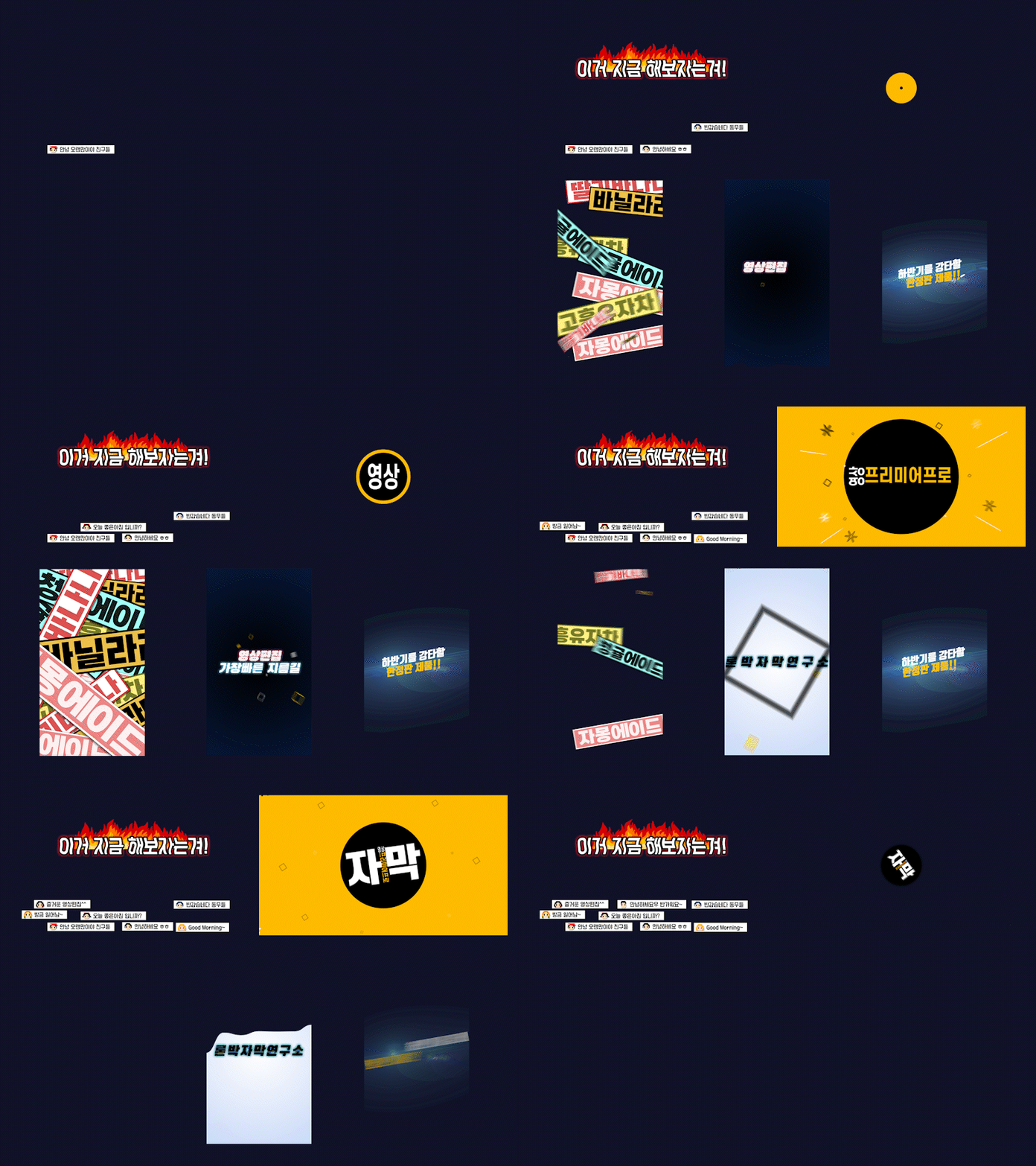
Preview
(The scroll is long!)
 01
01
 02
02
 03
03
 04
04
 05
05
 06
06
 07
07
 08
08
 09
09
 10
10
 11
11
 12
12
 13
13
 14
14
 15
15
 16
16
 17
17
 18
18
 19
19
 20
20
 21
21
 22
22
 23
23
 24
24
 25
25
 26
26
 27
27
 28
28
 29
29
 30
30
 31
31
 32
32
 33
33
 34
34
 35 36
35 36
 37 38
37 38
 39 40
39 40
 41 42
41 42
 43 44
43 44
 45 46
45 46
 47 48
47 48
 49 50
49 50
 51 52
51 52
 53 54
53 54
 55 56
55 56
 57 58
57 58
 59
59
 60
60
 61
61
 62 63
62 63
 64
64
 65 66
65 66
 67
67
 68
68
 69
69
 70
70
 71 72
71 72
 73
73
 74 75
74 75
 76 77
76 77
 78 79
78 79
 80
80
 81
81
 82
82
 83 84
83 84
 85 86
85 86
 87
87
 88 89
88 89
 90
90
 91
91
 92
92
 93
93
 94
94
 89~96
89~96
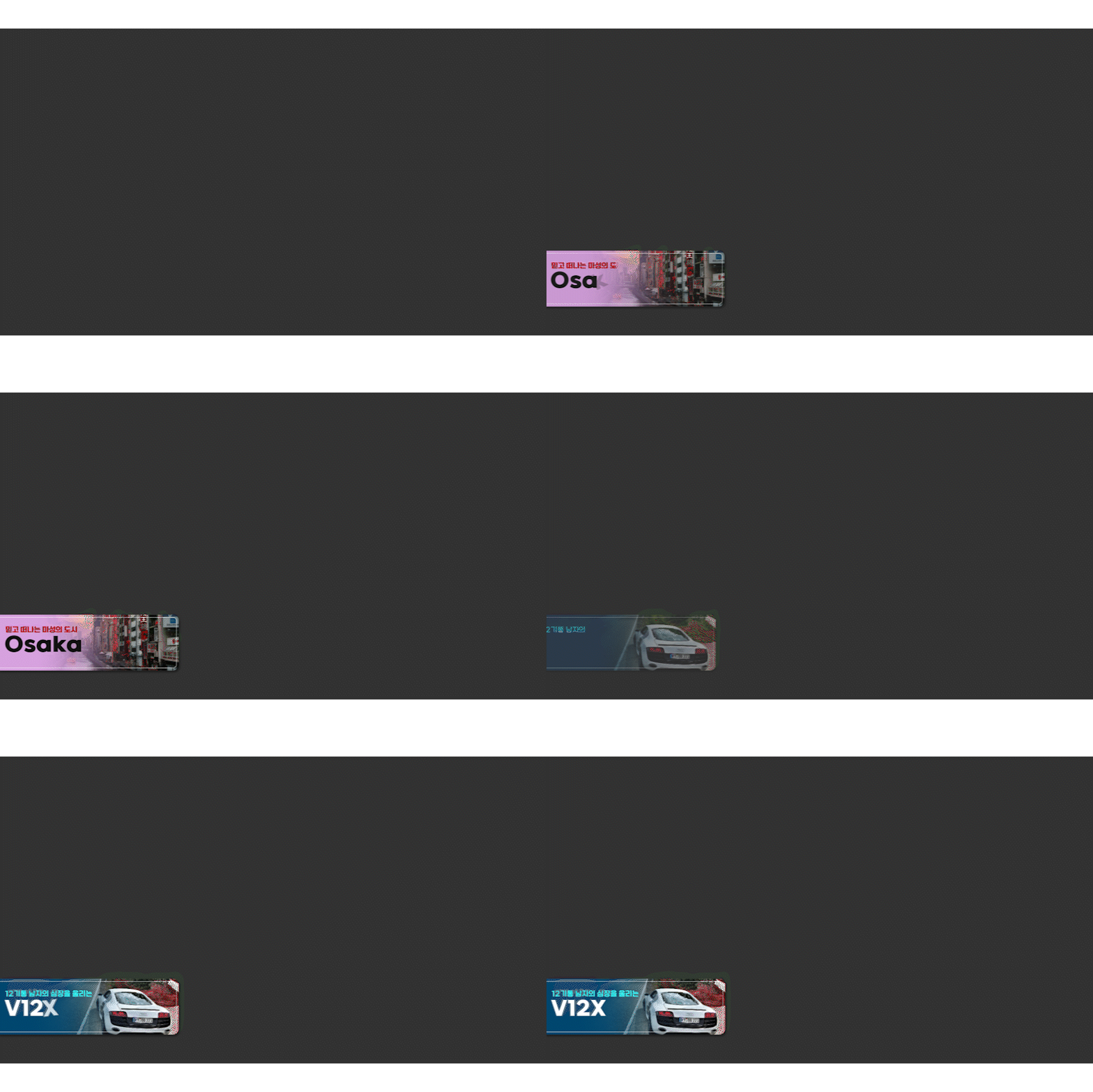
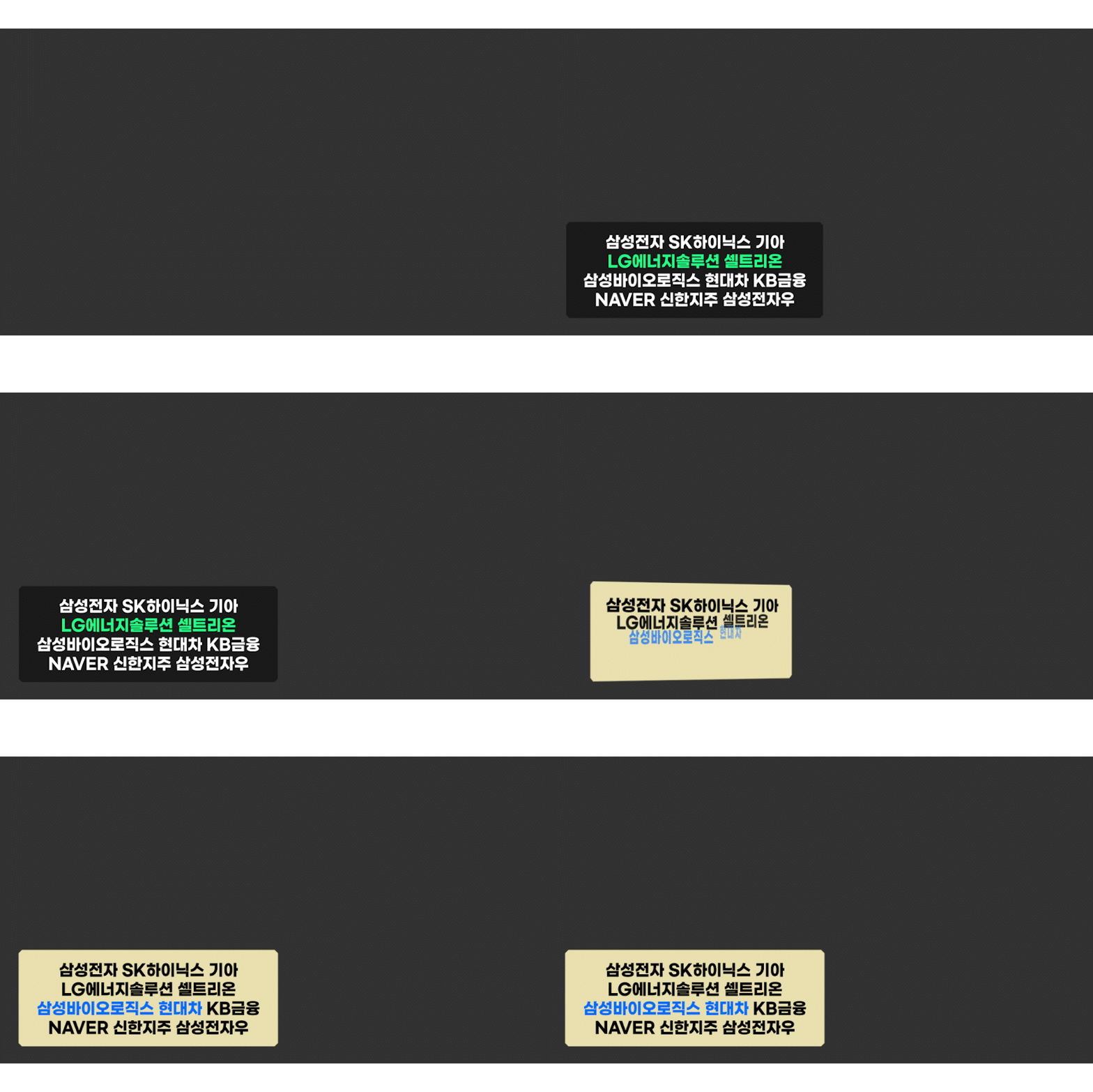
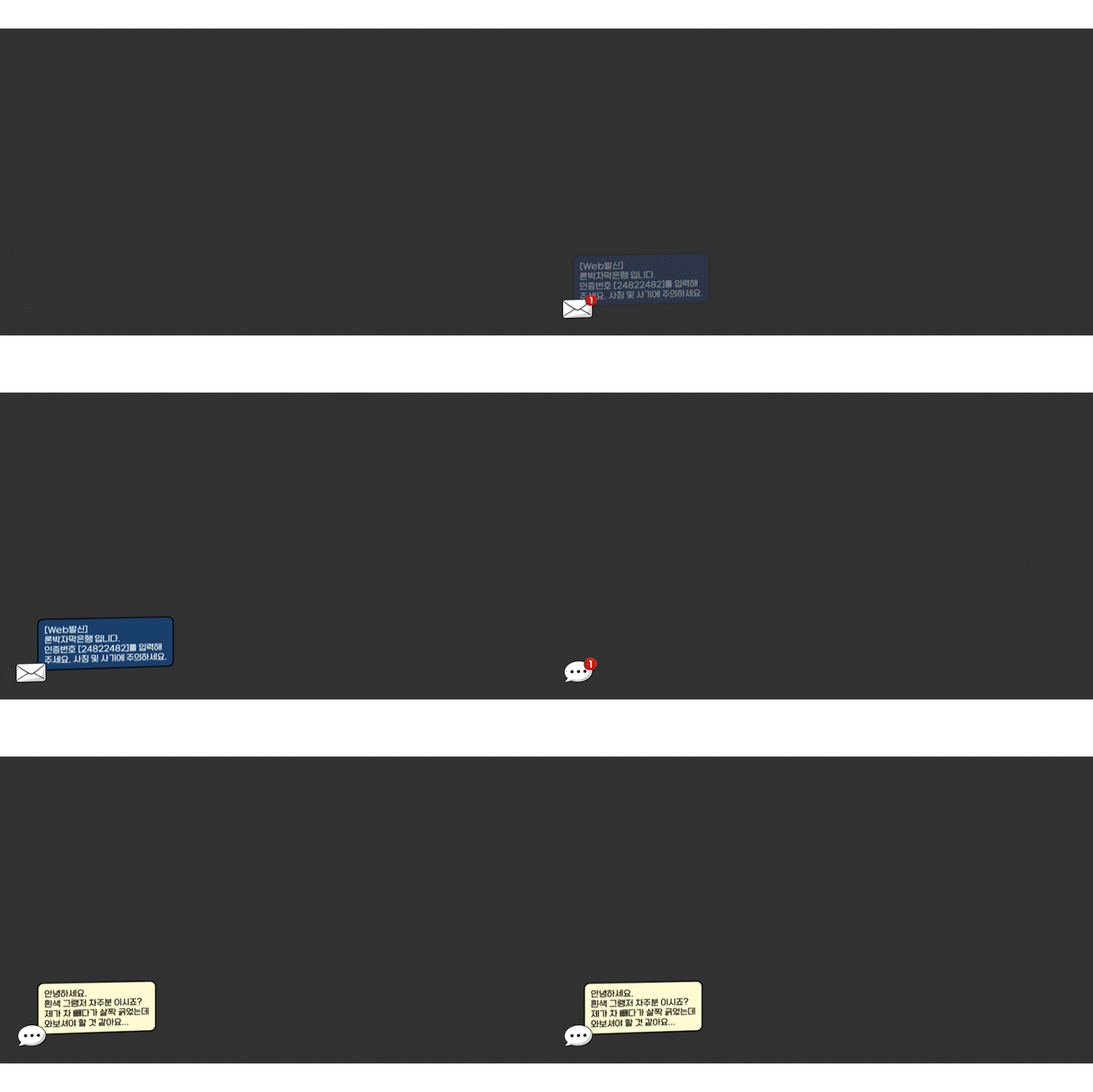
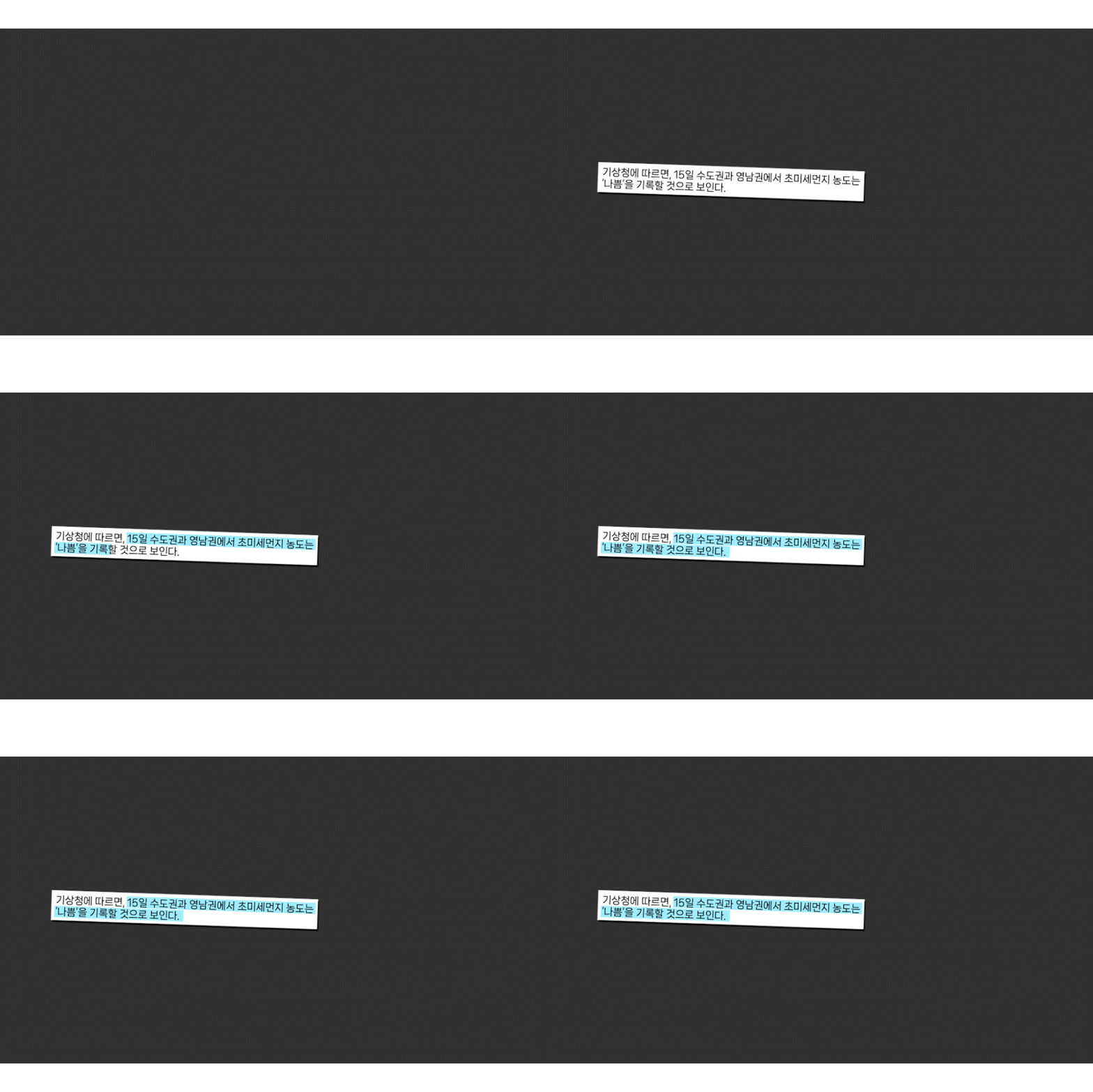
 97~100
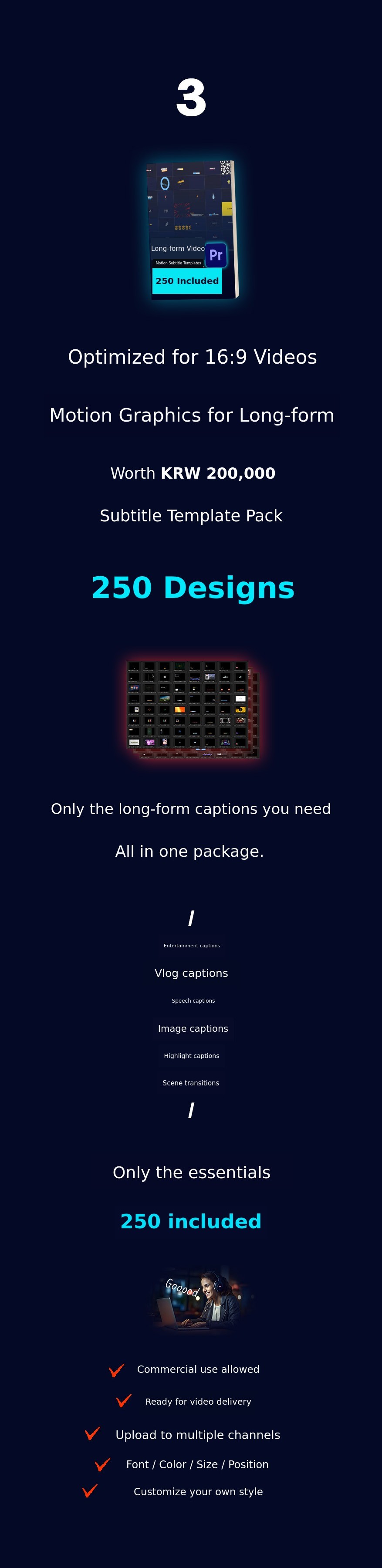
For serious video editing, the Long-form Pack.
Optimized for the most commonly used 16:9 FHD (1920x1080) resolution.
Vlog / News / Documentary / Entertainment / Daily Life / Mukbang / Travel / Tech
Only the subtitles and graphics needed for videos in every category.
Carefully selected and newly created, all included in the long-form package.
Long-form motion graphic subtitle templates
Preview
(The scroll is long again!)
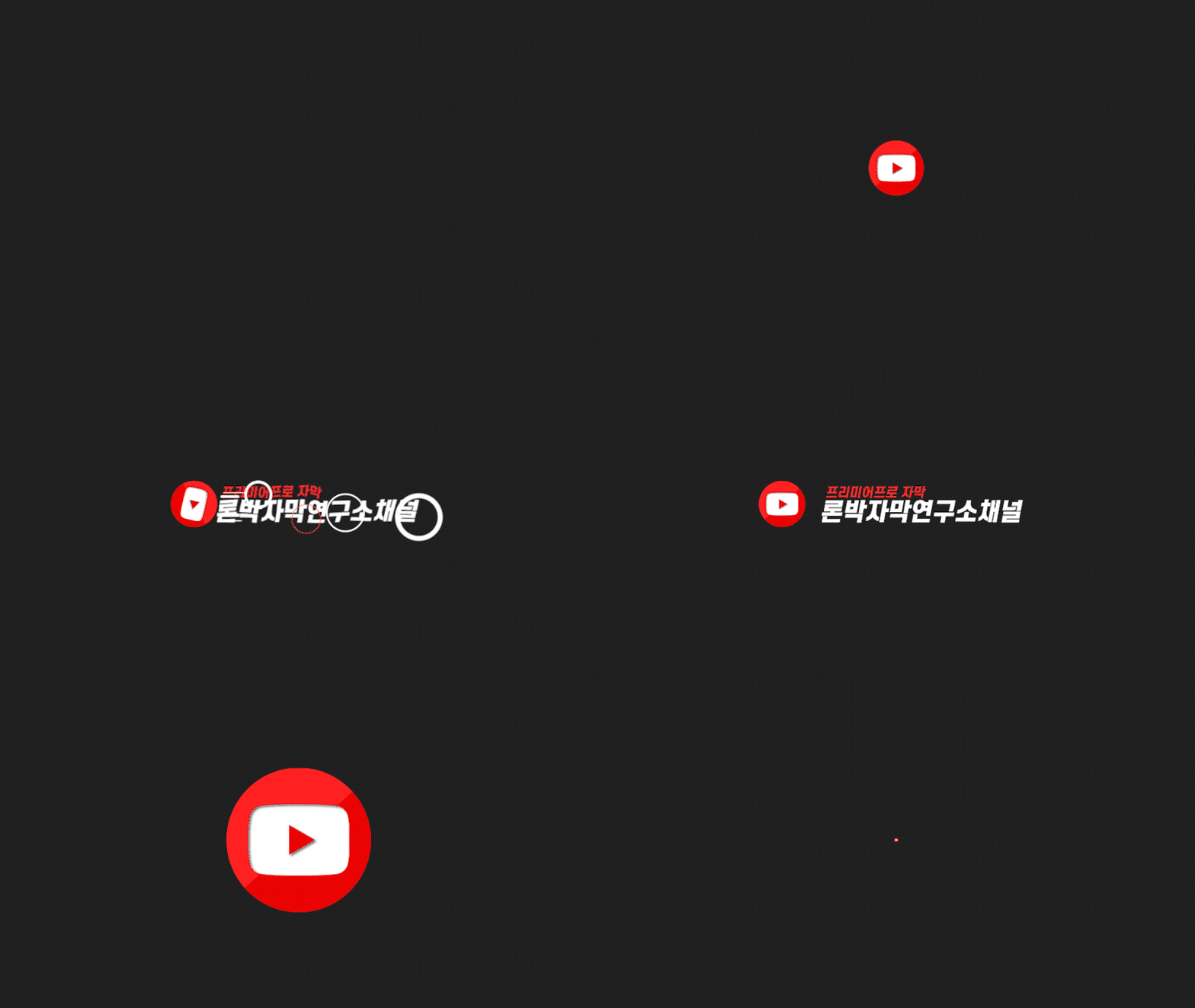 01
01
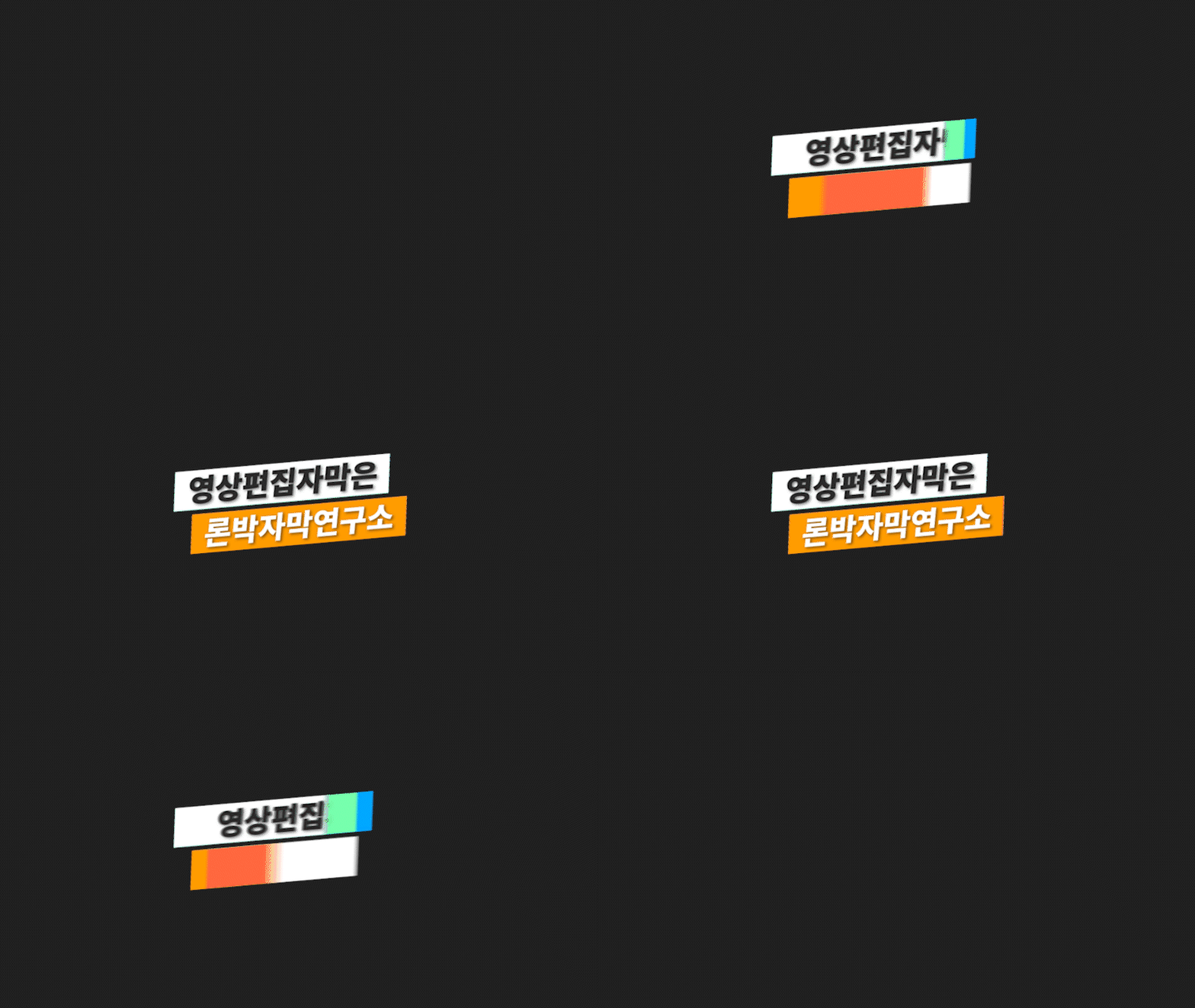 02
02
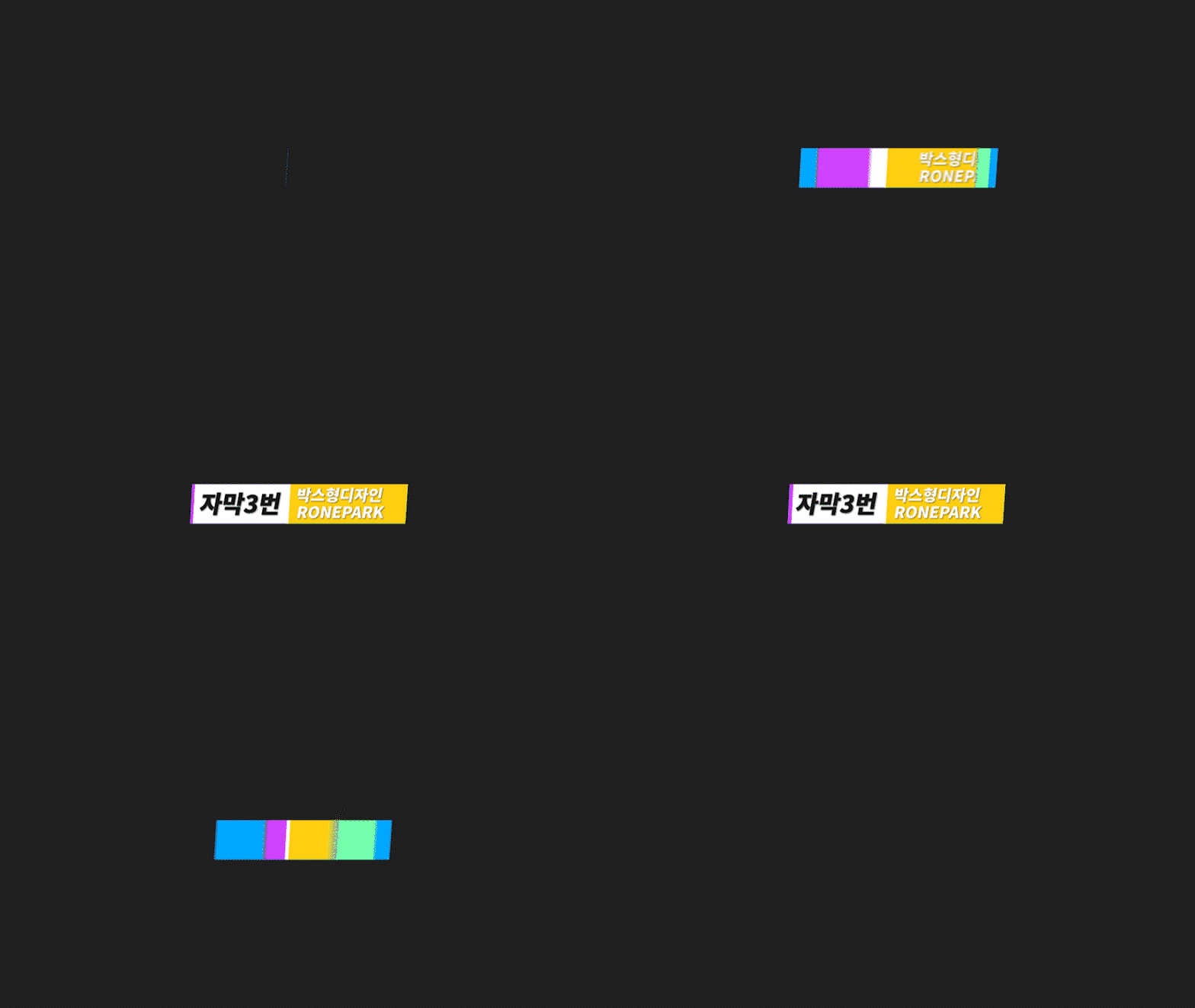 03
03
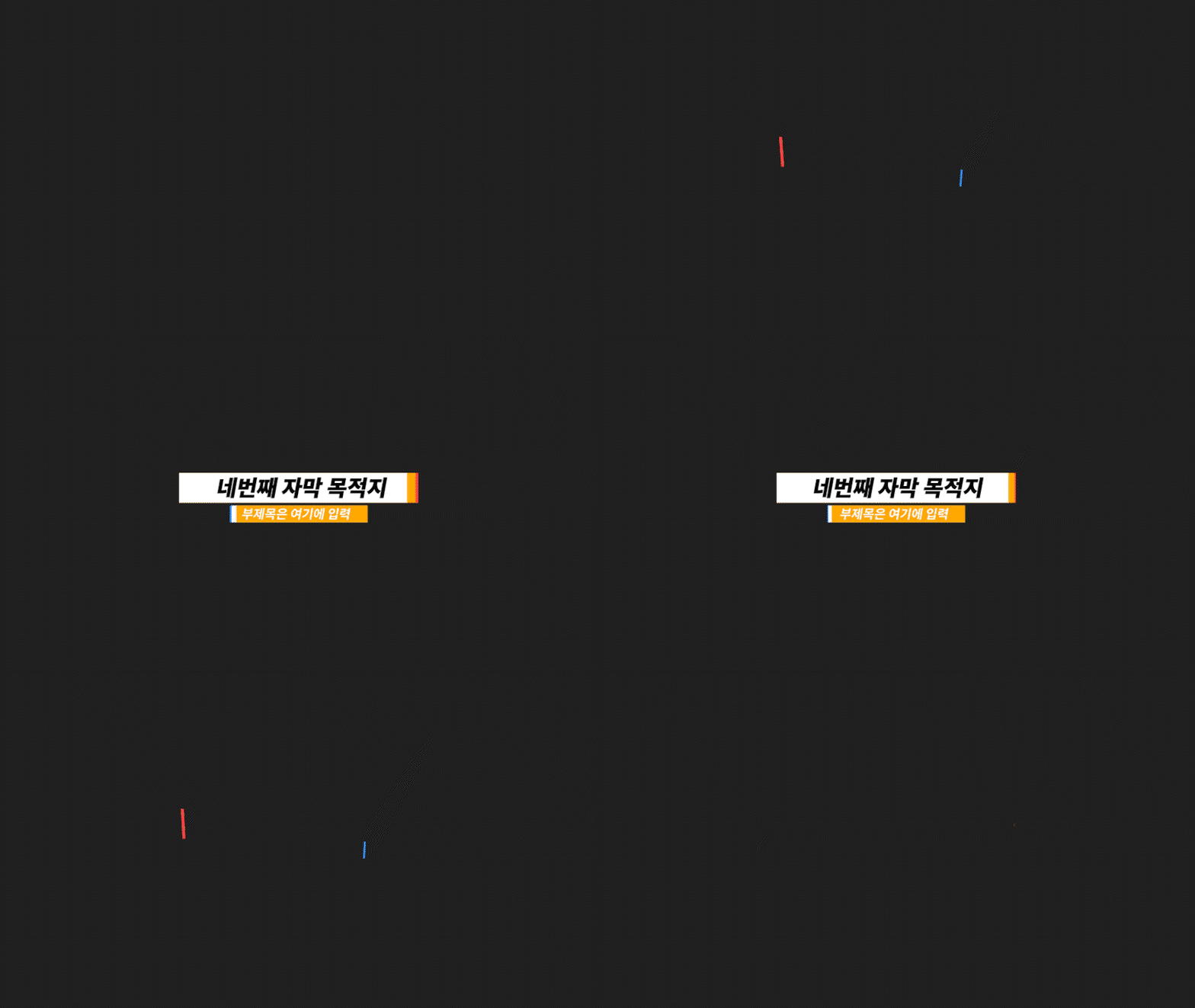 04
04
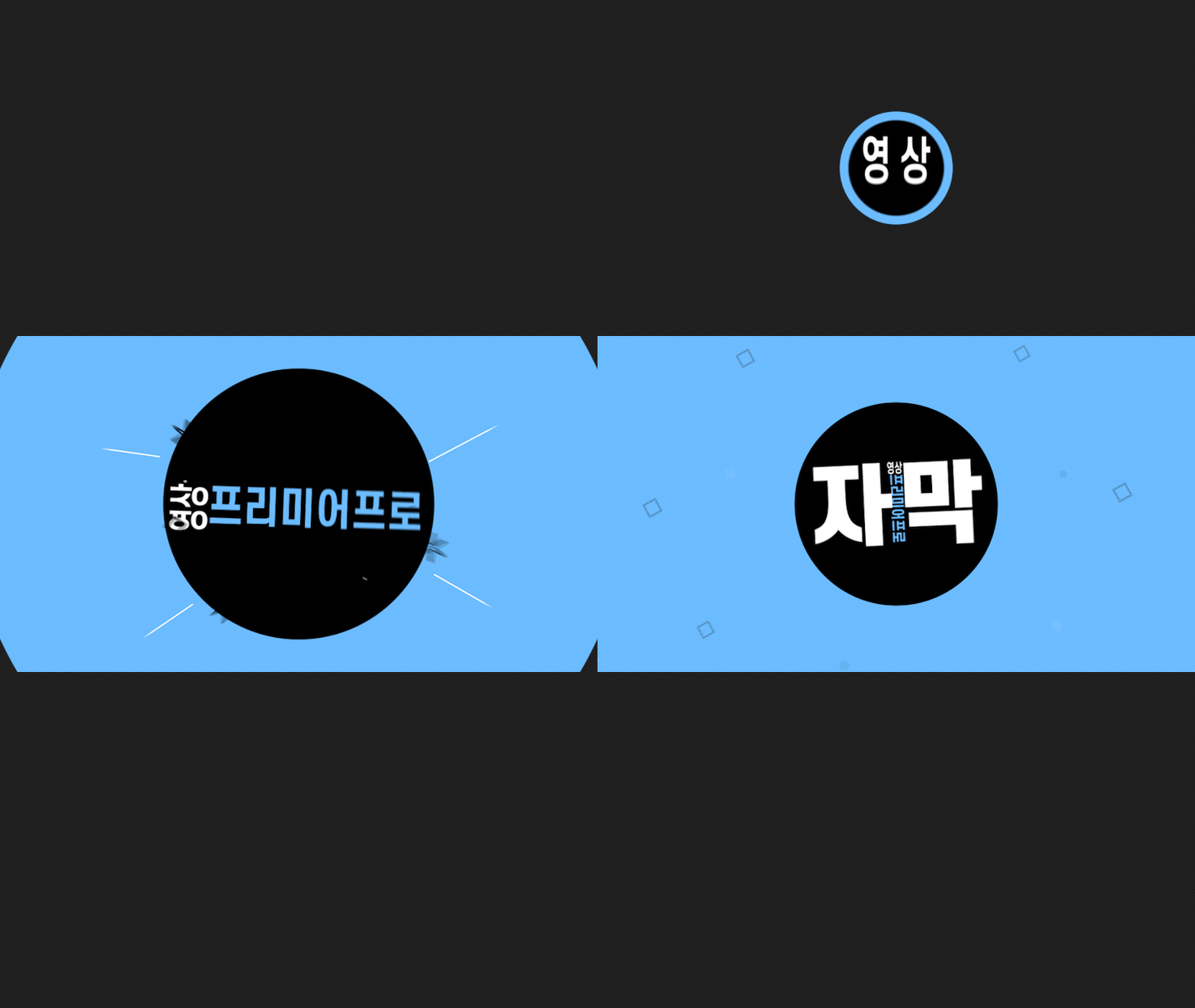 05
05
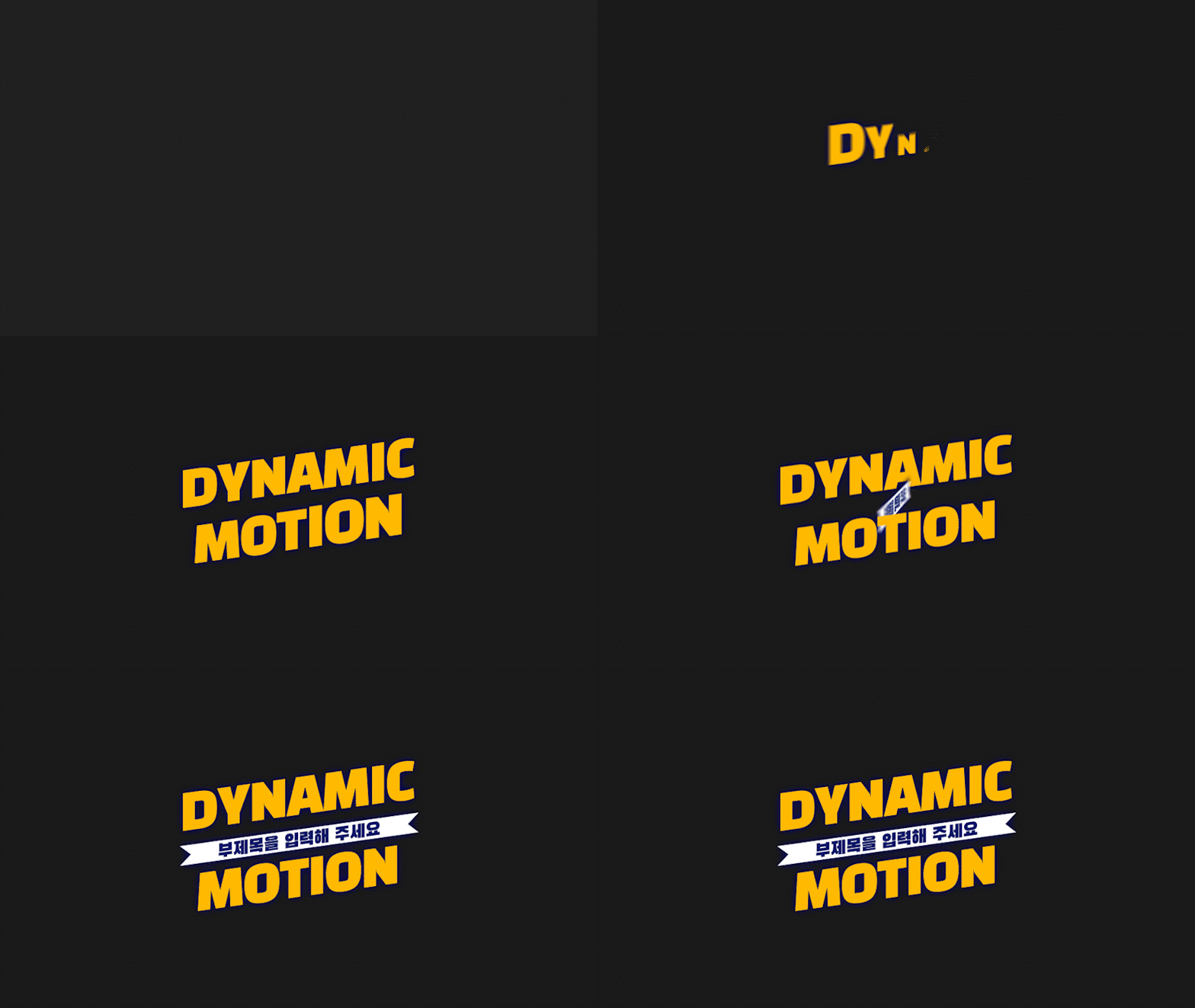 06
06
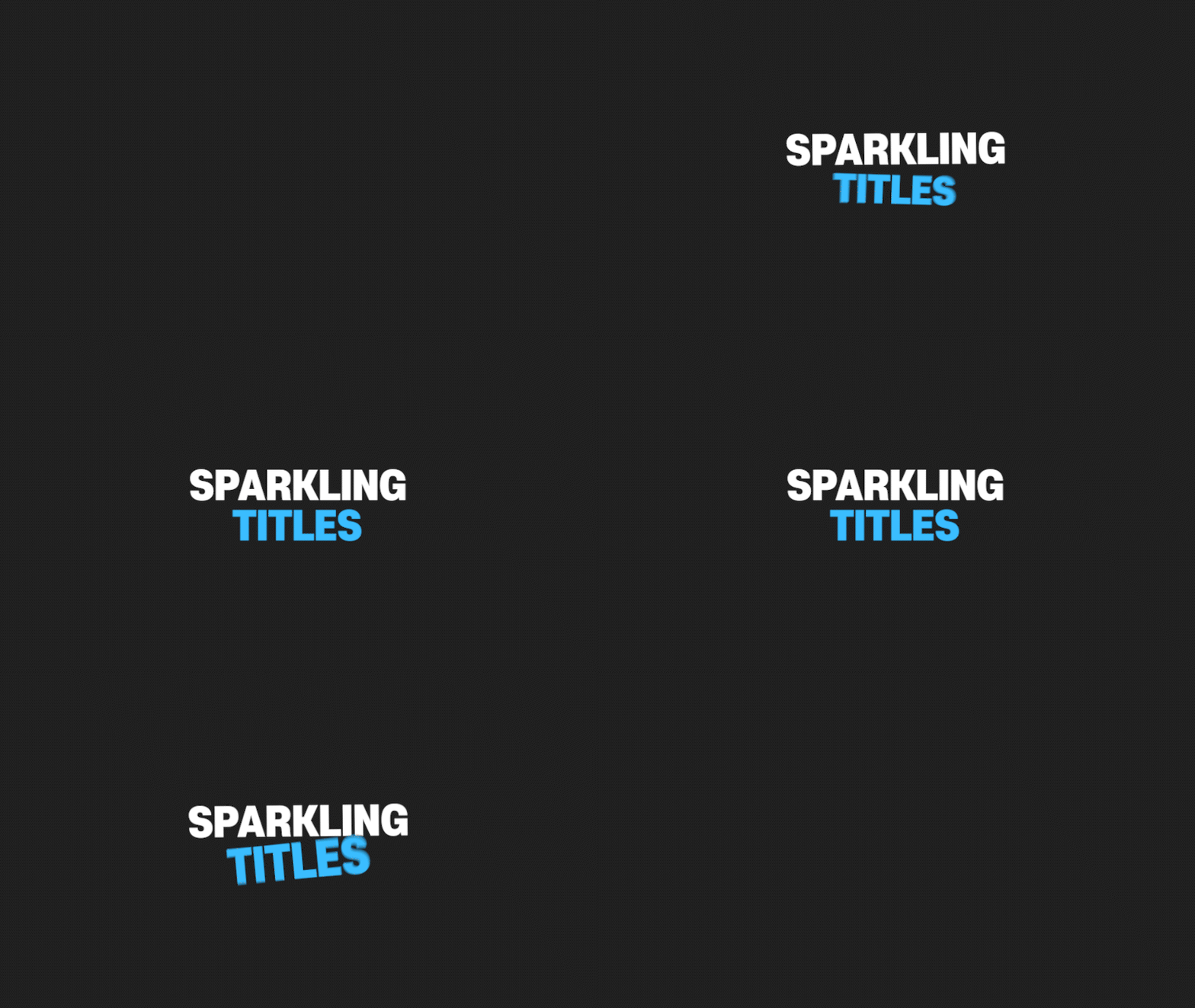 07
07
 08
08
 09
09
 10
10
 11
11
 12
12
 13
13
 14
14
 15
15
 16
16
 17
17
 18
18
 19
19
 20
20
 21
21
 22
22
 23
23
 24
24
 25
25
 26
26
 27
27
 28
28
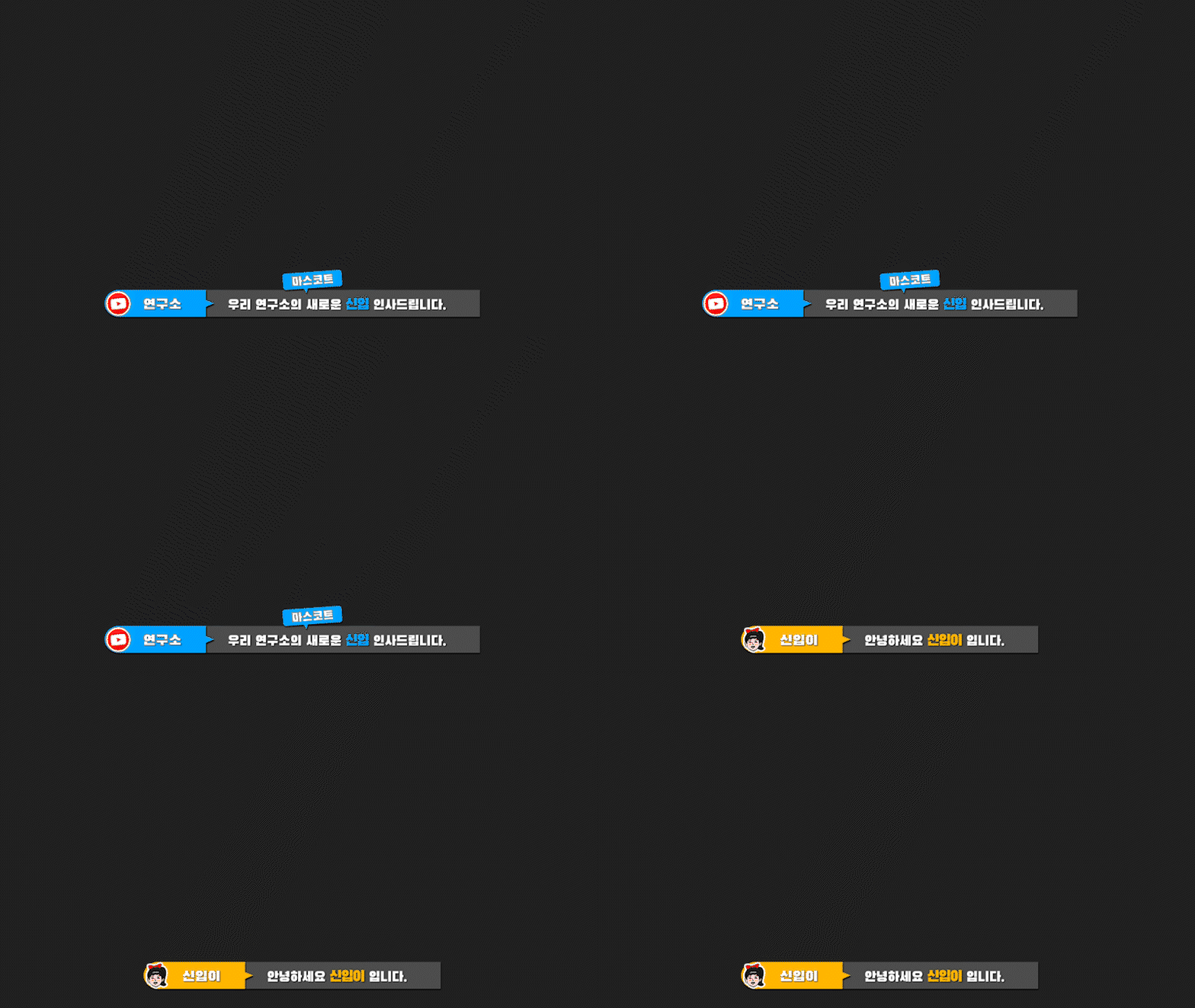 29
29
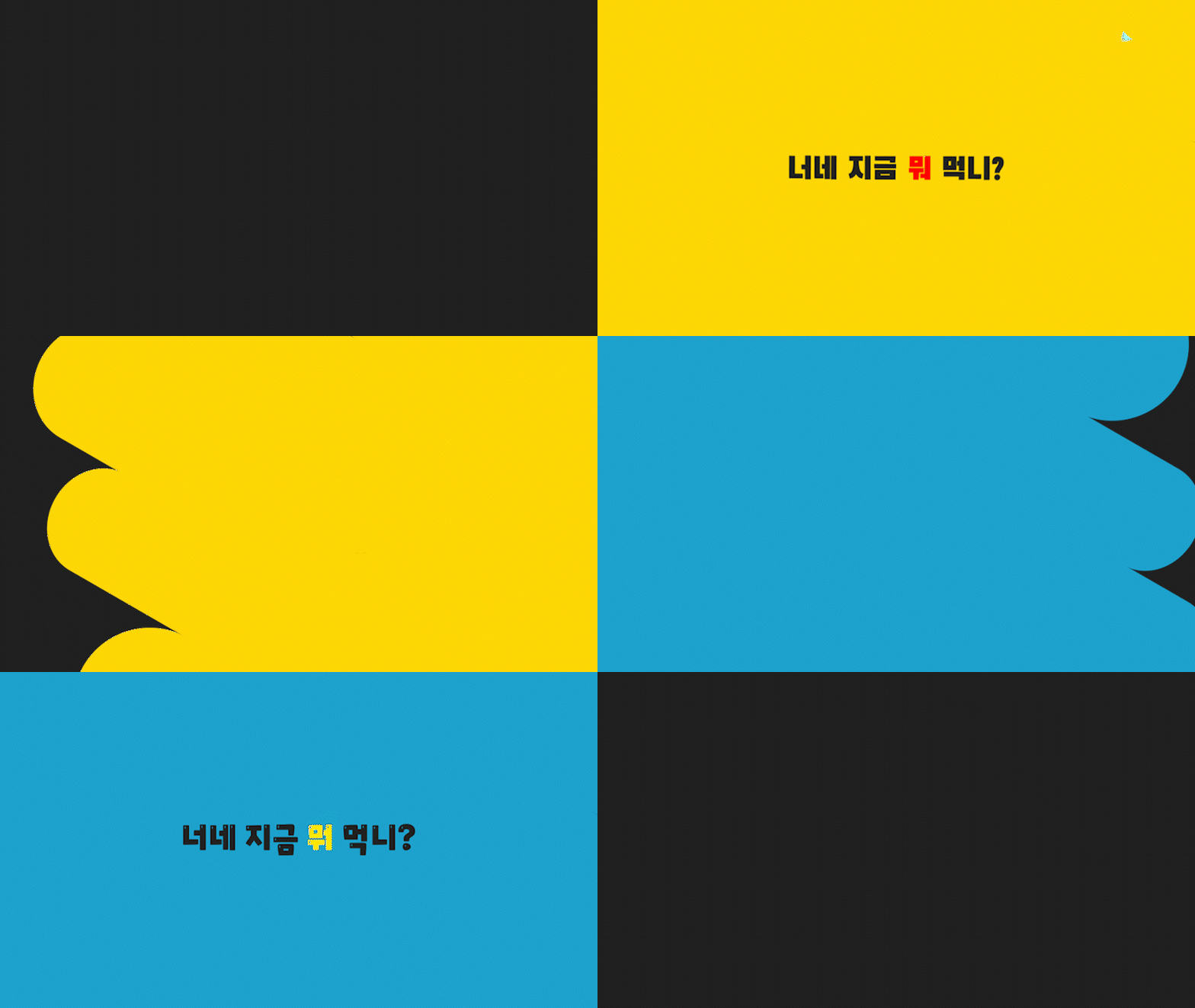 30
30
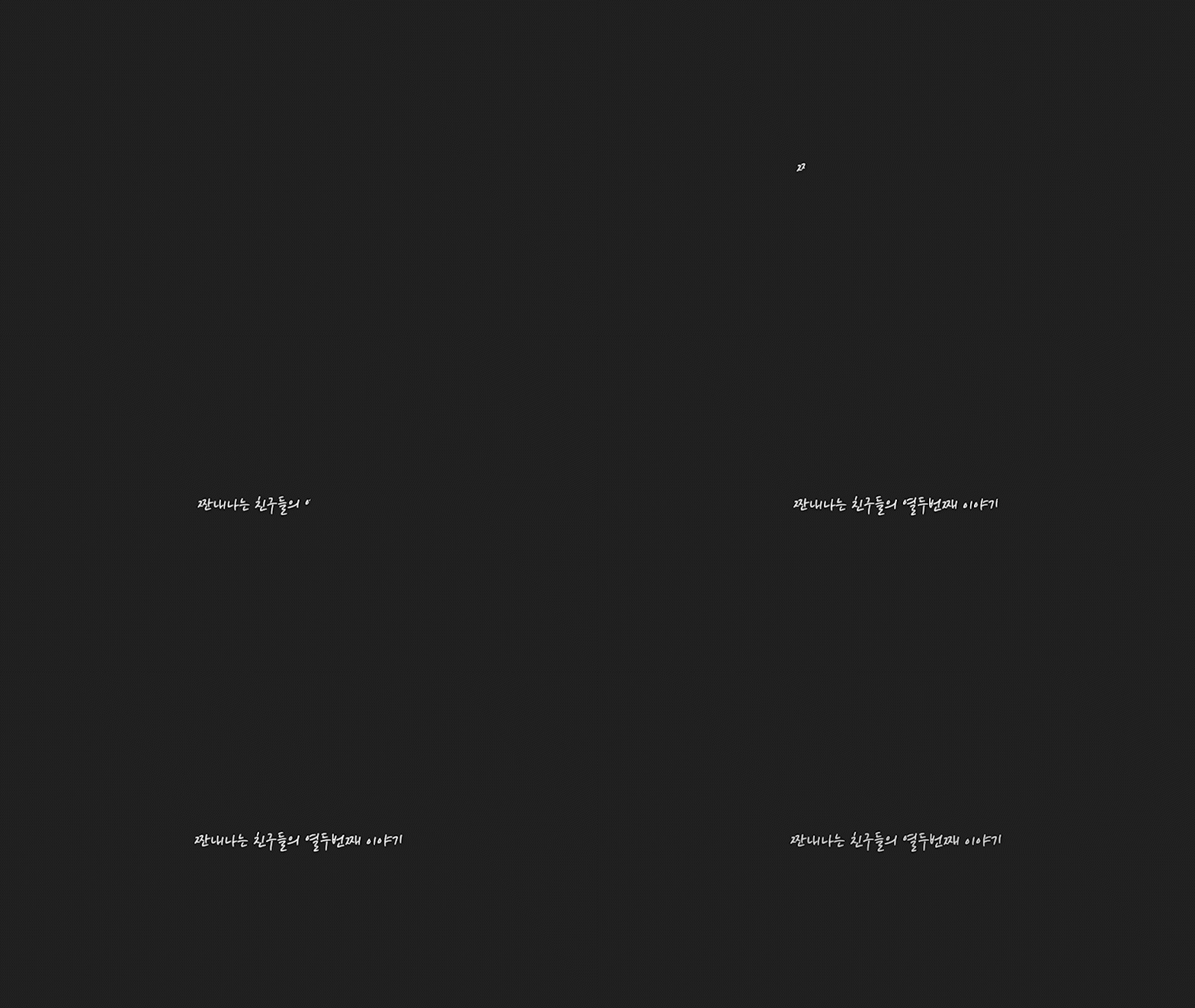 31
31
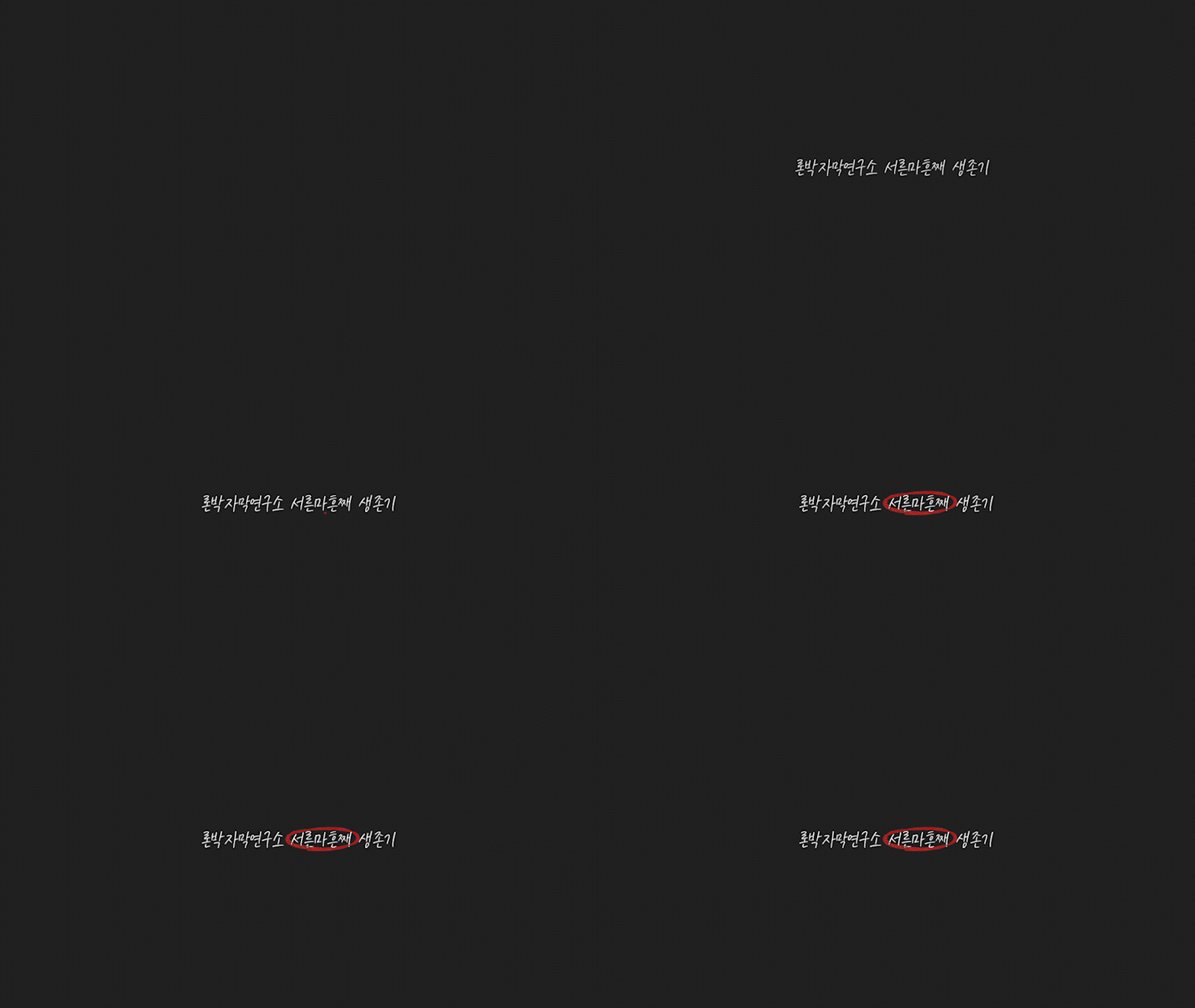 32
32
 33
33
 34
34
 35
35
 36
36
 37
37
 38
38
 39
39
 40
40
 41
41
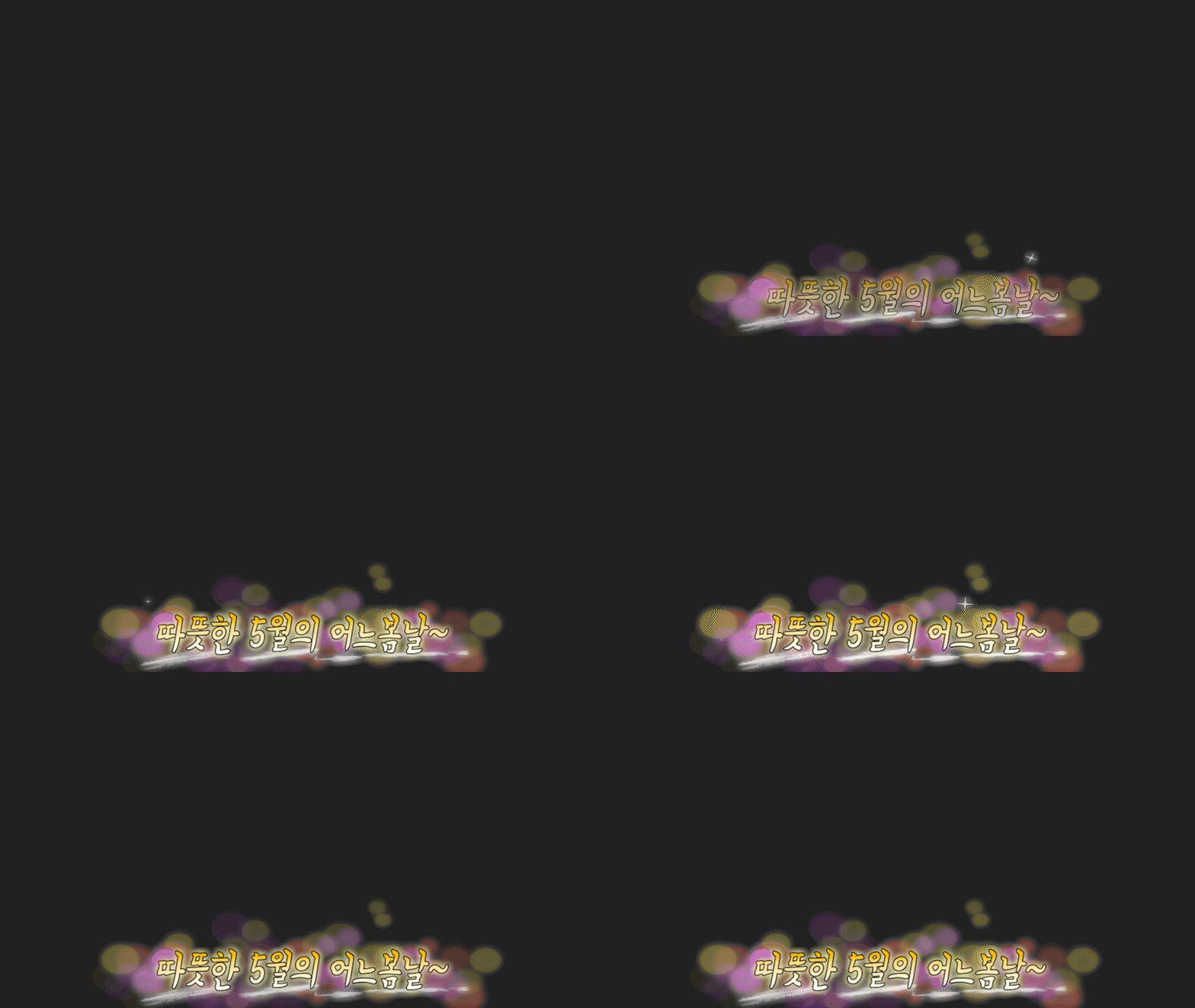 42
42
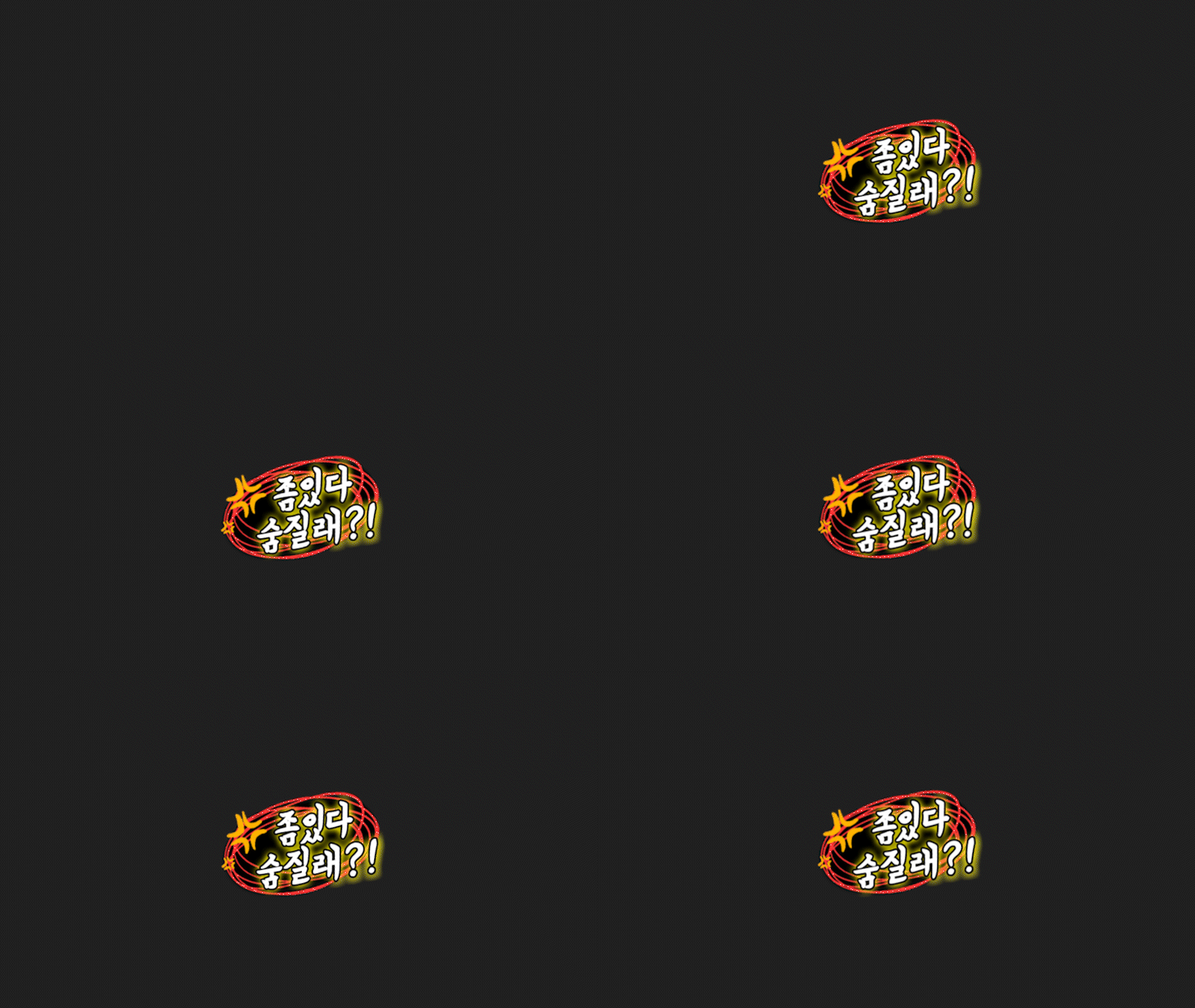 43
43
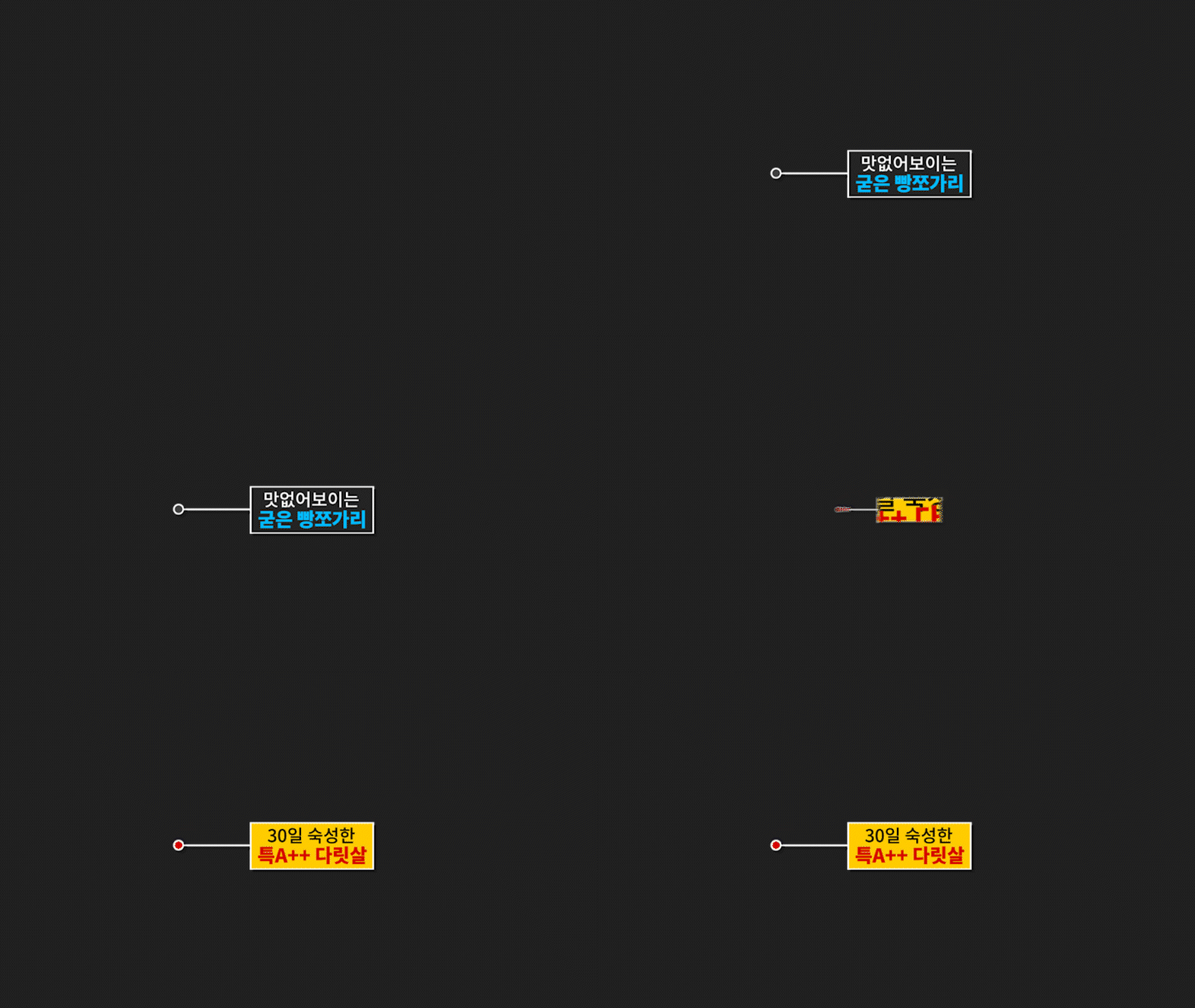 44
44
 45
45
 46
46
 47
47
 48
48
 49
49
 50
50
 51
51
 52
52
 53
53
 54
54
 55
55
 56
56
 57
57
 58
58
 59
59
 60
60
 61
61
 62
62
 63
63
 64
64
 65
65
 66
66
 67
67
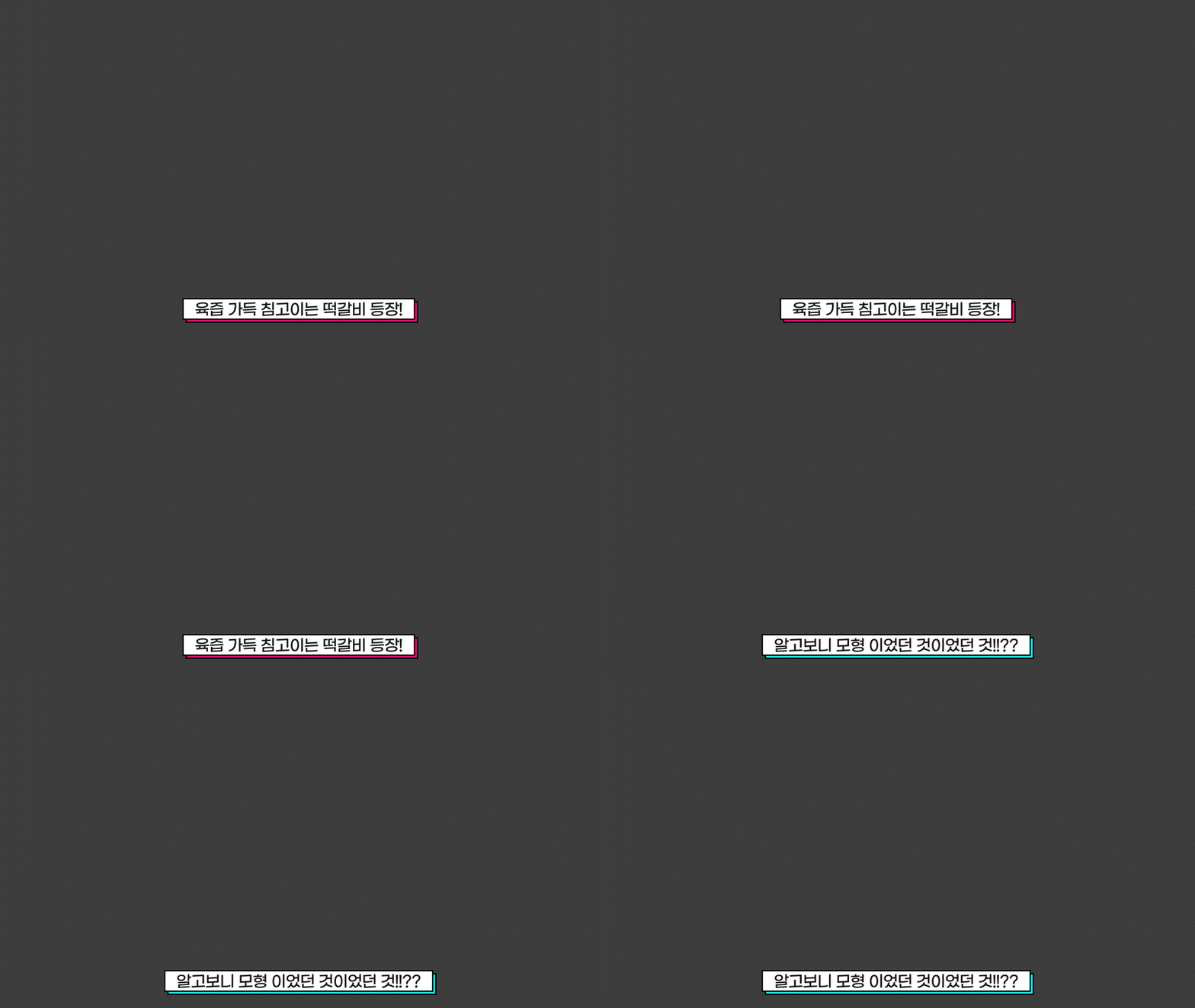 68
68
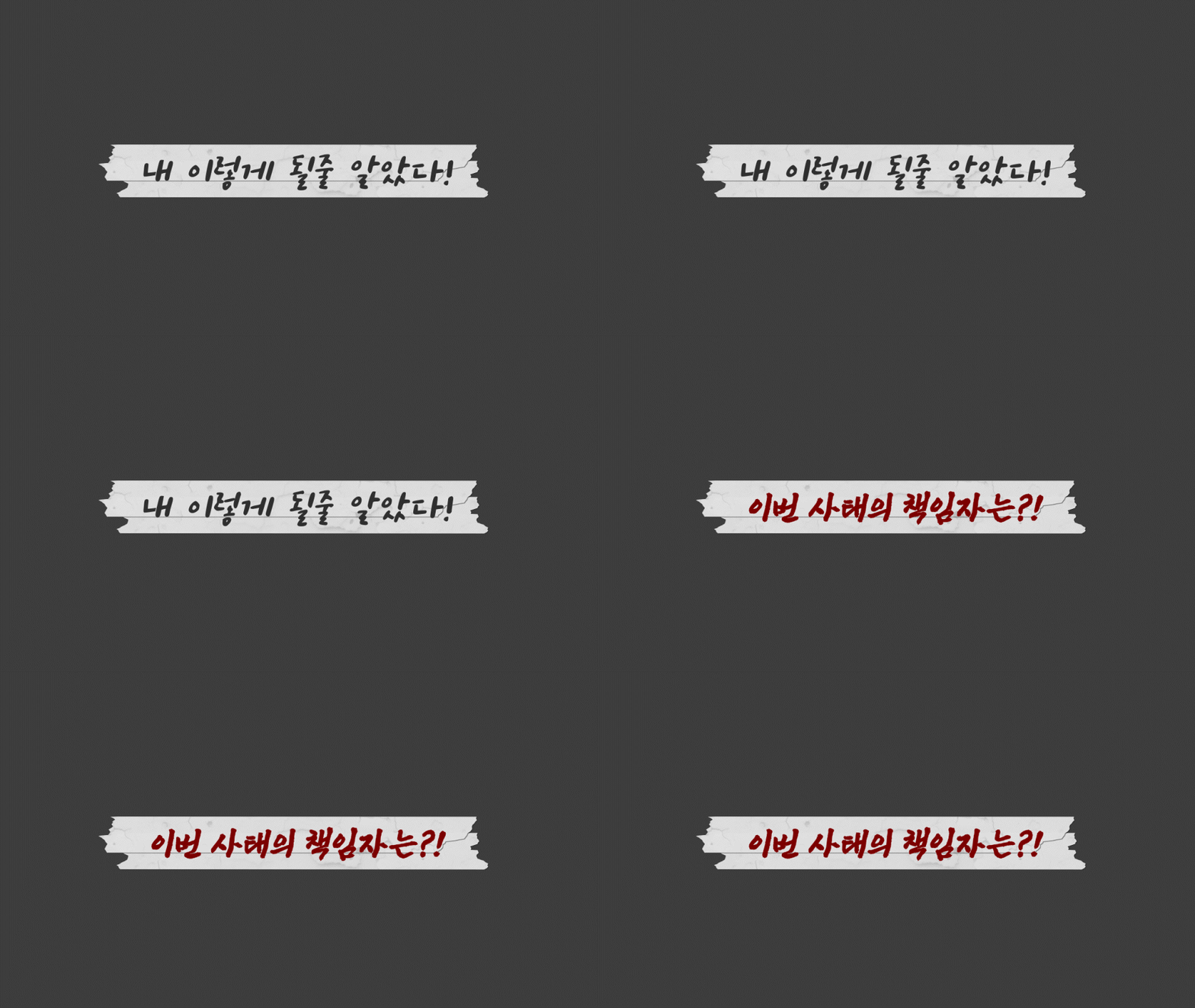 69
69
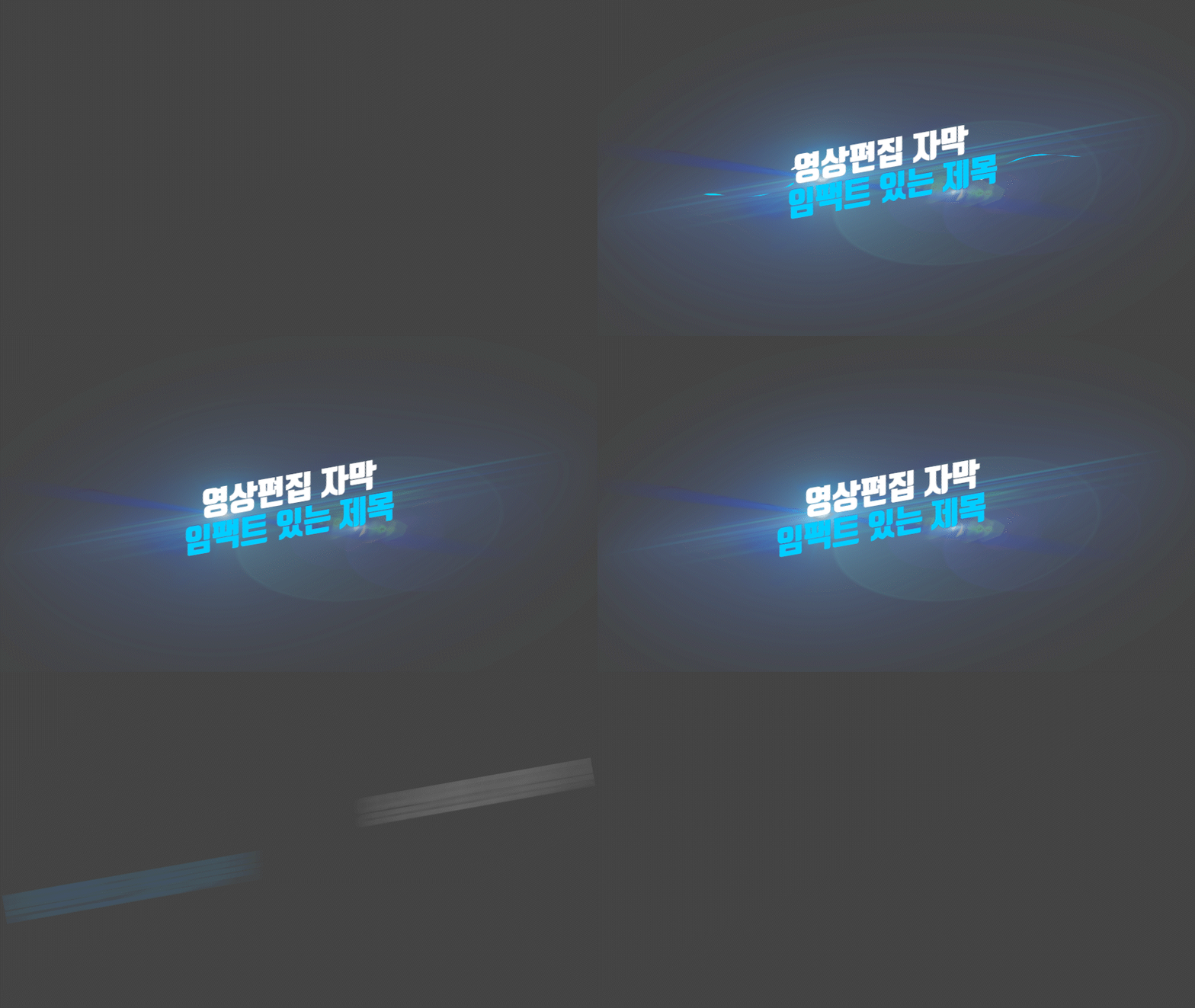 70
70
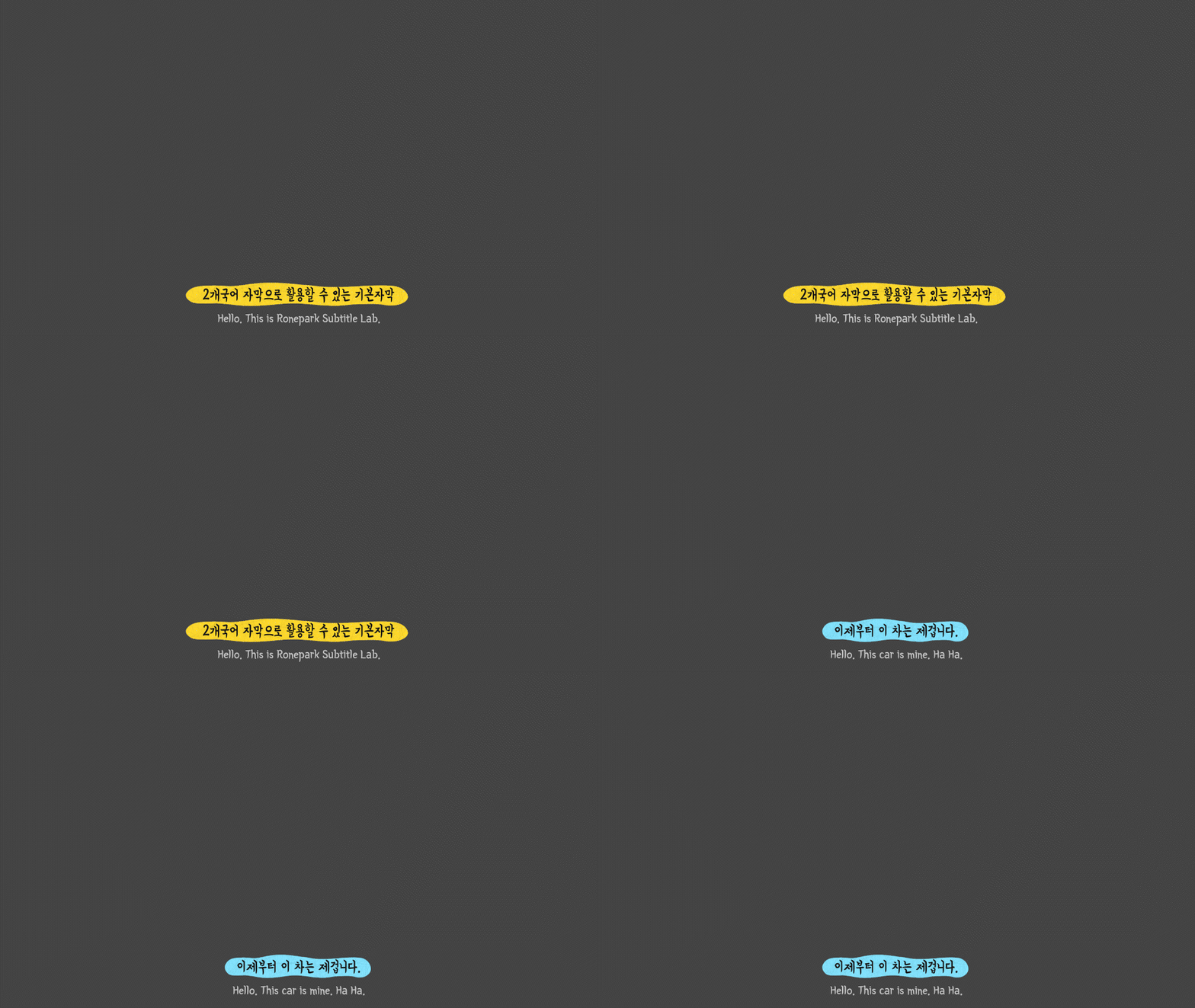 71
71
 72
72
 73
73
 74
74
 75
75
 76
76
 77
77
 78
78
 79
79
 80
80
 81
81
 82
82
 83
83
 84
84
 85
85
 86
86
 87
87
 88
88
 89
89
 90
90
 91
91
 92
92
 93
93
 94
94
 95
95
 96
96
 97
97
 98
98
 99
99
 100
100
 101
101
 102
102
 103
103
 104
104
 105
105
 106
106
 107
107
 108
108
 109
109
 110
110
 111
111
 112
112
 113
113
 114
114
 115
115
 116
116
 117
117
 118
118
 119
119
 120
120
 121
121
 122
122
 123
123
 124
124
 125
125
 126
126
 127
127
 128
128
 129
129
 130
130
 131
131
 132
132
 133
133
 134
134
 135
135
 136
136
 137
137
 138
138
 139
139
 140
140
 141
141
 142
142
 143
143
 144
144
 145
145
 146
146
 147
147
 148
148
 149
149
 150
150
 151
151
 152
152
 153
153
 154
154
 155
155
 156
156
 157
157
 158
158
 159
159
 160
160
 161
161
 162
162
 163
163
 164
164
 165
165
 166
166
 167
167
 168
168
 169
169
 170
170
 171
171
 172
172
 173
173
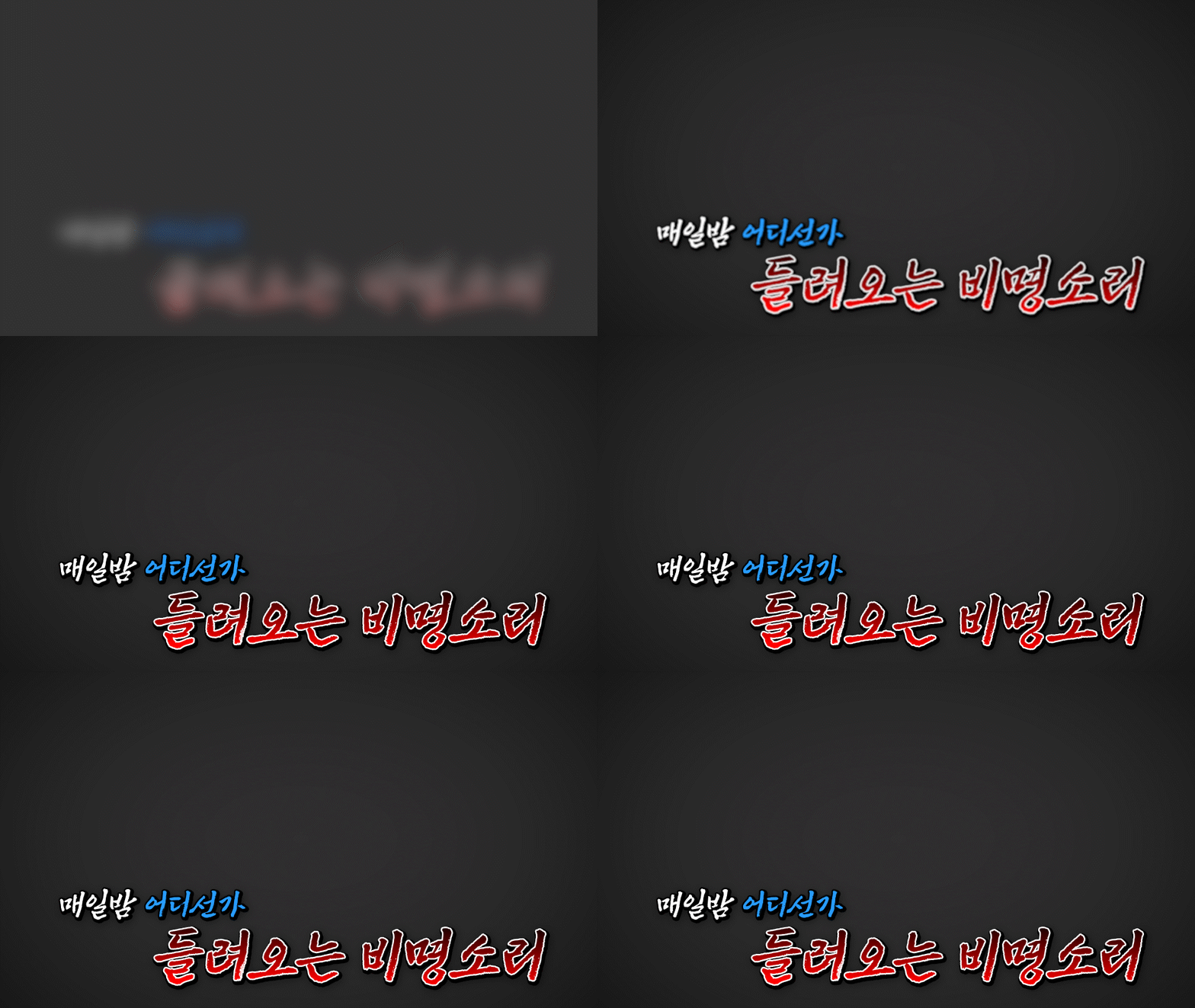 174
174
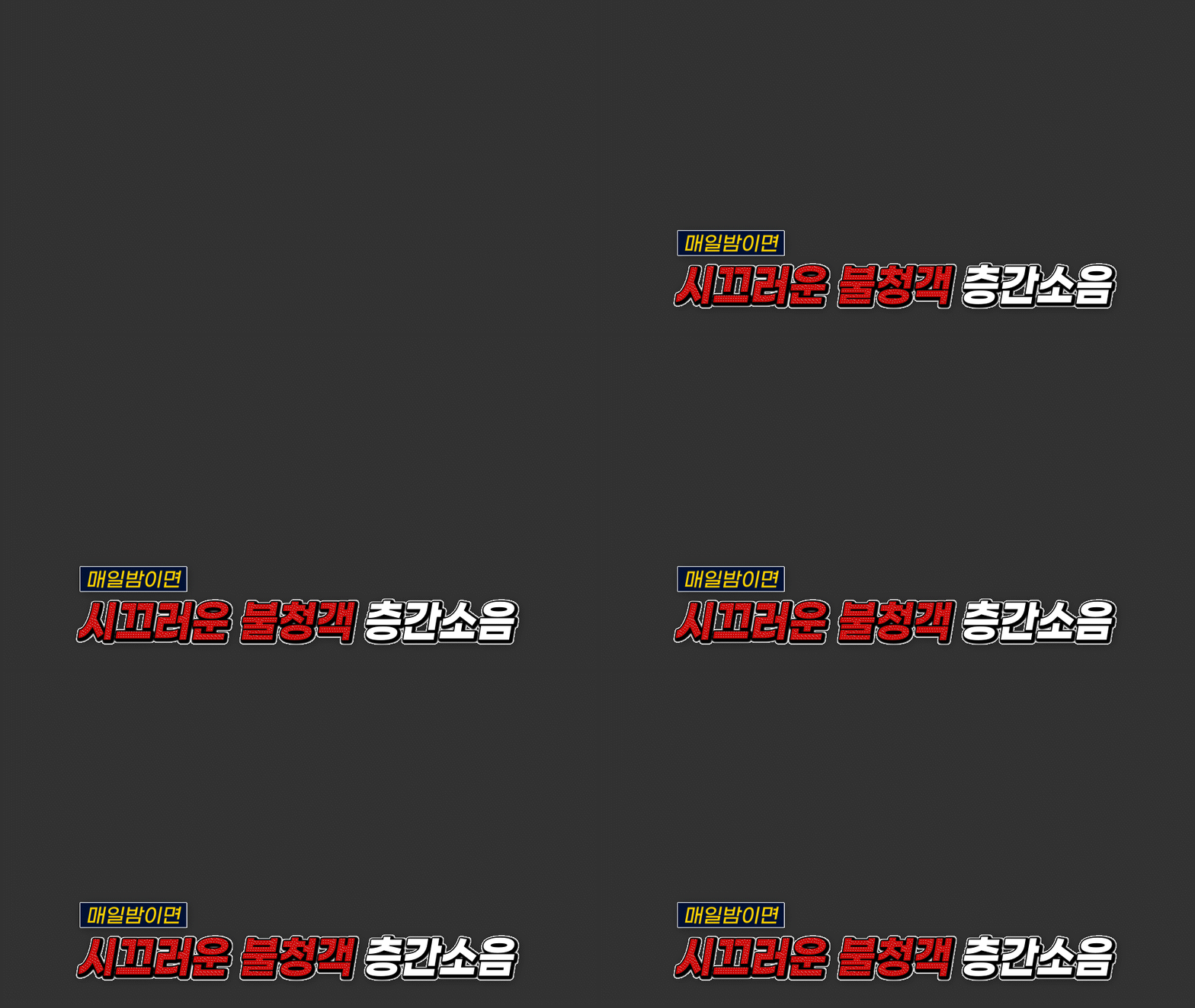 175
175
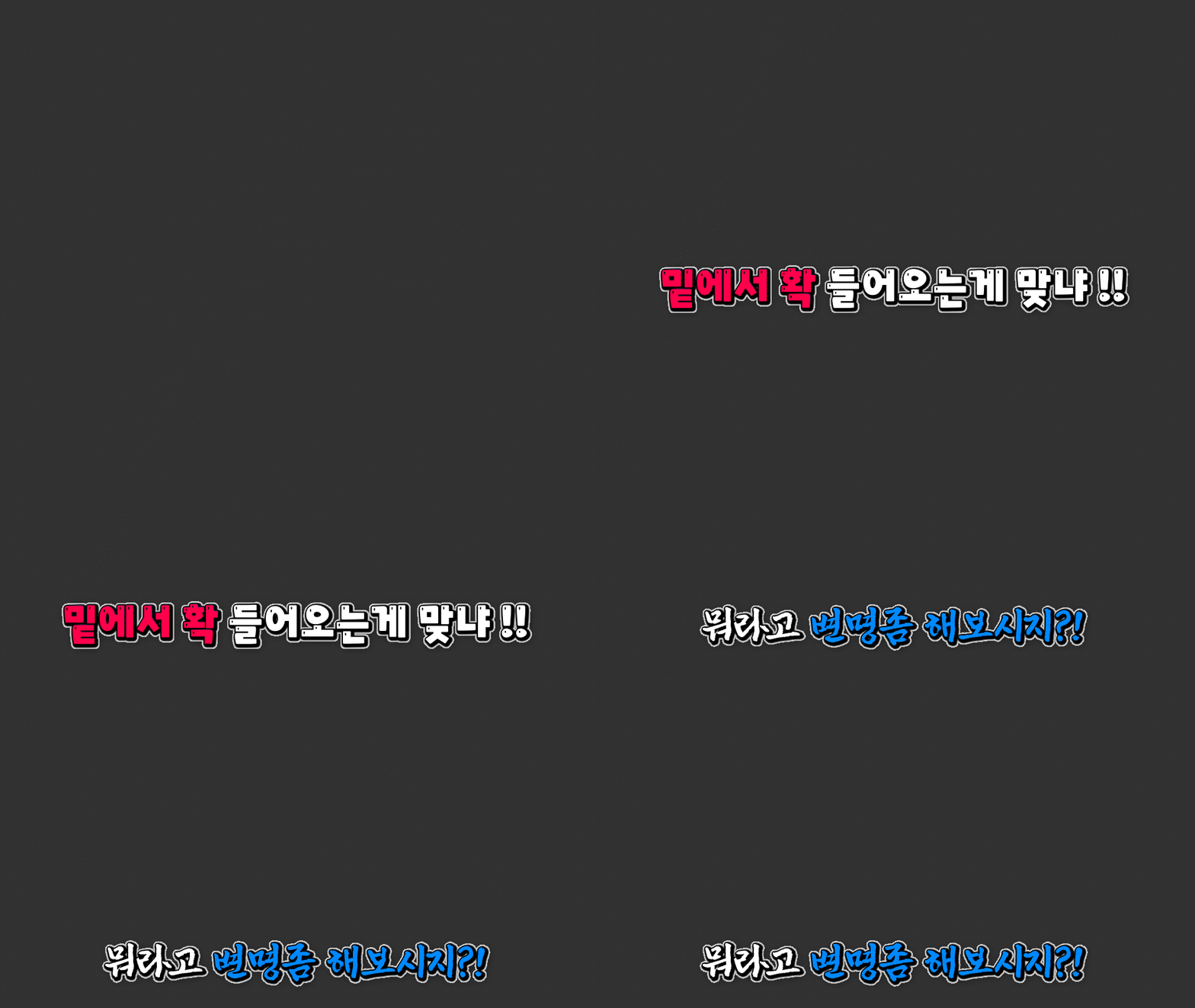 176
176
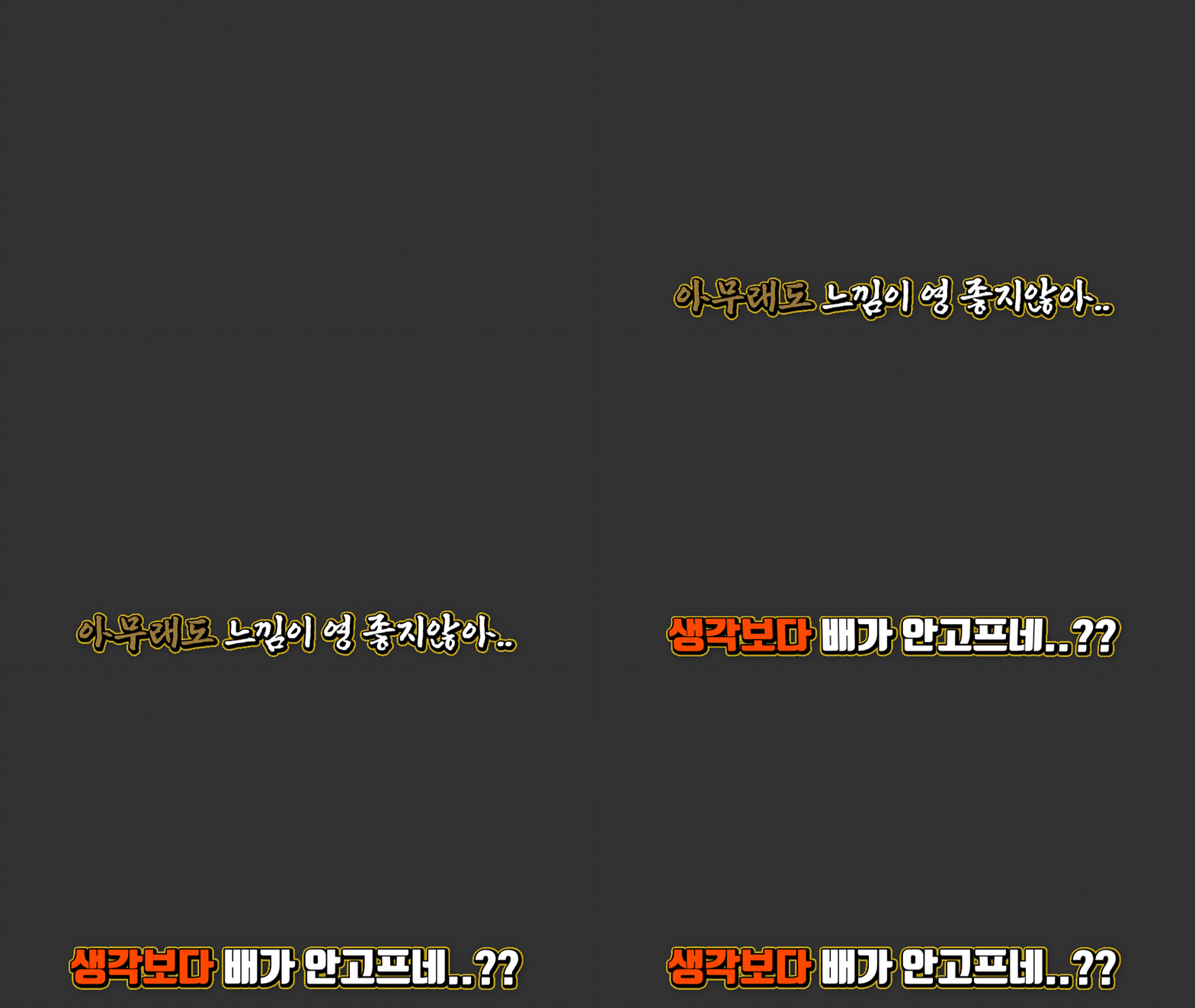 177
177
 178
178
 179
179
 180
180
 181
181
 182
182
 183
183
 184
184
 185
185
 186
186
 187
187
 188
188
 189
189
 190
190
 191
191
 192
192
 193
193
 194
194
 195
195
 196
196
 197
197
 198
198
 199
199
 200
200
 201
201
 202
202
 203
203
 204
204
 205
205
 206
206
 207
207
 208
208
 209
209
 210
210
 211
211
 212
212
 213
213
 214
214
 215
215
 216
216
 217
217
 218
218
 219
219
 220
220
 221
221
 222
222
 223
223
 224
224
 225
225
 226
226
 227
227
 228
228
 229
229
 230
230
 231
231
 232
232
 233
233
 234
234
 235
235
 236
236
 237
237
 238
238
 239
239
 240
240
 241
241
 242
242
 243
243
 244
244
 245
245
 246
246
 247
247
 248
248
 249
249
 250
250
There may be people who have never used a template,
but there is no one who has used it only once.
Seeing is believing.
Text doesn't really suit me.
I need more core video lectures.
Text < Image < Video
This is a more effective learning method in that order.
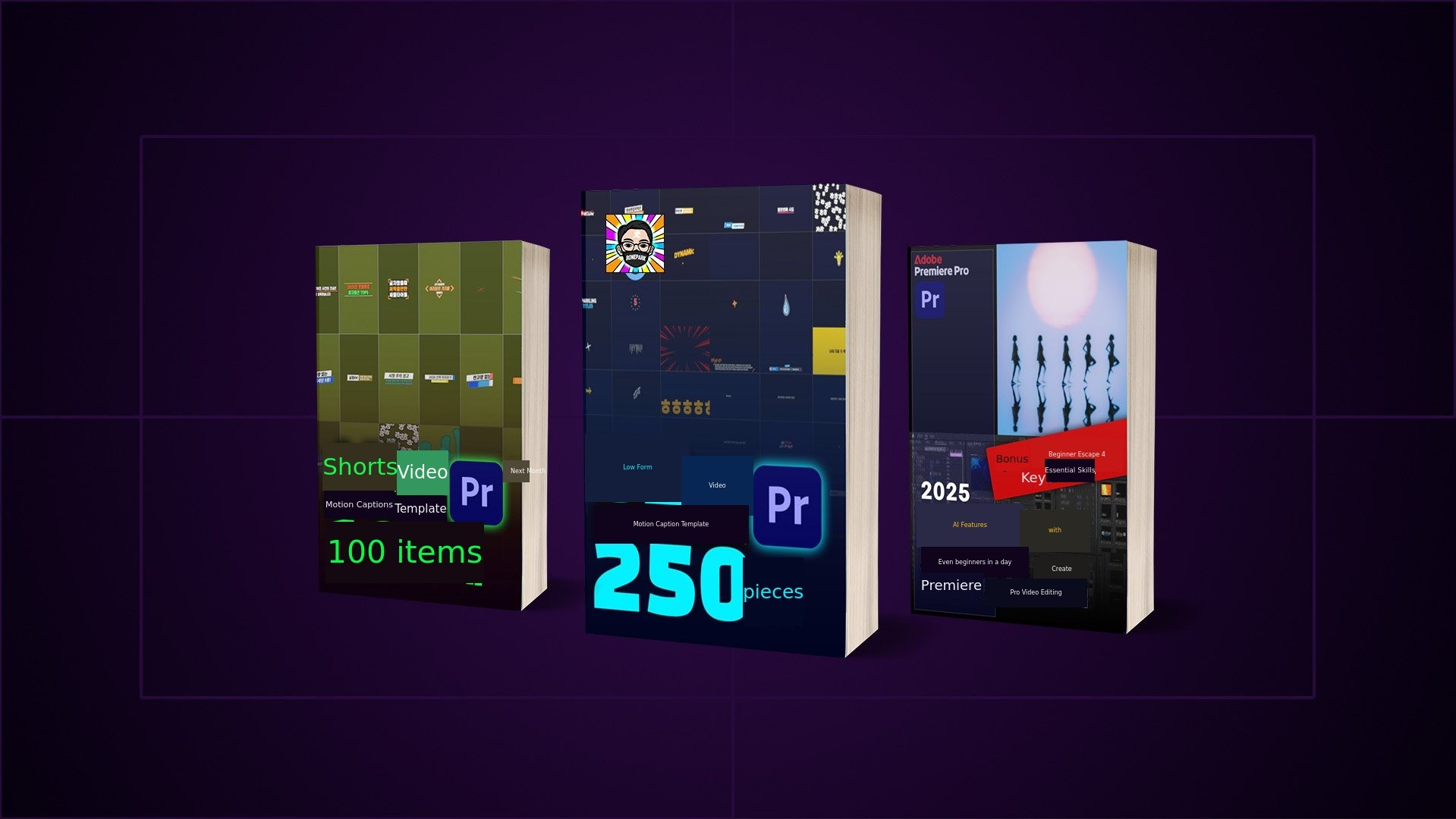
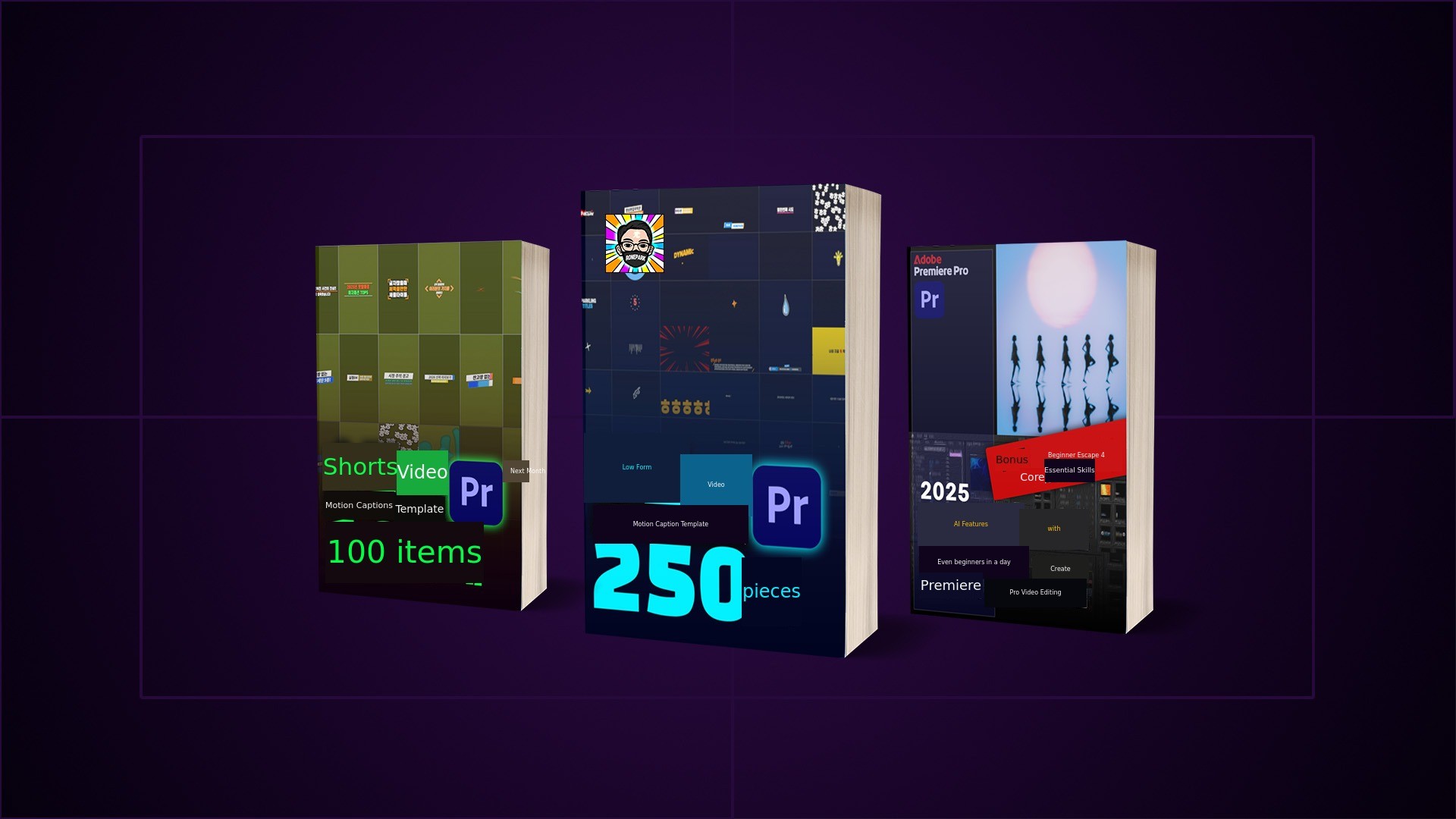
E-book & Short-form Pack & Long-form Pack & VOD
Only on Wadiz, all at once,A package you can own.

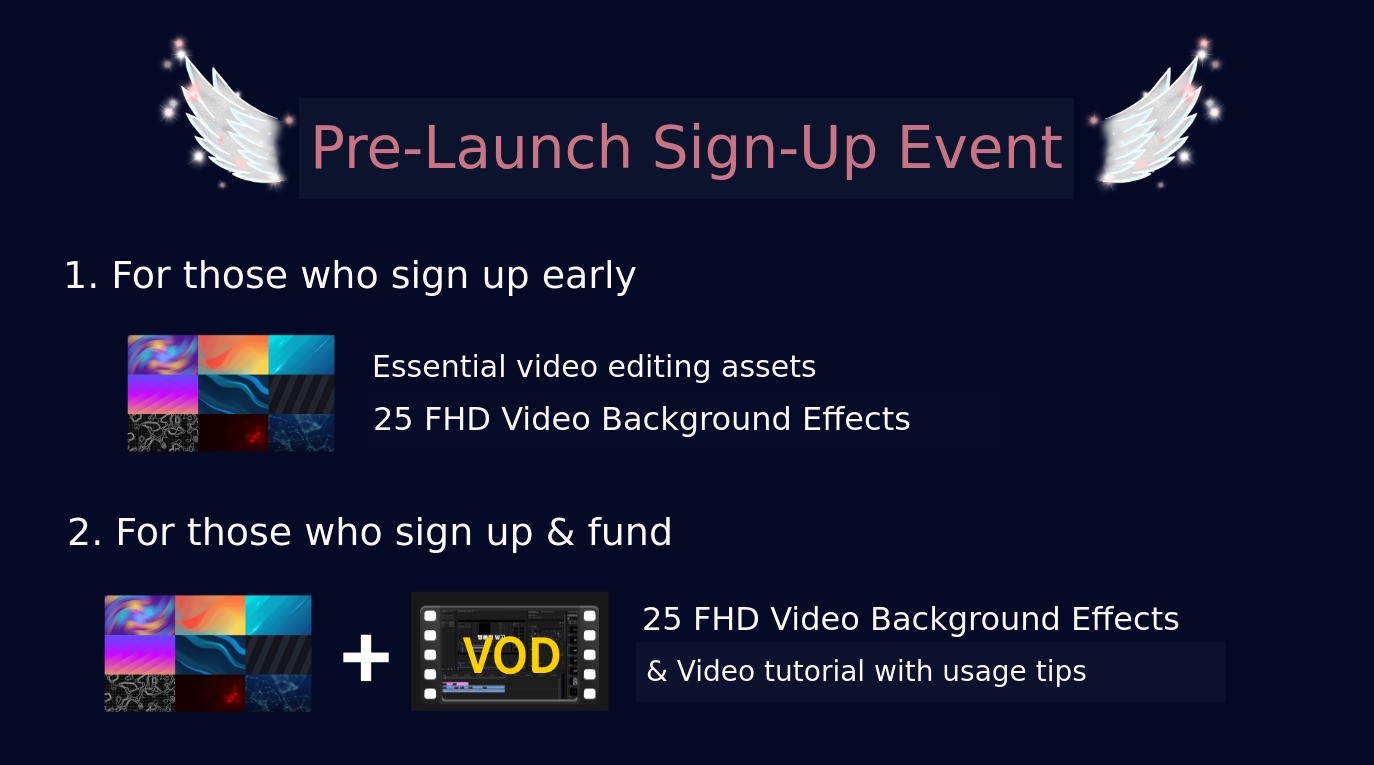
1. We give this to everyone who applies for pre-notification before funding.
Video Editing Essential Source Package
Background video sources essential for video editing
FHD (1920x1080) resolution
30-40 seconds in length, infinitely loopable,
We provide an animated background source pack.
When you don't have recorded footage or mainly need to deliver information,
Rather than a plain, simple, and boring solid color background,
Add moving background effects and incorporate text and images,
to create videos that are more focused and of higher quality.

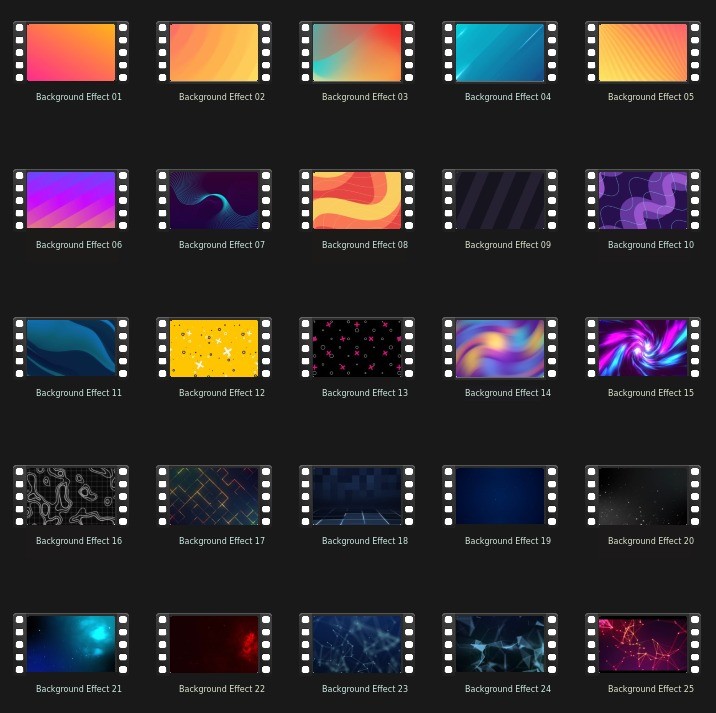
2. For those who applied for pre-notification & participated in the main funding,
Video Editing Honey Source Package Plus
Essential background video sources for video editing,
FHD (1920x1080) resolution,
30-40 seconds in length, infinitely loopable,
Animated Background Source Pack,
+
Includes usage tips,
and provides a video lecture VOD.

+
New reward composition,
We present only the necessary configurations, reflecting the opinions of our supporters.

Maker Introduction
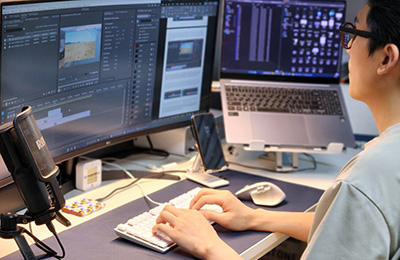
Hello! This is Ronbak Subtitle Lab.
After successfully completing the encore funding in April 2025, we are pleased to greet you again at the Funding Festival in July 2025.
With over 10 years of video editing experience and more than 2,500 motion subtitle templates created, we share video editing and
motion subtitle templates as the main topic on our YouTube channel,Ronbak Subtitle Lab has been operated for 8 years.
During that time, ADOBE, ENVATO, AEJUICE, MOTION ELEMENTS, JAMAKE, CTEE, MOTIONISTKOREA, and others
With experience in various partnerships and activities related to video and subtitles, we aim to assist Wadiz supporters and aspiring video editors from various fields.
We have launched this project to further lower the barriers to entry for video editing and provide support.
We kindly ask for your interest and support.
The shortcut to video editing

Ronbak Subtitle Lab