 OUR NOISE
![[Procreate] Ultimate Retro Vibes iPad Pixel Art Brush](https://ai-cdn.wadiz.kr/EN/studio/images/2025/12/16/c905a8f9-fc30-4535-b70b-11d33d55a929_en.jpg)
Hello,OUR NOISE: Our Noise here.
Following our first font funding,
our second project,Pixel Art Brush Funding has returned!
This project isa brush set for those who love pixel art and
was created so you can enjoy retro pixel art in Procreate as well.
Since pixel art exclusive brush funding is rare on Tumblbug,
I have prepared this sincerely as someone who loves pixel art.
Through this brush,I hope you can also feel the fun and charm of pixels.
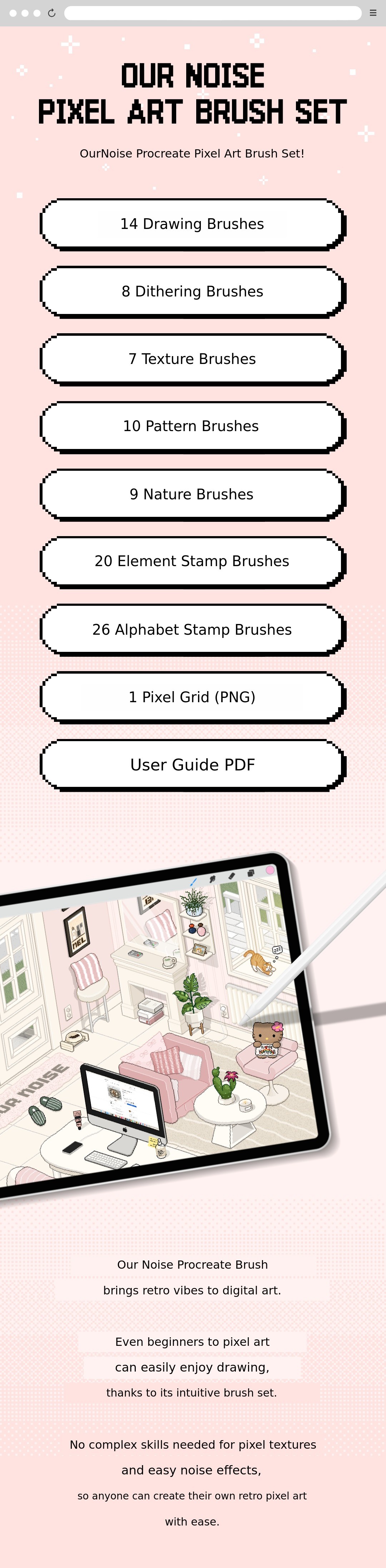
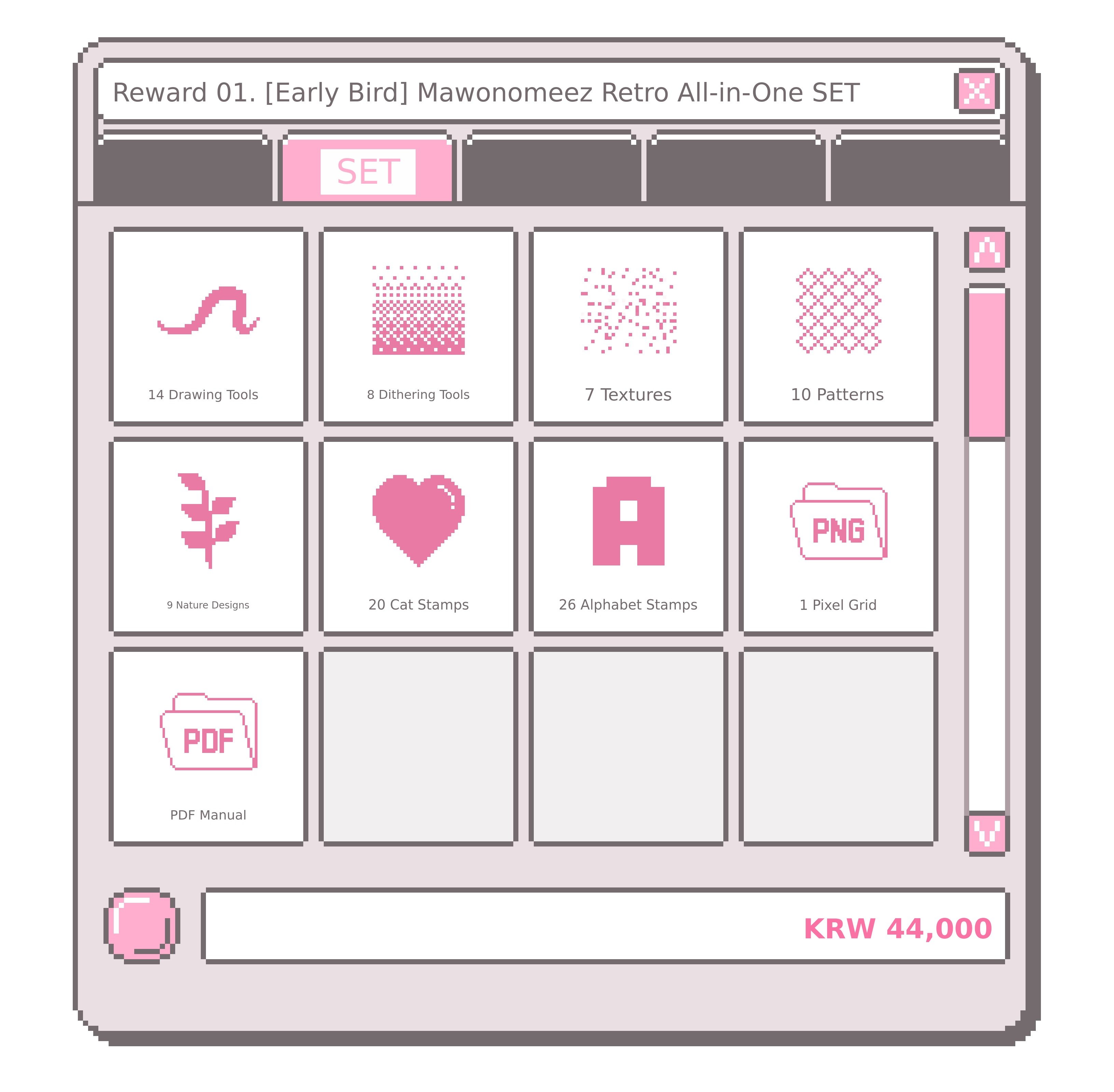
Our Noise Pixel Art Brush Set includes
drawing, dithering, texture, pattern, nature, element stamps, and English stamps. Up to
A total of 94types are composed of a variety of pixel brushes.
In addition,a pixel grid (PNG) to help with pixel drawing, and
a guide PDF that lets you see how to use it at a glanceare also included. are provided together.
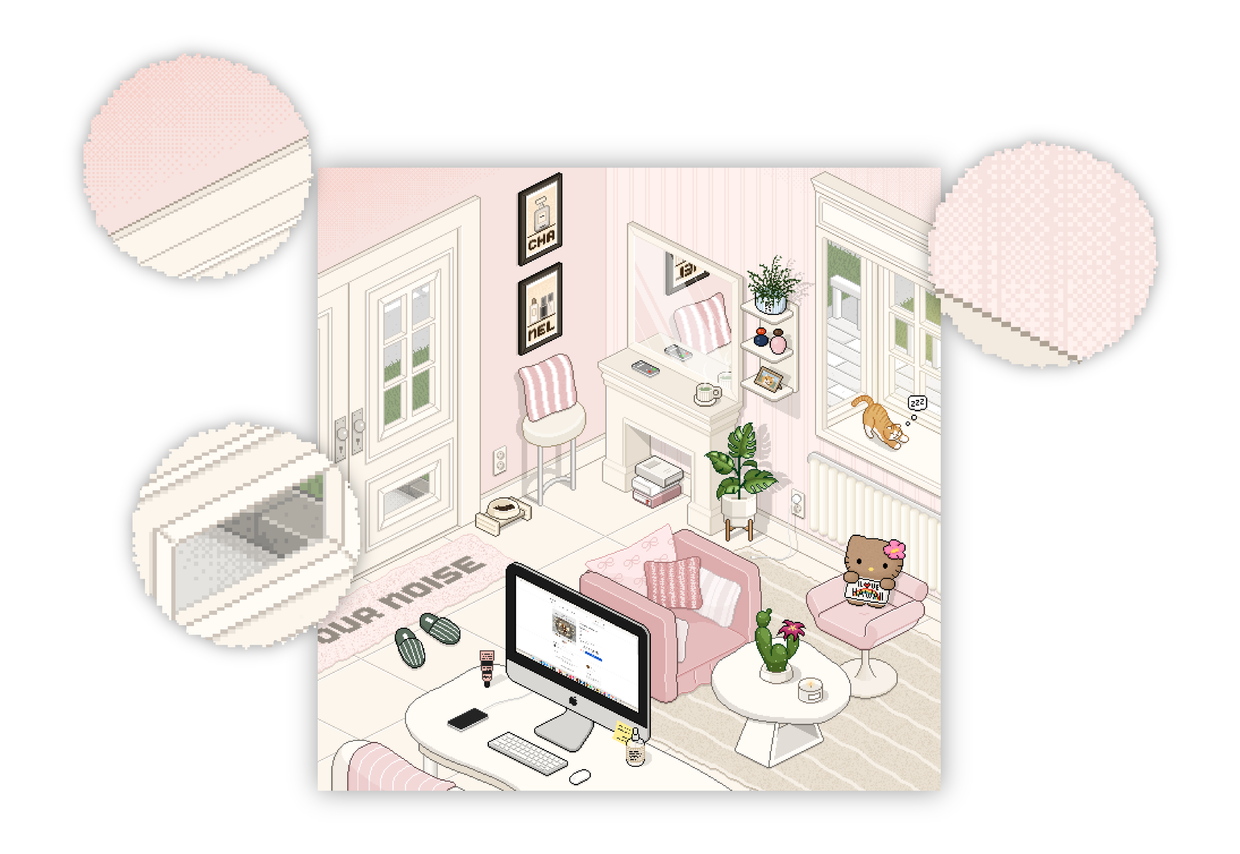
Pixel artshows a clearer dot texture when working on a smaller canvas.
Therefore, generally,a small canvas under 1000px is often used.
Small elements like "💛" or "⭐️" are best on very small canvases,
while more complex images like backgrounds or characters are better created on a slightly larger canvas,
so you can naturally bring out the unique pixel texture.
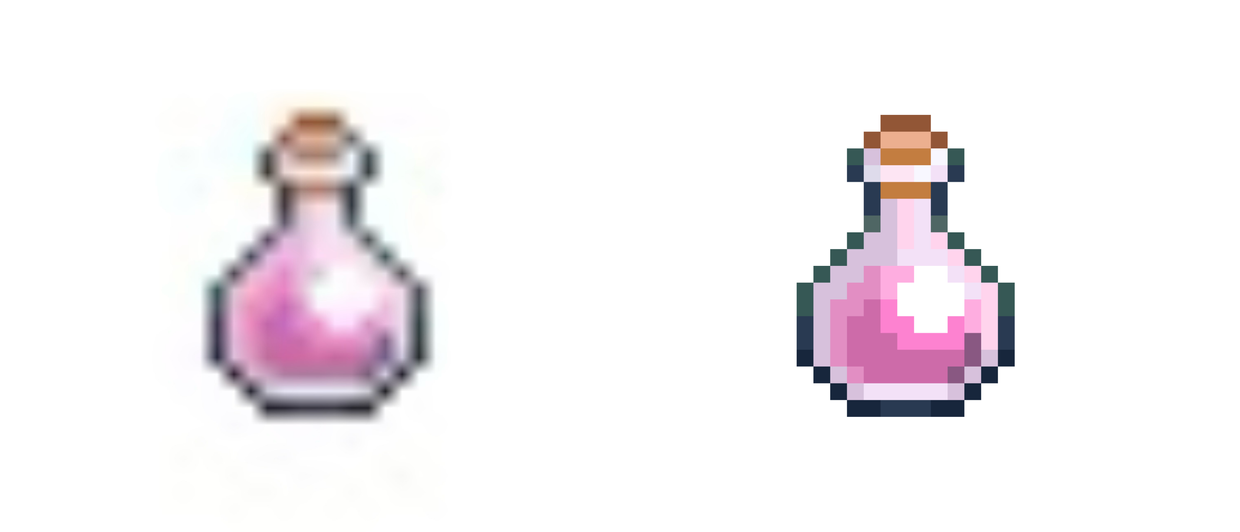
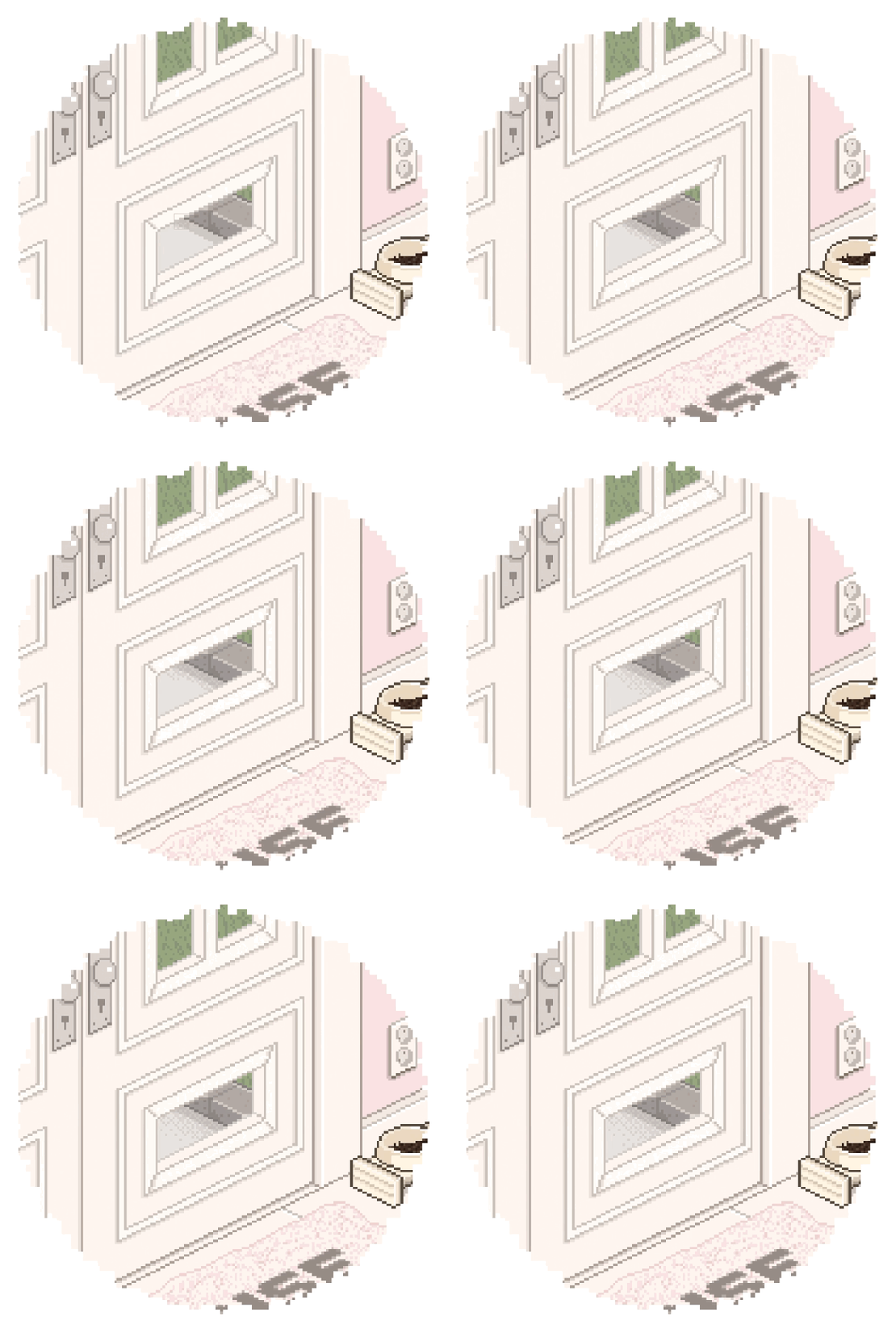
*The left side shows the image saved as it was created,
The right side shows the image after increasing the size and saving it.
Like this If you save an image drawn on a small canvas as it is,
The image quality appears very degraded, as seen on the left.
On the other hand, If you increase the resolution to a larger size and then save it, as on the right,,
You can preserve the distinct texture unique to pixels.
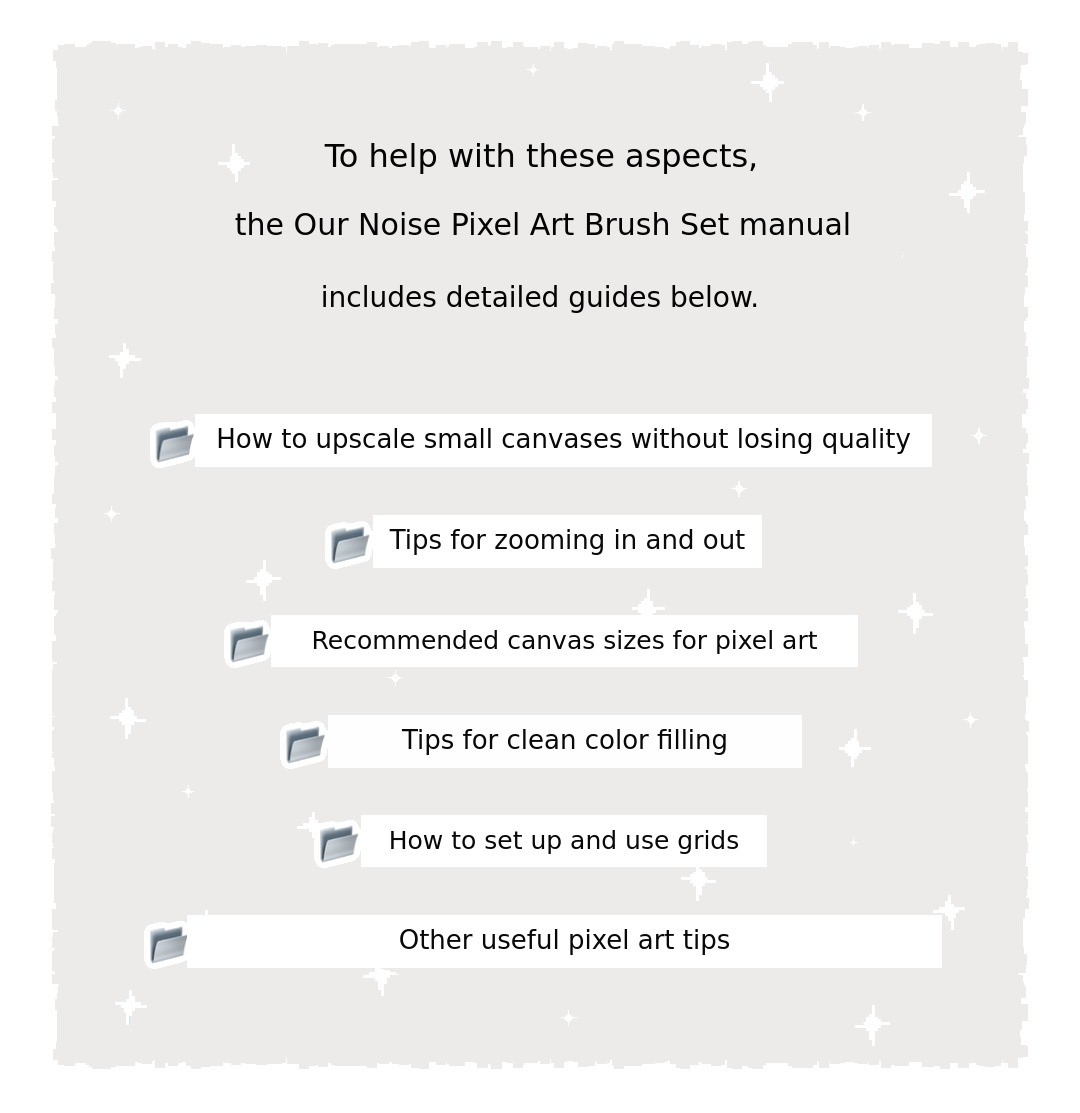
⚠️ This user manual Pixel art Is not a lecture or an e-book,,
But a guide that collects Simple tips that may help with your work,.
Detailed theory and technique tutorials for drawing pixel art Are not included,,
So please use this only as a reference during your work.
●
●
●
Now, let's take a look at the OurNoise pixel art brush set.
Shall we explore it together? 👀
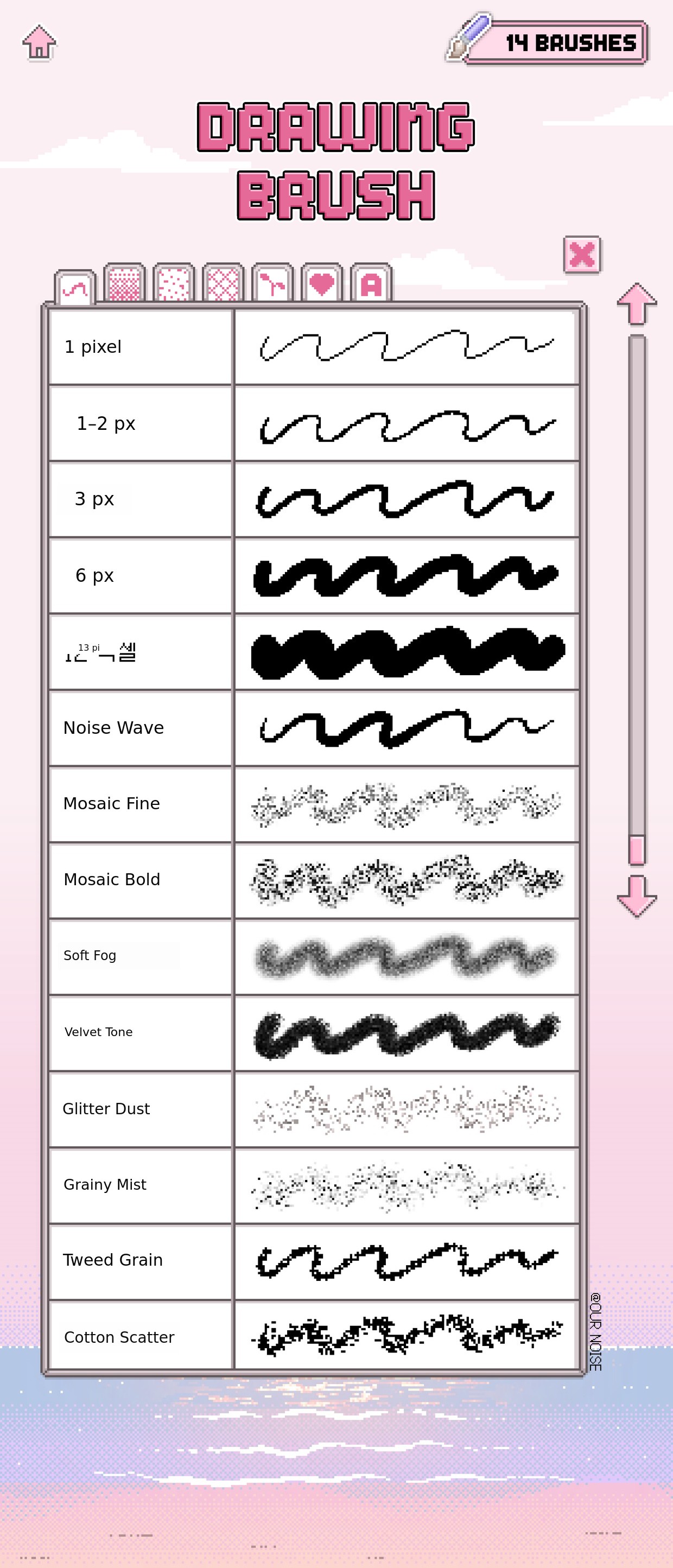
👾 14 types of drawing brushes👾
This set is designed so you can choose according to your work style and situation.
Brushes by pixel size, pressure sensitivity, and texture type are included.
Five brushes from 1 pixel to 12 pixels
will keep their set
pixel size (1~12px)even if you move the size slider up or down in the Procreate app. They are made to maintain the set size.
In other words, regardless of the size slider adjustment,you can always use them at a fixed pixel size without any changes!
☝🏻 First,The most basic of basics!
1-pixel brush Let's try drawing a small book.
The beginning of pixel art is alwaysshaping with a 1-pixel line from the start.
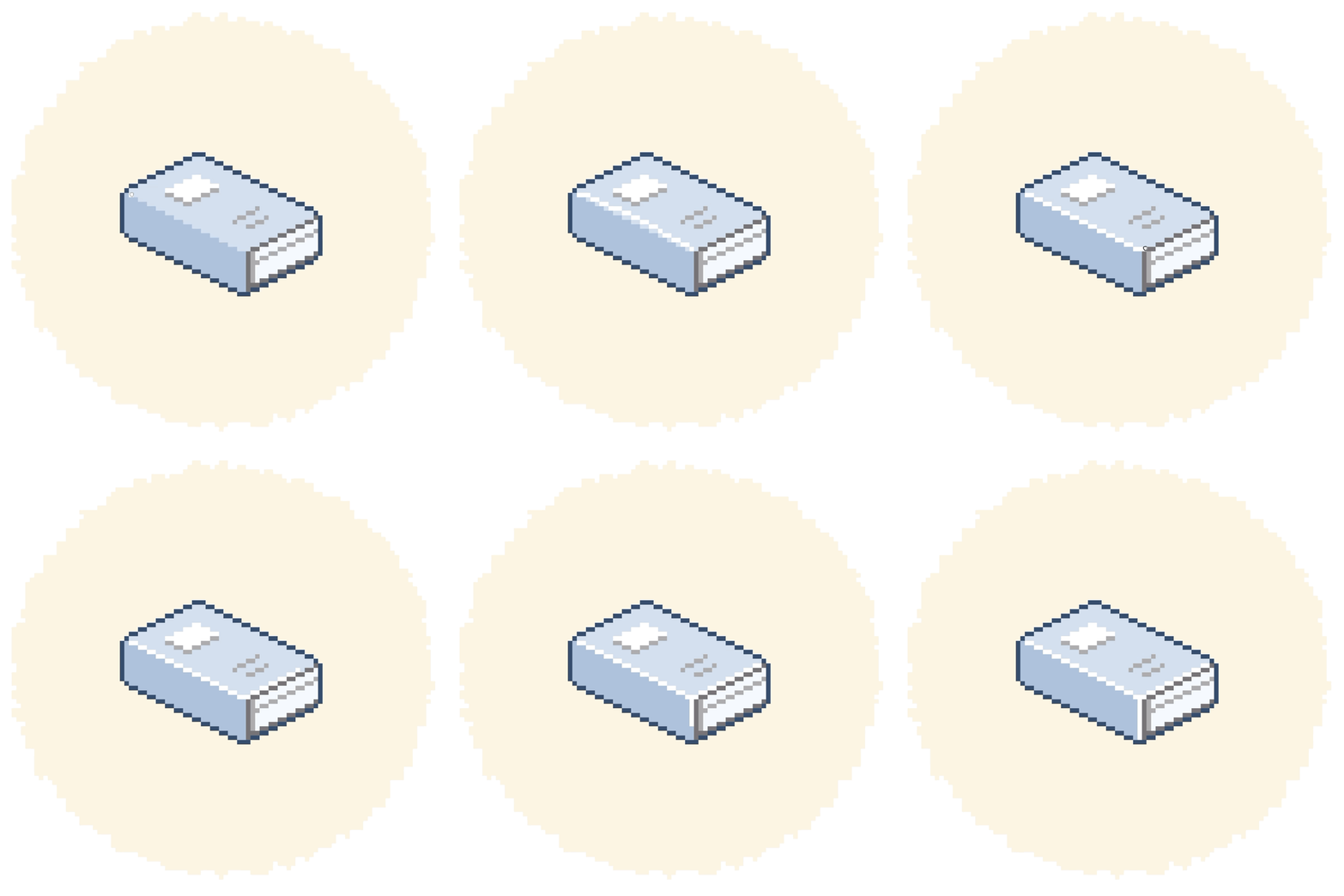
After drawing a straight line, if you pause without lifting the pen,
With the provided pixel grid,the line naturally continues in the referenced direction,
which helps align the pixels.
Or, by matching the pixel grid,you can slowly connect the lines one square at a time, and in this way,
you can achieve stable and organized pixel drawing.

You can also fill large areas with a 1-pixel brush,
butit has the drawback of taking a long time, doesn't it!
However,a large pixel brush By using it,
It is difficult to express details, and at once,Too wide an area may be colored, as well.
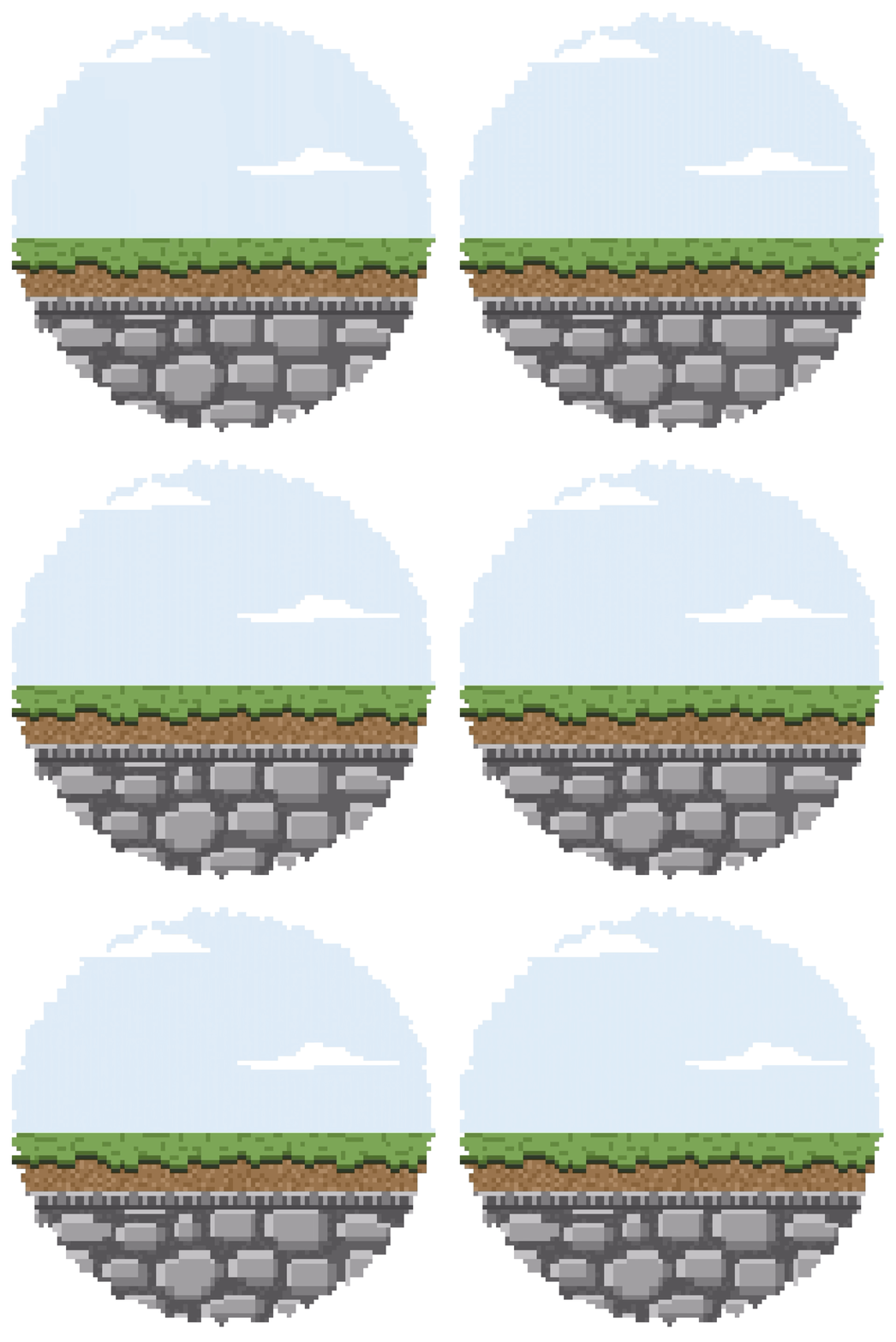
At times like this, the perfect brush isthe 1~2 pixel brush. It is.
This brushKeeps a consistent size of 1~2 pixels, and yet,
Compared to the 1-pixel brush,It can fill color a bit faster and over a wider area,,
A brush that captures both detail and work efficiency, It is!
Now, Shall we add natural shading with the 3-pixel brush?
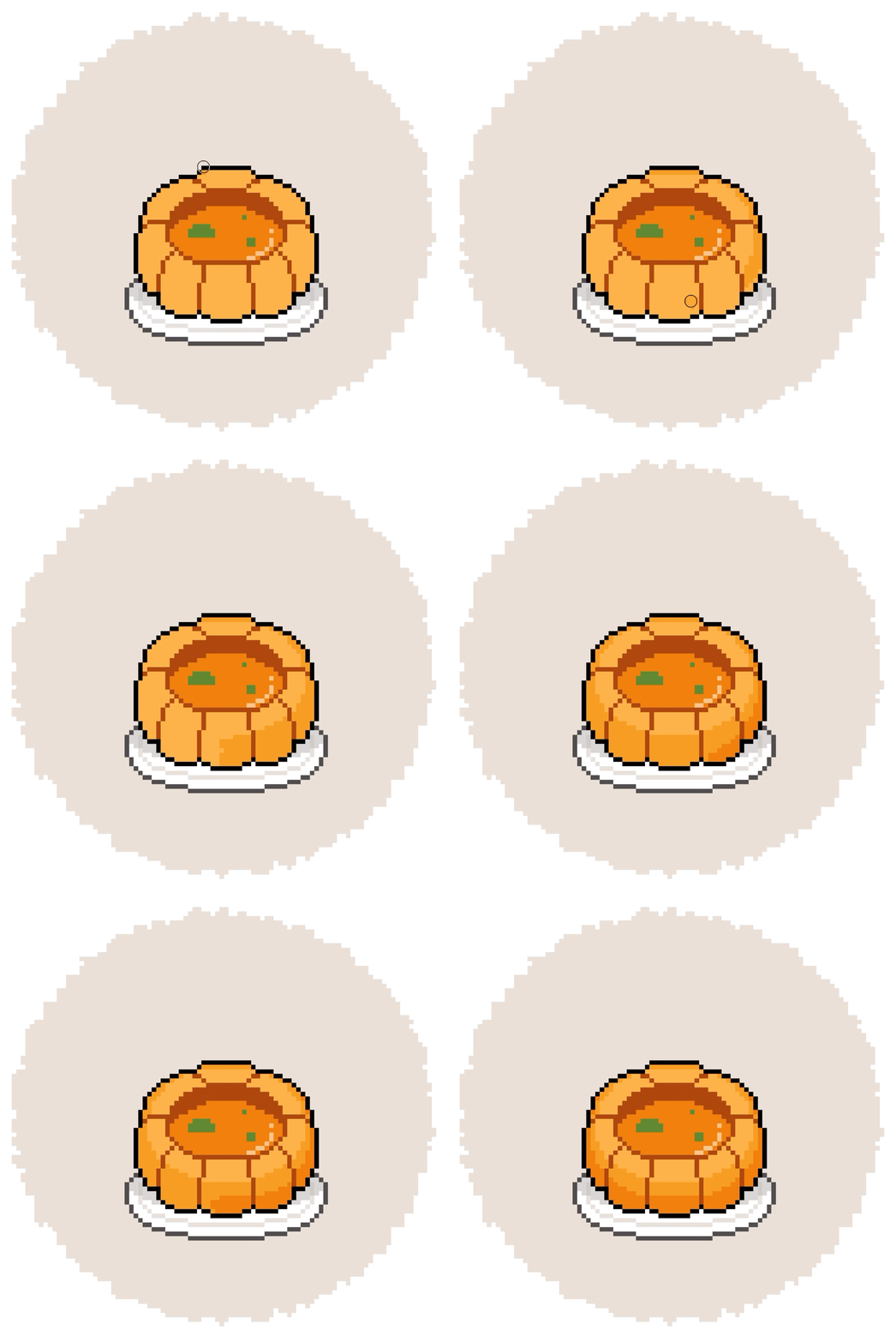
The 3-pixel, 6-pixel, and 12-pixel brushes
Can be freely chosen depending on the area you want to fill, That's all you need to do!
● 3-pixel brush → When you want to fill a slightly larger area than 1~2 pixels
● 6-pixel brush → When you want to quickly fill a medium-sized area
● 12-pixel brush → When you want to cover a very large area at once
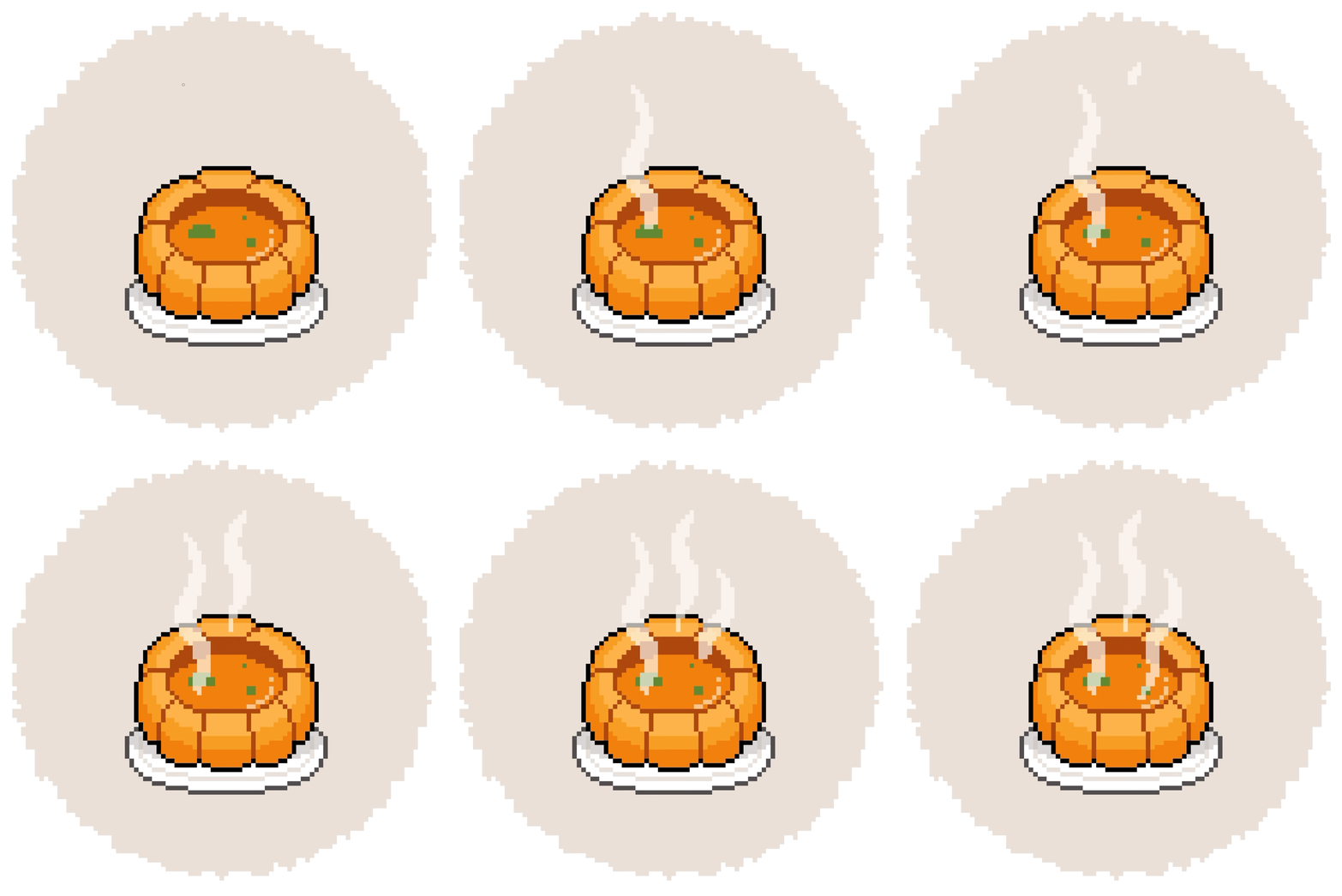
Noise wave brush is a brush whose thickness changes according to pen pressure.
It's perfect for expressing irregular thickness, like the hot steam rising from food!
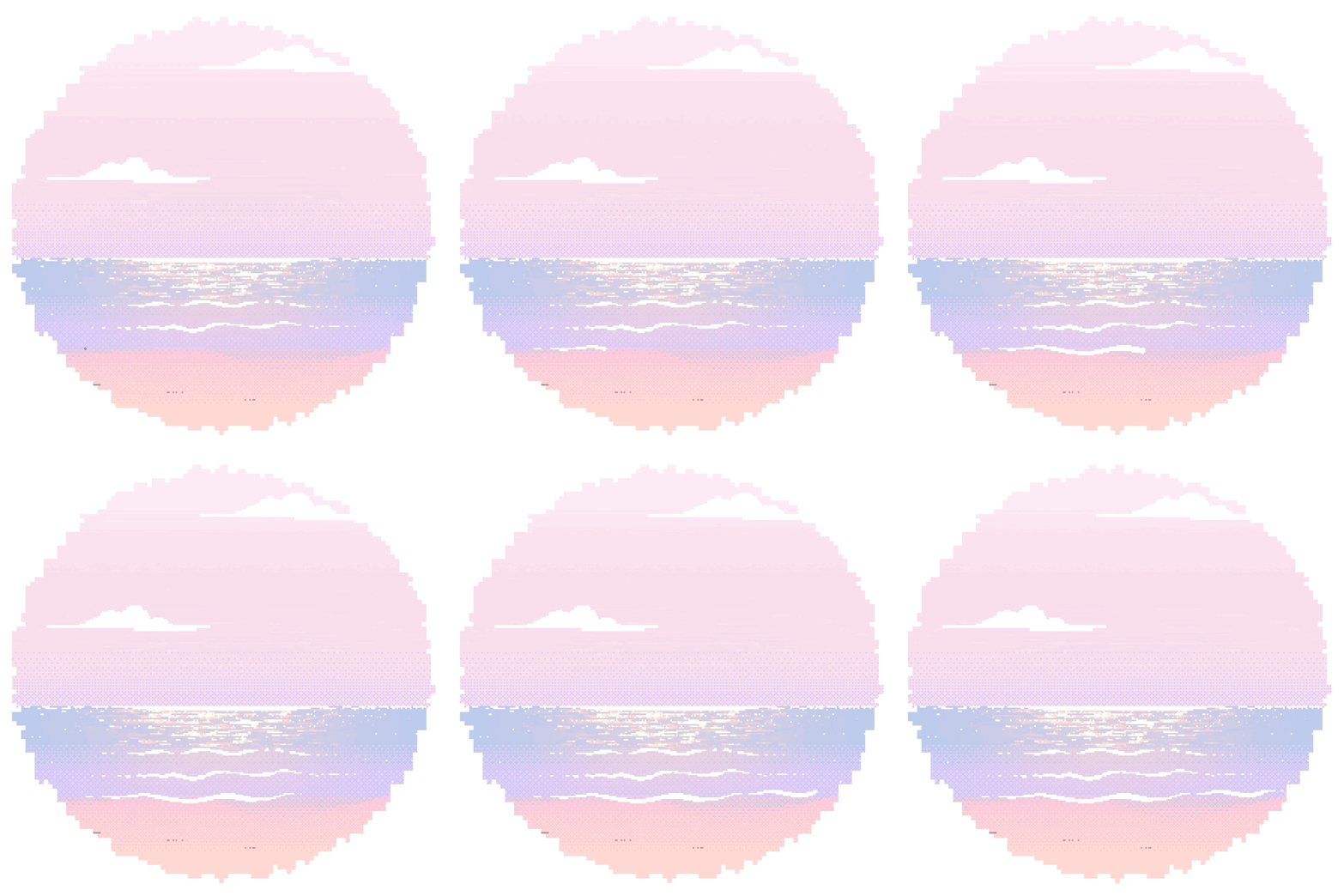
With light pen pressure,it starts as a thin 1-pixel line,
and as the pen pressure increases,it gradually becomes thicker and changes naturally.
Therefore,Not only can it express smoke, steam, and the flow of wind,,
It can also gently depict the subtle movement of the sea foam in animated images, and can be used for such effects.
Additionally,For areas that require delicate curves, such as the facial lines or hairlines of pixel characters, as well,
this brush is a perfect match.

Next,the brushes from Mosaic Pine to Cotton Scatter are
brushes that preserve the unique texture of pixels,
while allowing for various surface and particle expressions.
Although pixel-based, they range from soft and subtle textures,
to brushes with a distinct sense of particles, offering a wide variety.
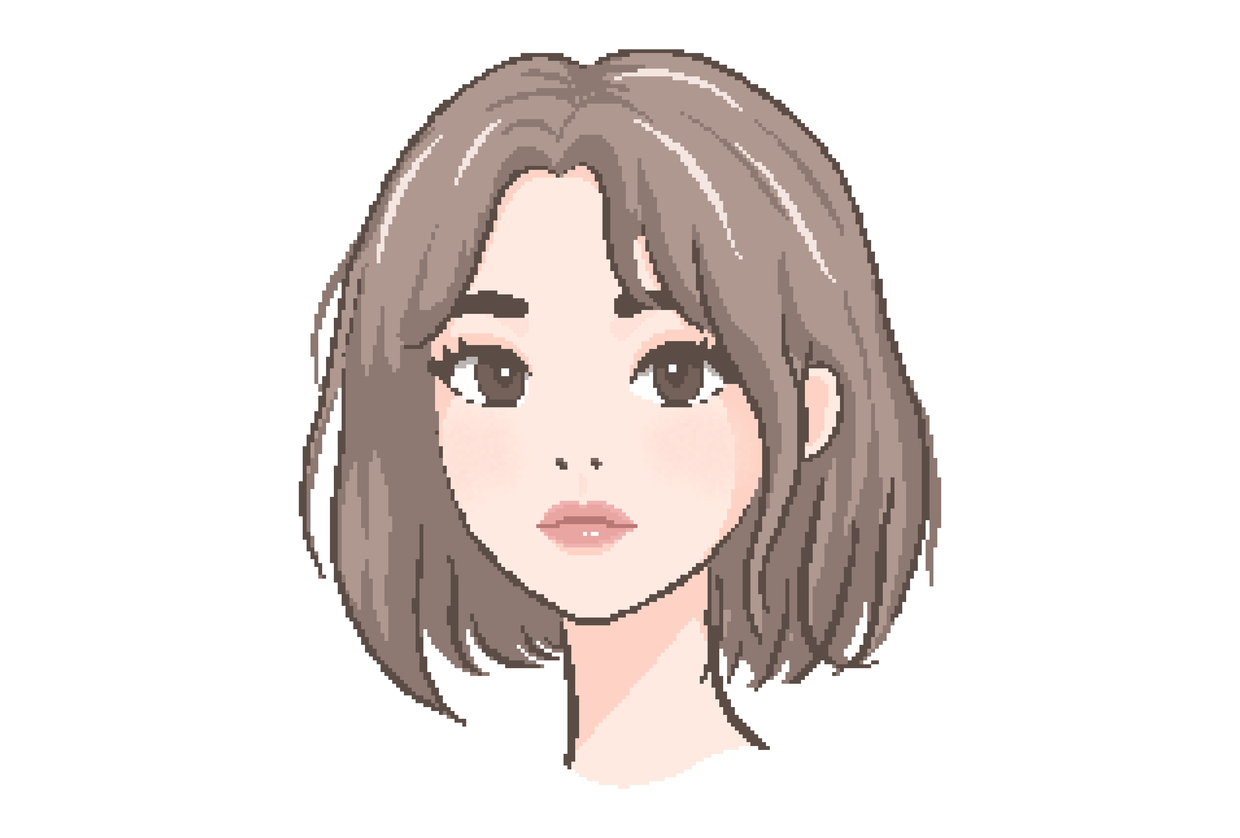
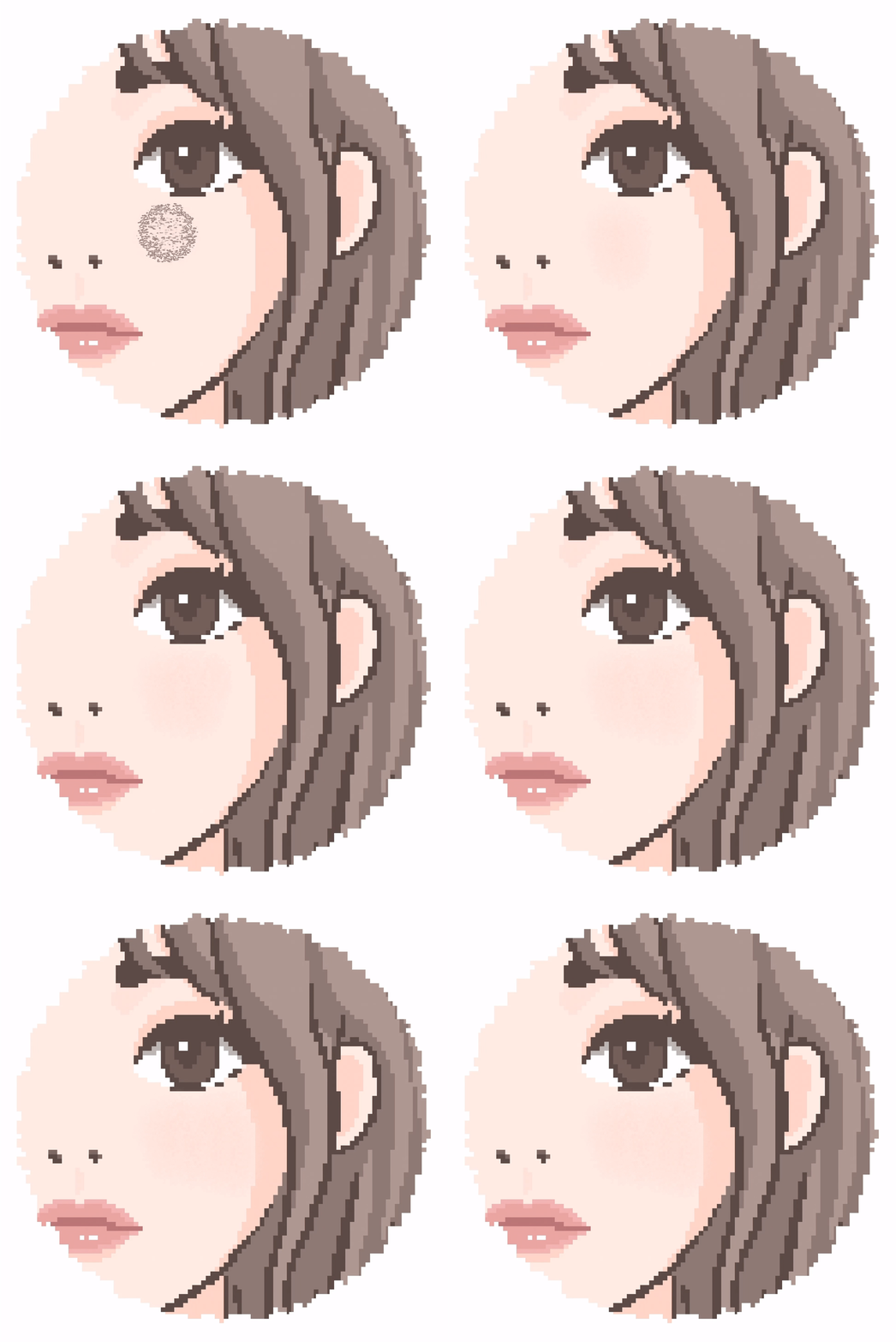
Soft Fog Brush was used tocreate a blusher effect, with this brush.
This brushThe boundaries blend softly,
Although it is pixel-based, it allows for smooth color blending.
Therefore,It is suitable for expressing brush touches, subtle light reflections, and warm shading. This is a great brush to use.
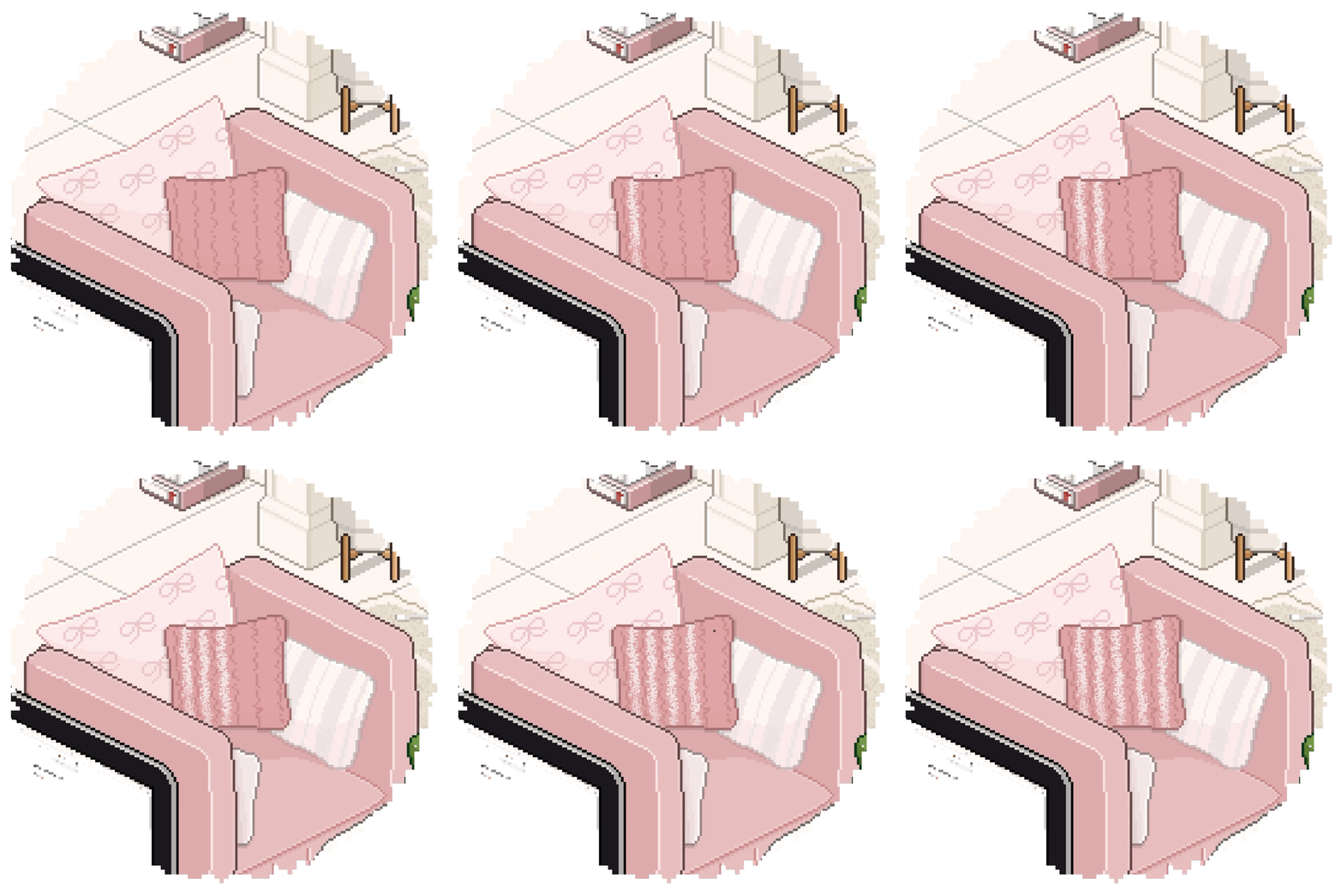
Cotton Scatter Brush was used to addtexture to the cushion.
This brushfeatures lightly scattered cotton particles, which
create asoft and warm textured feel on the surface, giving it a unique look.
For items like cushions and sofas,it is perfect for expressing fabric textures. Of course,
if you use it subtly on walls, rugs, or furniture,
you can express the unique vintage texture of pixel art.
This concludes the introduction of the drawing brush set.
Now,the dithering technique, which is essential in pixel art,
can be completed faster and more easily with
this brush set Let me introduce it to you!
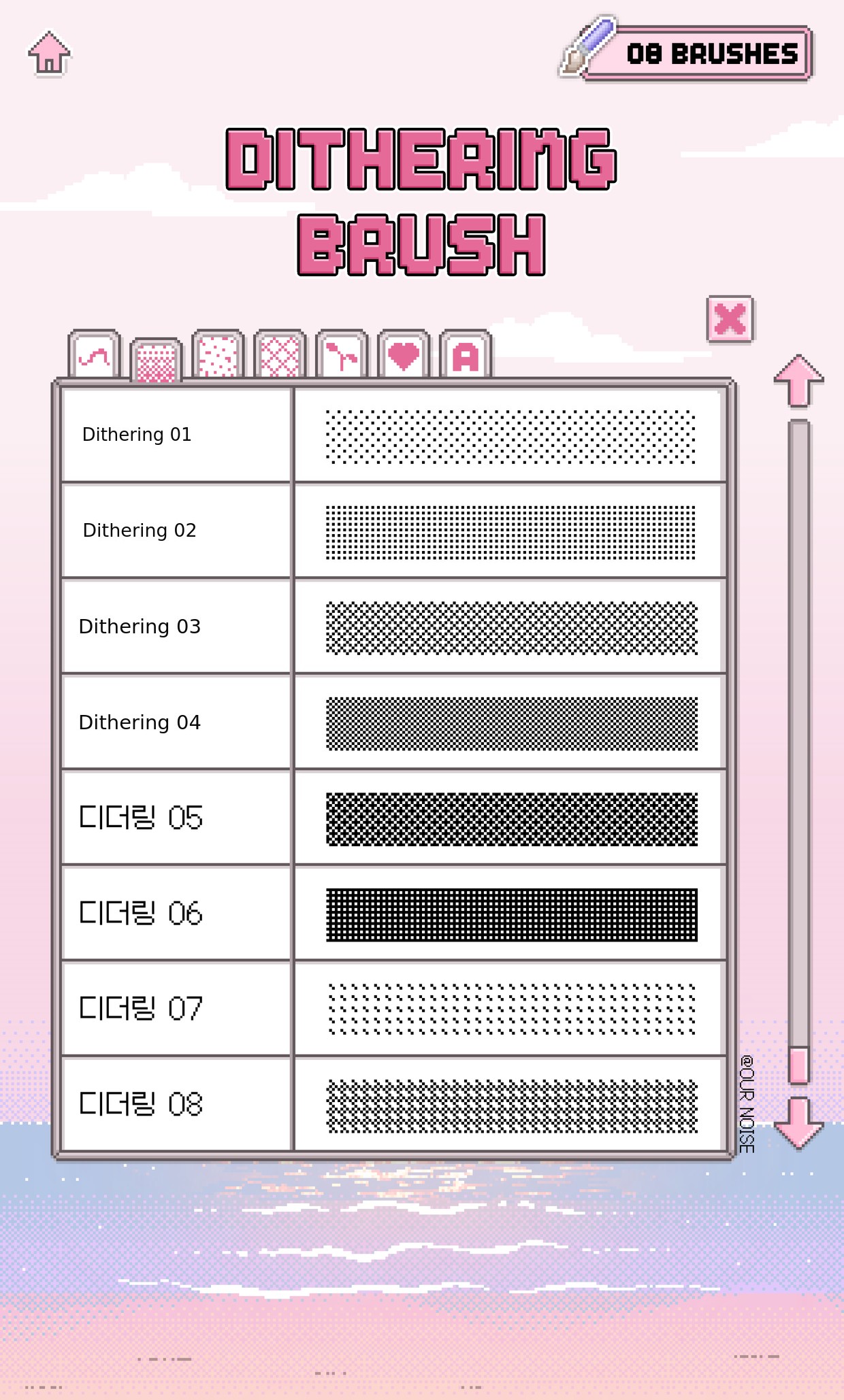
👾 8 types of dithering brushes👾
This setis designed to help you complete dithering effects more quickly and conveniently,
consists of brushes with different density levels step by step, and is included in the set.
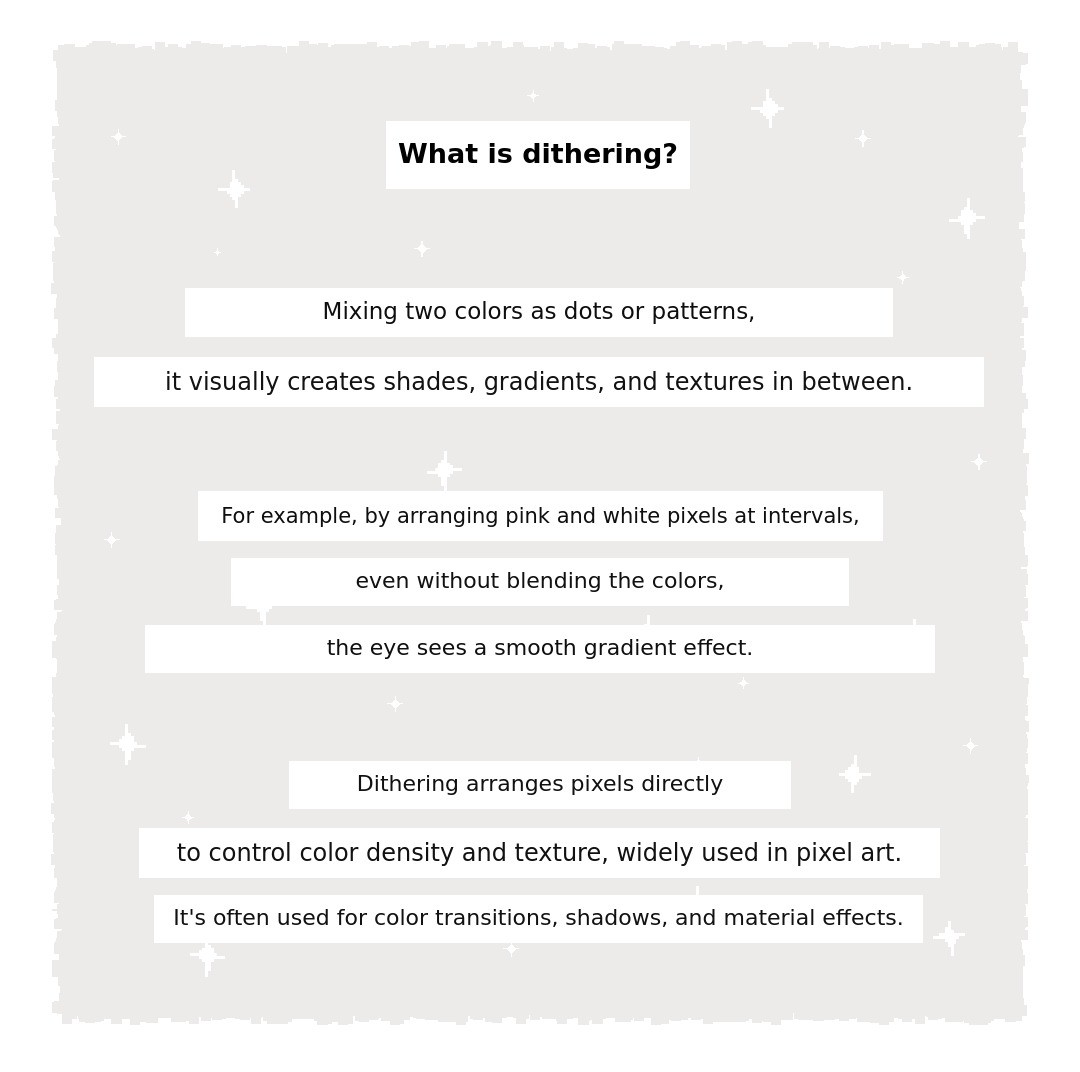
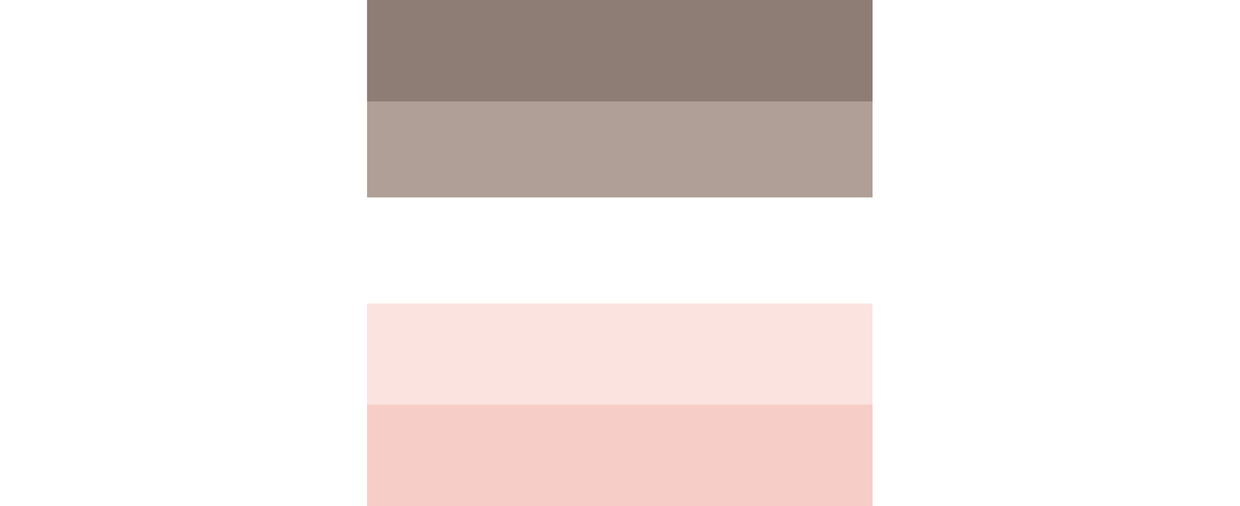
For a simple example, let's mix the five colors above!
Based on these five colors,let's see how they blend in regular illustrations,
and how they are expressed in pixel art for comparison.
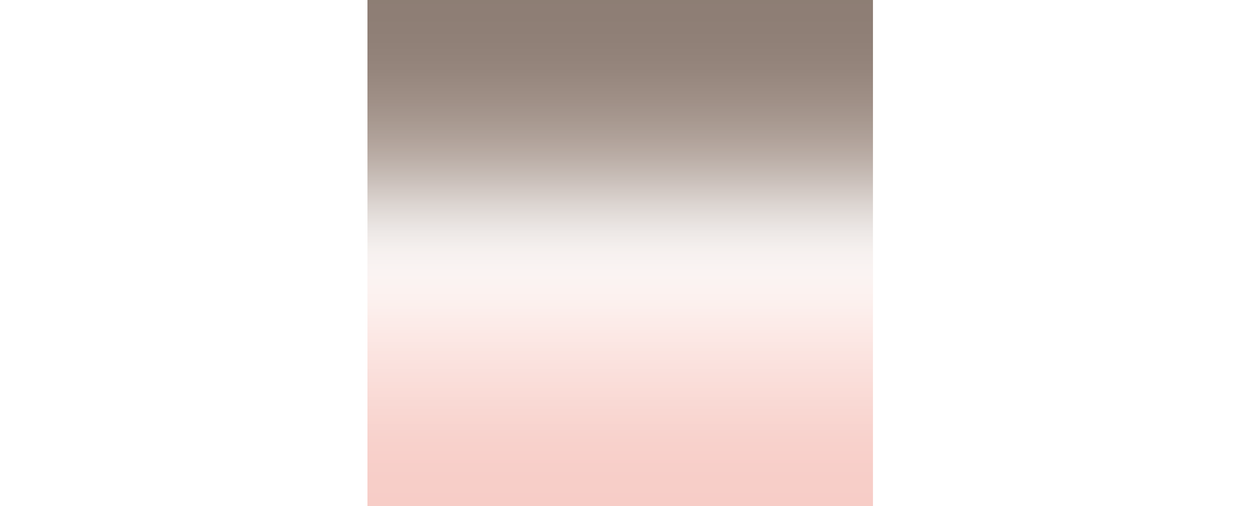
In regular illustrations, not pixel art, to create a natural gradient,
you can add intermediate colors between each color.
It uses a method that blends colors with an effect similar to Gaussian blur.
This is also the fastest and easiest way!
However,In pixel art, if you use such blur effects,
the unique dot texture and sharp edges of pixels disappear,
so instead, dithering techniques are used to express color blurring or shading changes.
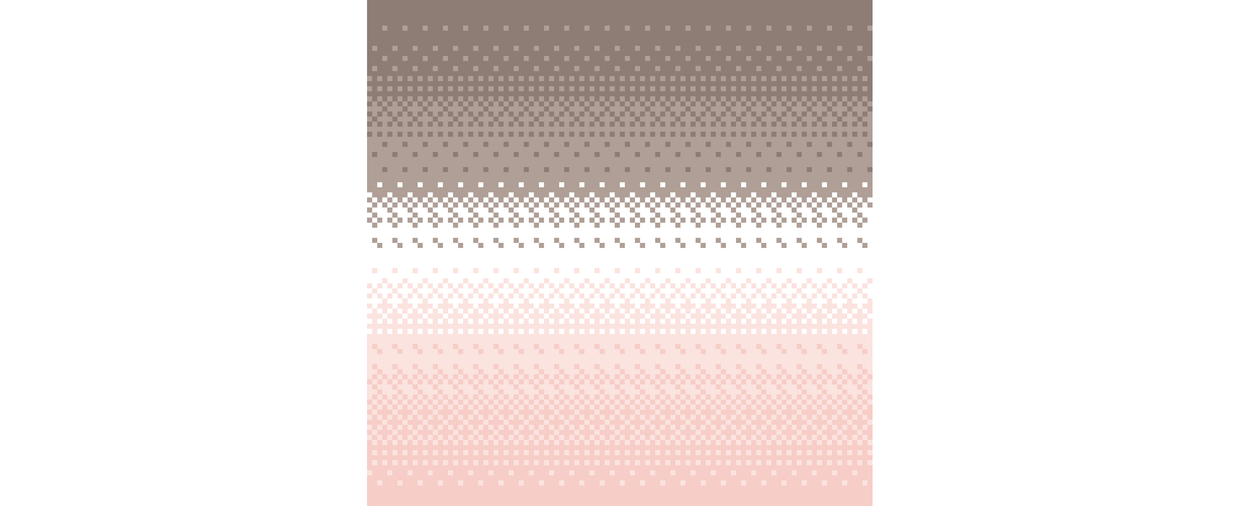
Dithering, as shown in the image above,uses five differentcolors arranged in a cross pattern at the pixel level,
so that from a distance, they appear to blend naturally.
Instead of smoothly spreading a single color,
it features mixing pixels of various colors in a pattern to express shading or color changes.
Thanks to this method, the unique dot texture of pixel art
and the analog feel of the gradient can be preserved.
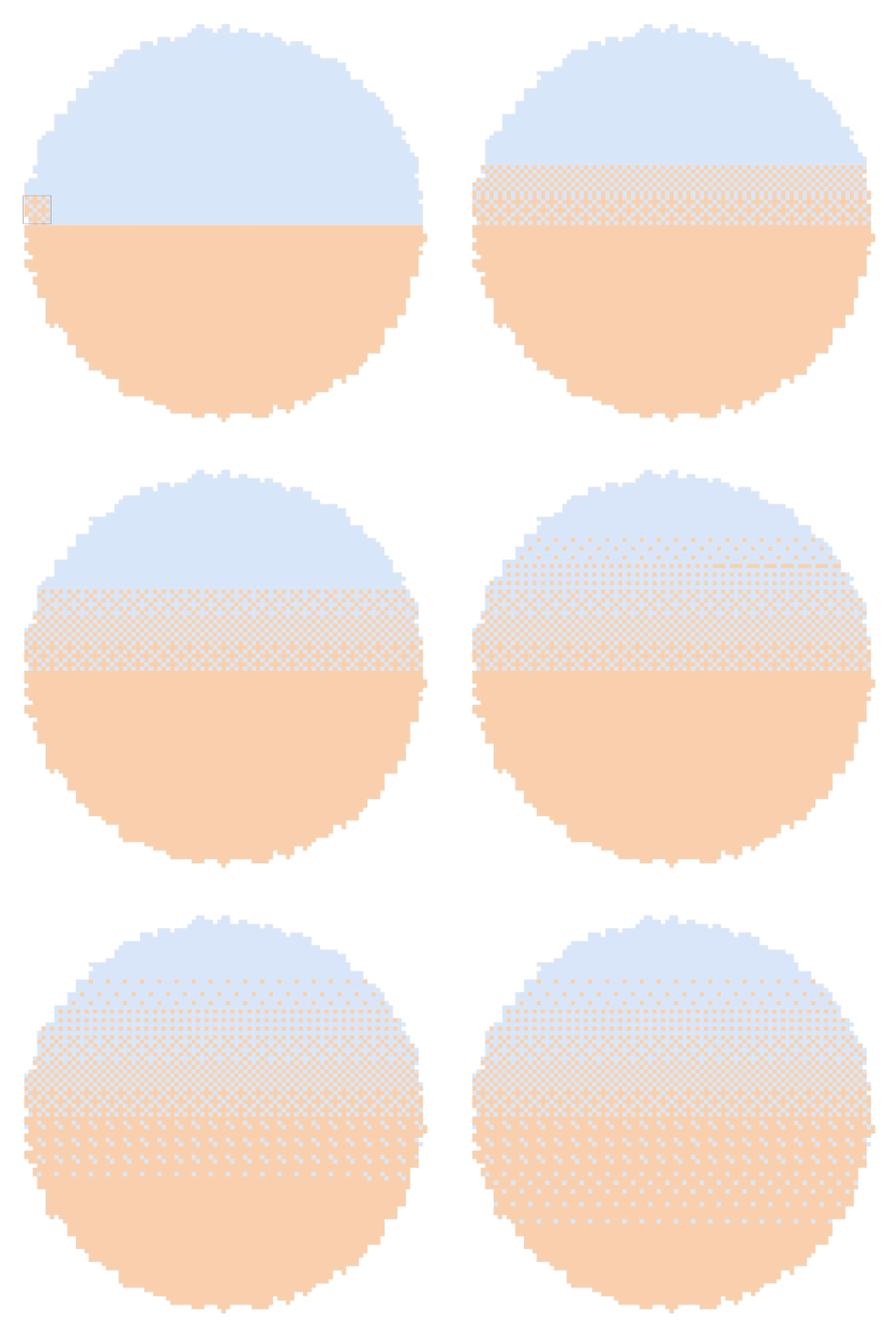
With a dithering brush,when creating a gradient,
you can use brushes with the desired density in steps.
After drawing a line and pausing briefly, the brush will align into the correct straight line shape.
A cleaner gradient expression is possible.
The dithering brush is not only for gradients,Shadow rendering is also frequently used.
Because it naturally connects the boundary between light and dark areas,
You can create much smoother shading than when filled with a single color.
This concludes the introduction of the dithering brush set.
Next, in pixel art,to add texture,
texture brush set I will introduce it!
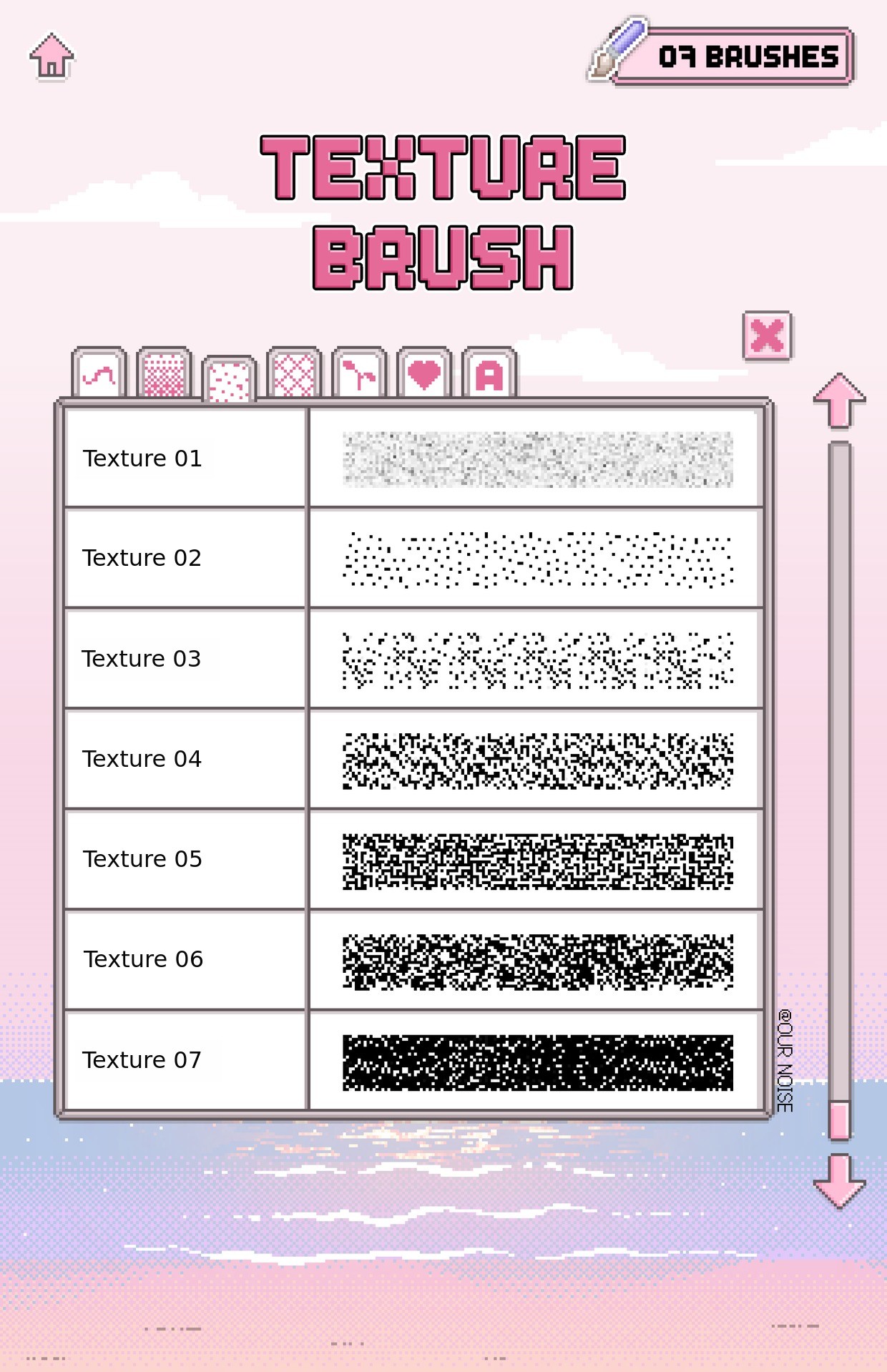
👾 7 types of texture brushes👾
This setis designed to add various textures and moods to pixel art,
with brushes featuring different textures such as particles, noise, and rough surfaces, and is composed of these.
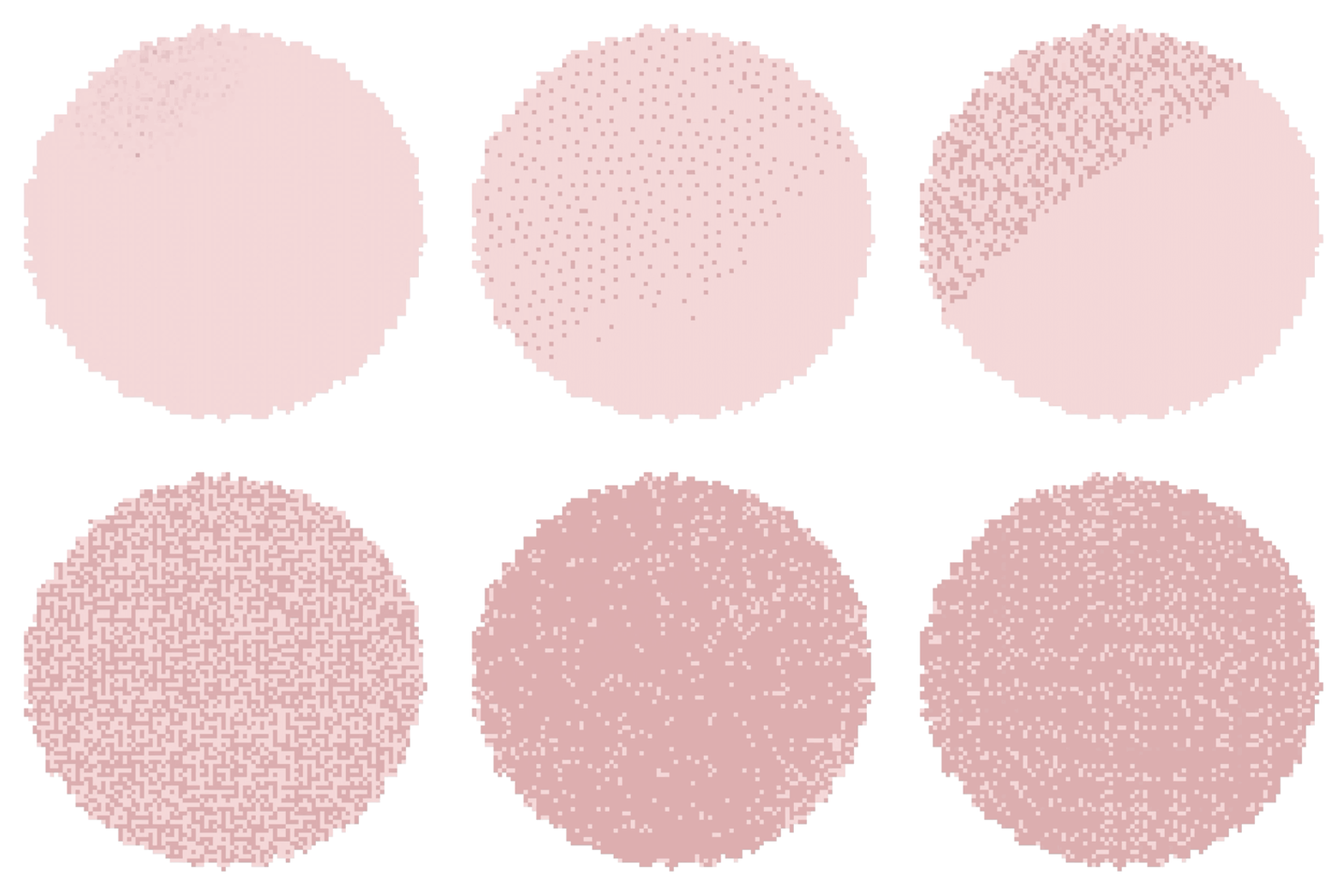
From soft powder textures to rough noise particles
This is a GIF where you can see seven different textures at a glance.
Each brush is made with different particle size, density, and roughness.
Even when using only a single color,You can achieve a wide range of effects, from light noise sprinkled on the surface
to deeply layered hard textures.
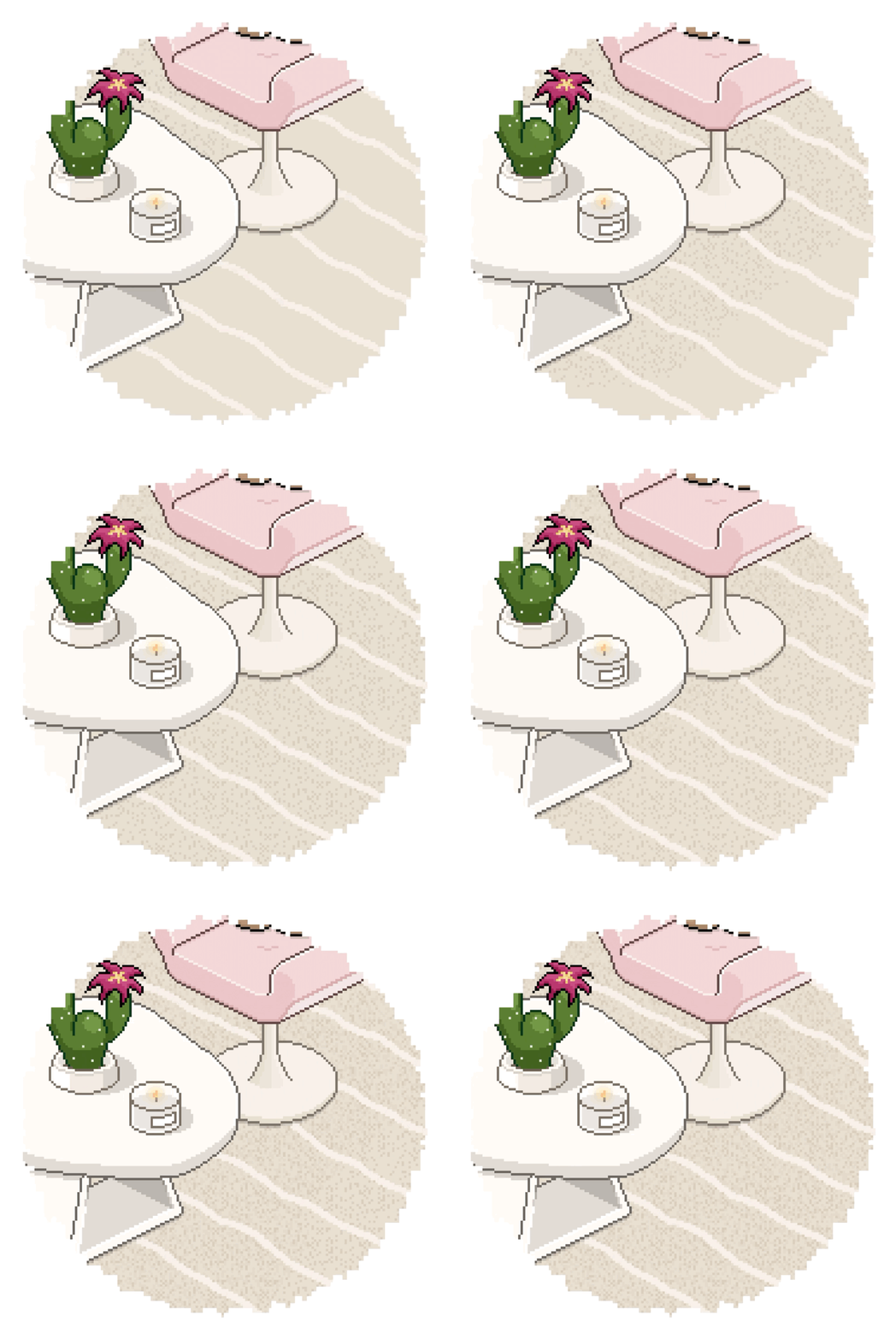
To express a deep texture on the carpet,
I layered two texture brushes in different colors,
adding a natural sense of particles.
By layering multiple brushes and colors like this,
the pixel art texture becomes even more three-dimensional.
Shall we take a look at the pattern brushes right away?
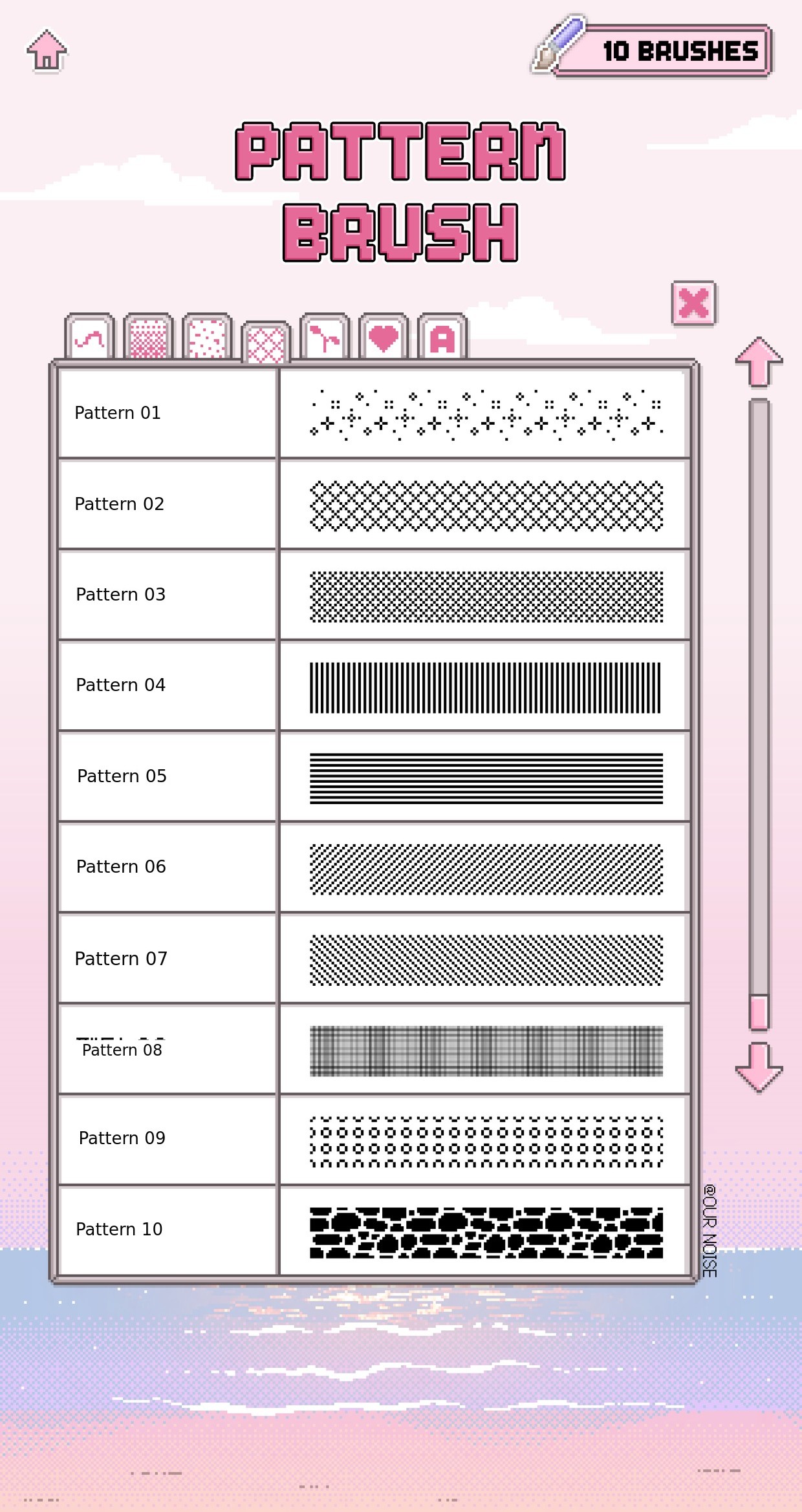
👾 10 Pattern Brushes👾
This set allows you to add various patterns to pixel art,
with brushes featuring different patterns such as lines, dots, checks, and stripes, and is composed of these.
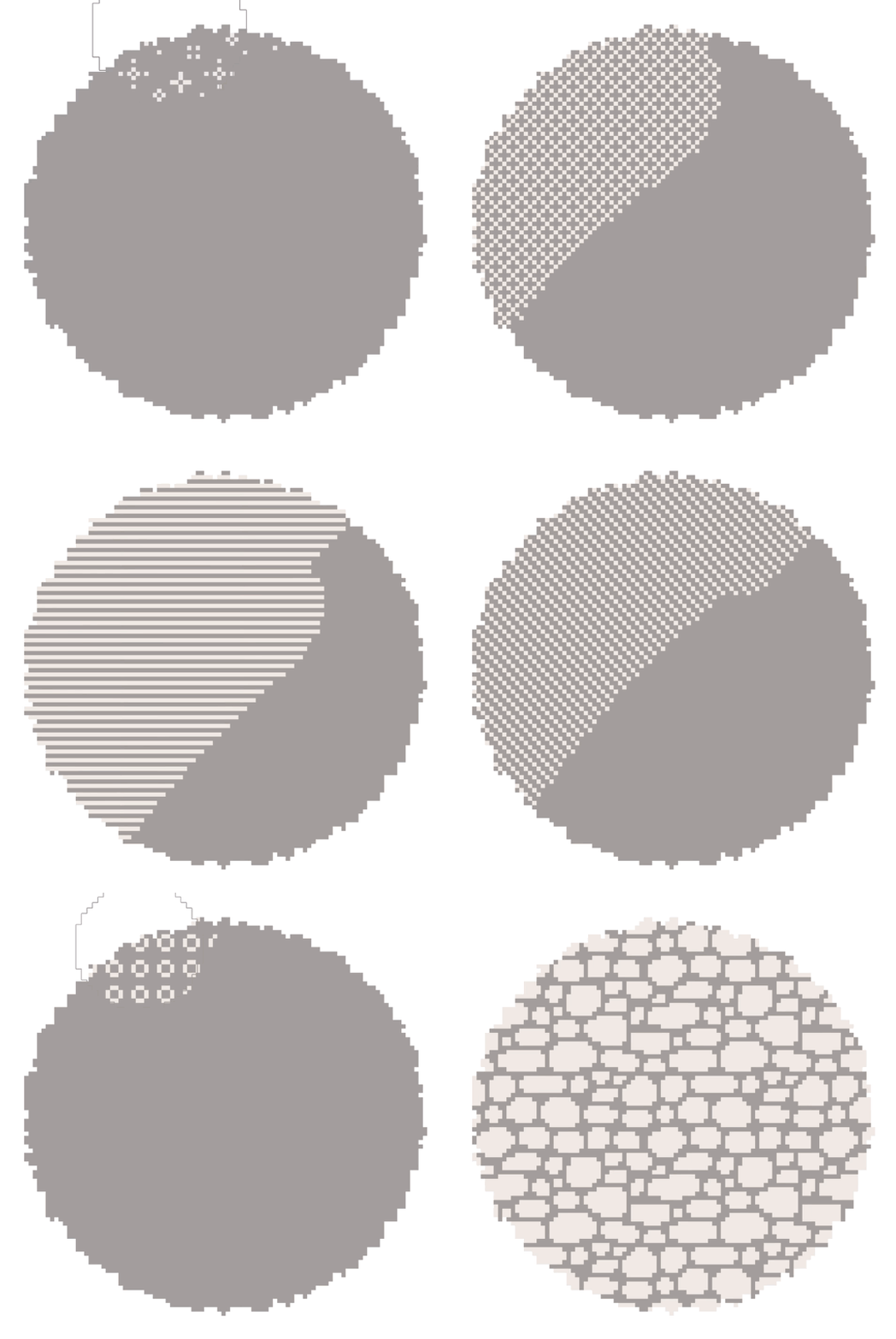
From glitter patterns to stripes, checks, stone wall patterns, and more.
This is a GIF where you can see 10 patterns at a glance.
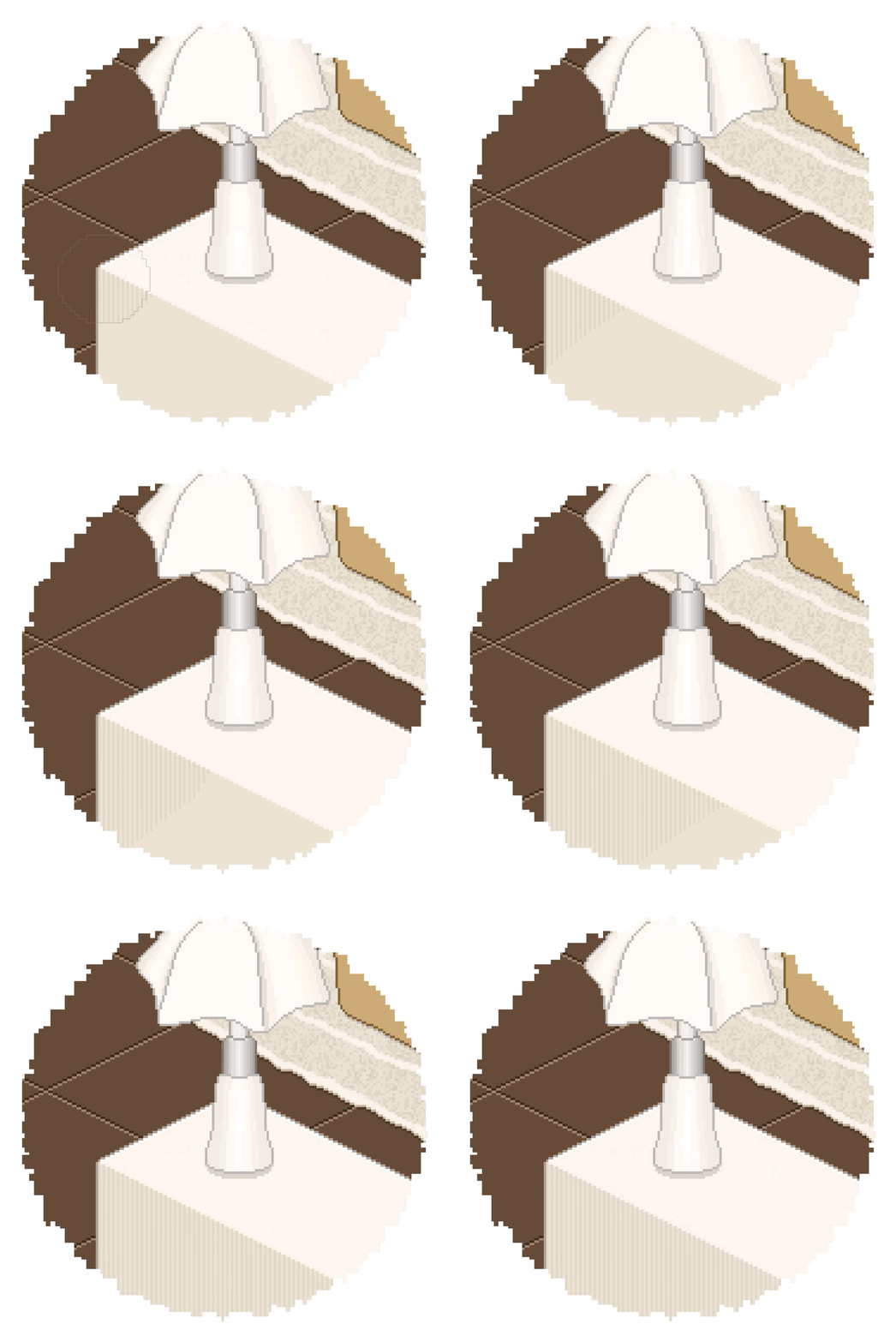
Repetitive patterns that are tedious to draw one by one,
This is a pattern brush designed to express them much more easily.
Although these are simple patterns, when you try to draw them yourself,
They actually take quite a bit of time and effort.
With just this one brush, you can quickly solve that process.
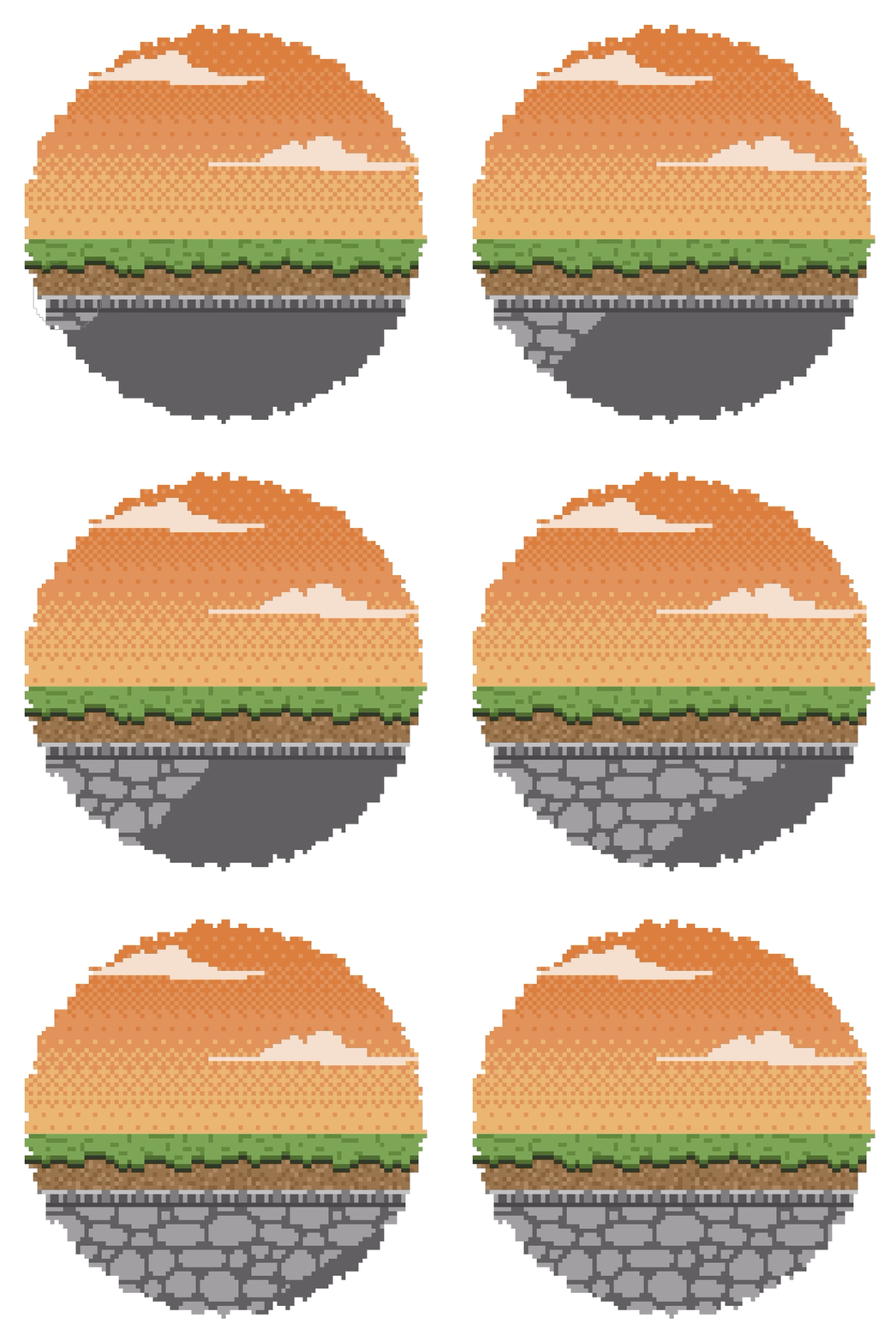
Even a simple surface comes to life when you add this stone wall pattern.
It definitely feels more lively and truly pixel art-like! 🪨
Next, let's look at one of the quick brushes,
Shall we take a look at the Nature Brush Set?
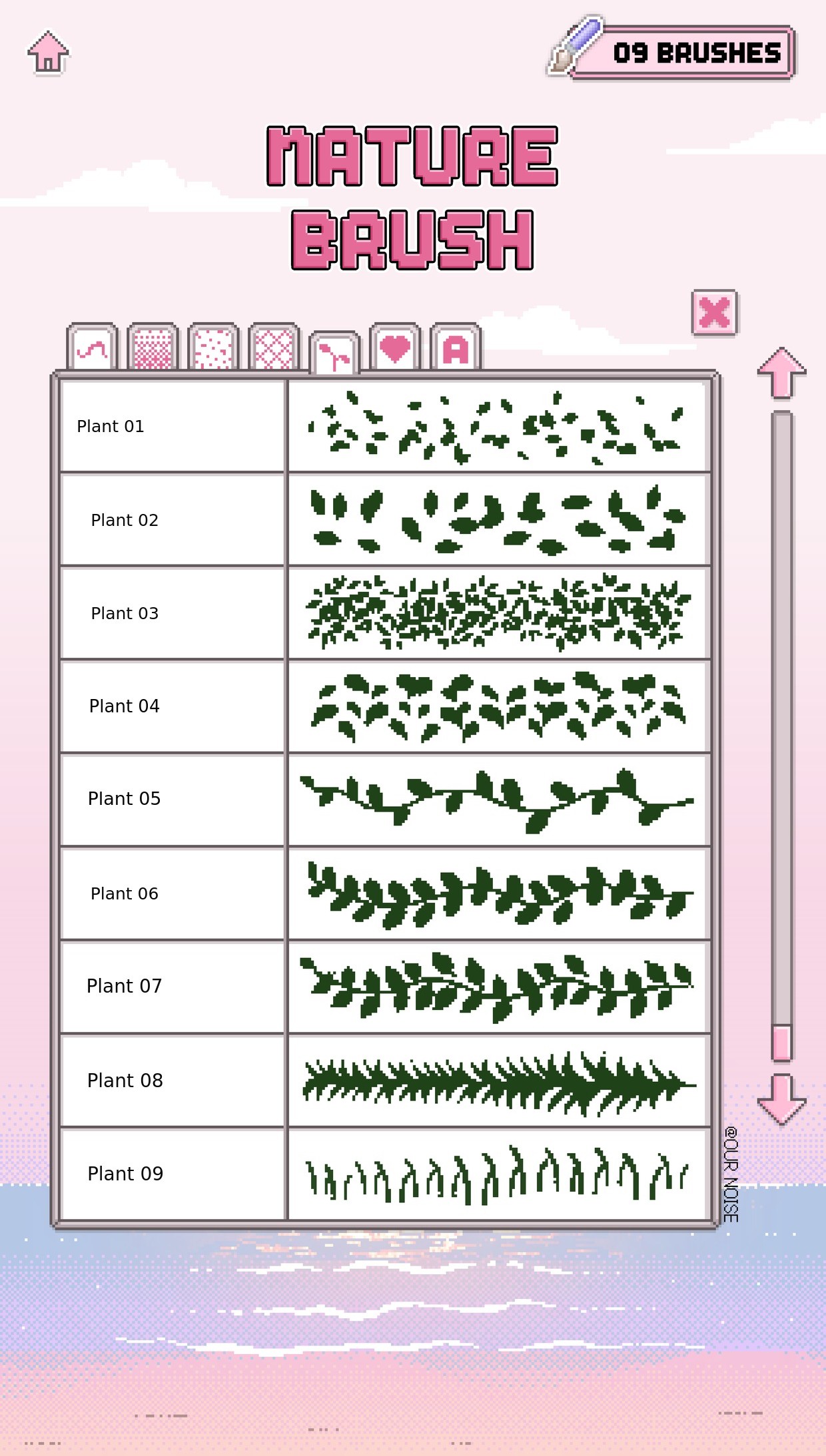
👾 9 Nature Brushes 👾
This setIs designed to help you draw plants faster and more easily,
Brushes containing various plant patterns such as leaves, vines, and grass, Make up this set.
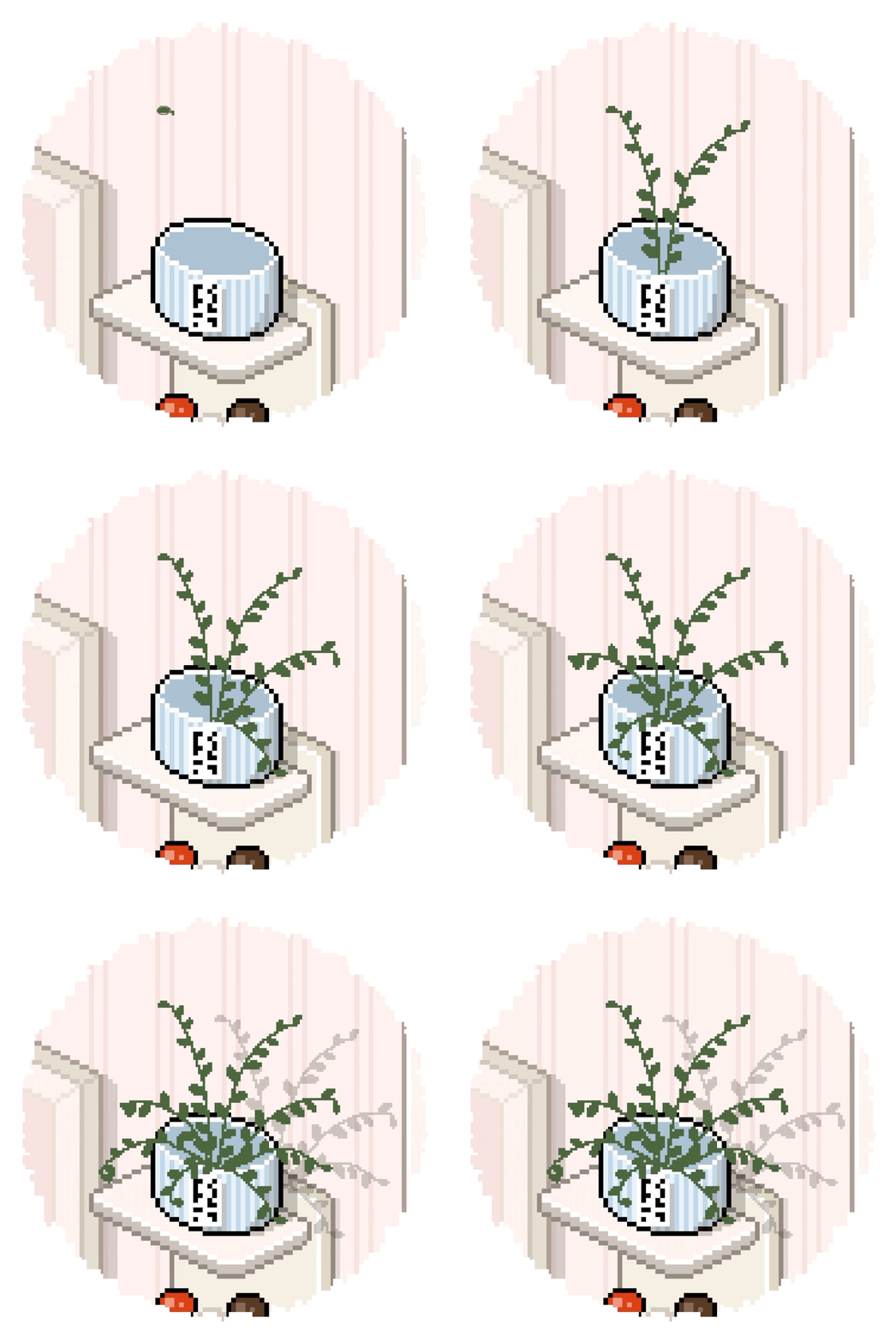
Just like patterns, nature is also a rather tricky subject to draw one by one.
However,If you just swipe with the plant brush,
Because the basic shape is completed quickly, if you just add a bit of color here,
you can express even complex natural elements quickly.
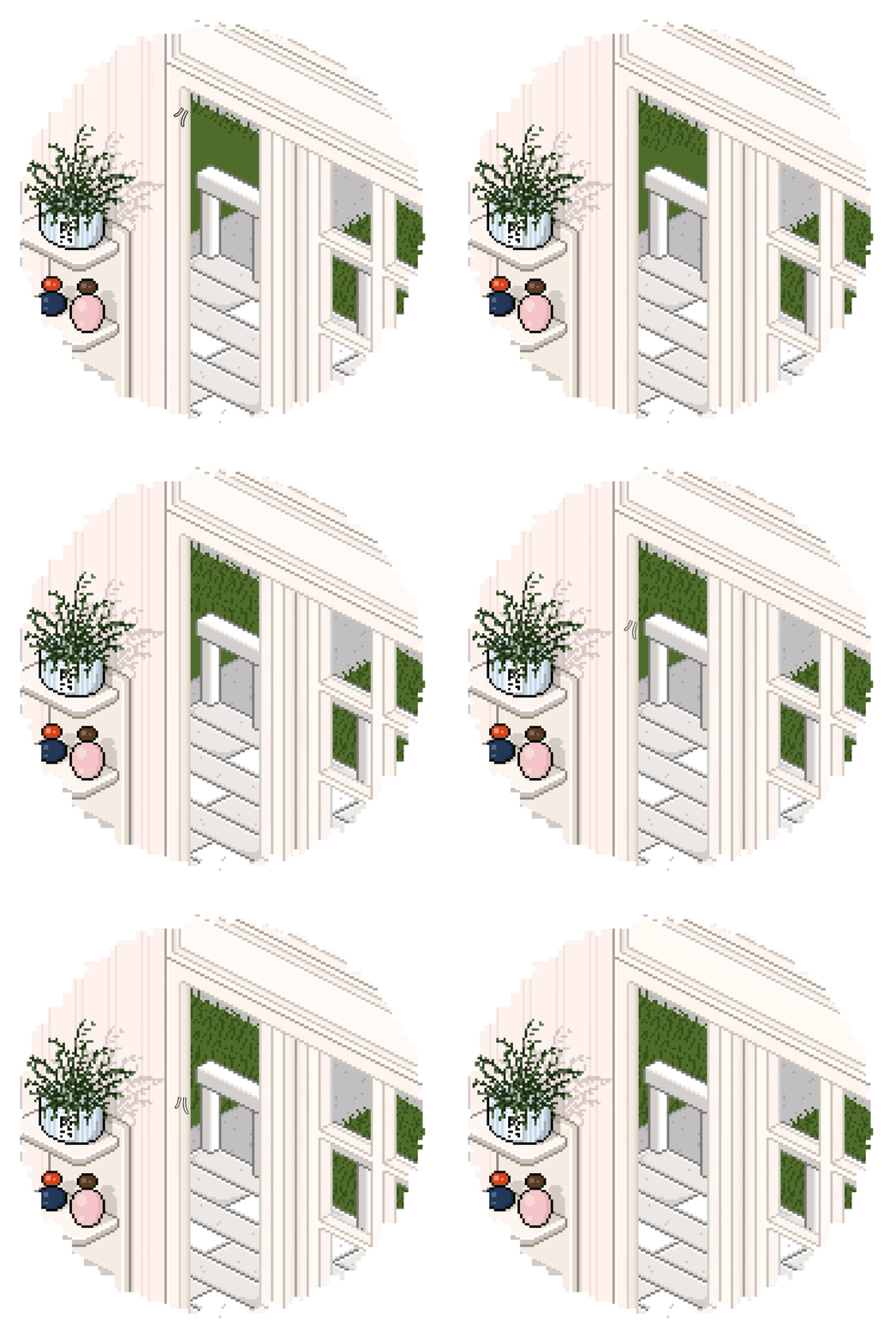
If you use the grass brush, even in such plain spaces,
you can easily add atmosphere as if natural grass has grown.
+ If you draw with a slightly larger brush size,
the shape of the grass stands out much better! 🍃
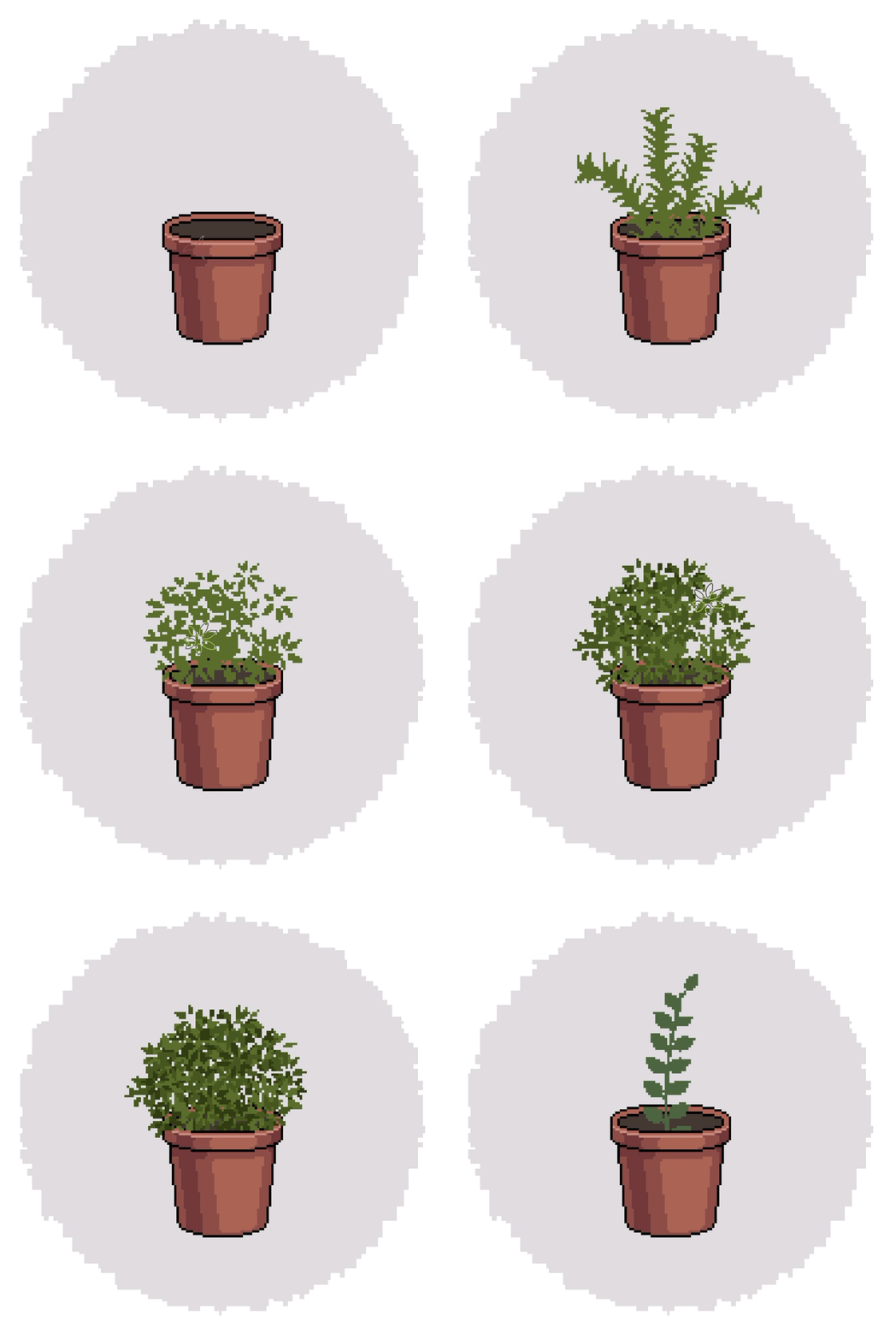
Depending on how you use the plant brush,
it is a highly versatile brush that can be varied in many forms. It is a brush.
Even if you draw just one flowerpot, by using the brush differently,
you can create various types of plant pots.
I didn't add detailed coloring to the plant part to show an example,
but if you just add a bit of three-dimensionality here,
it becomes a much richer and more complete plant.
Up to here, I have shown you the general brushes.
From now on,Pixel Stamp Brush Set I will introduce them to you.
First, shall we take a look at the element stamp brush?
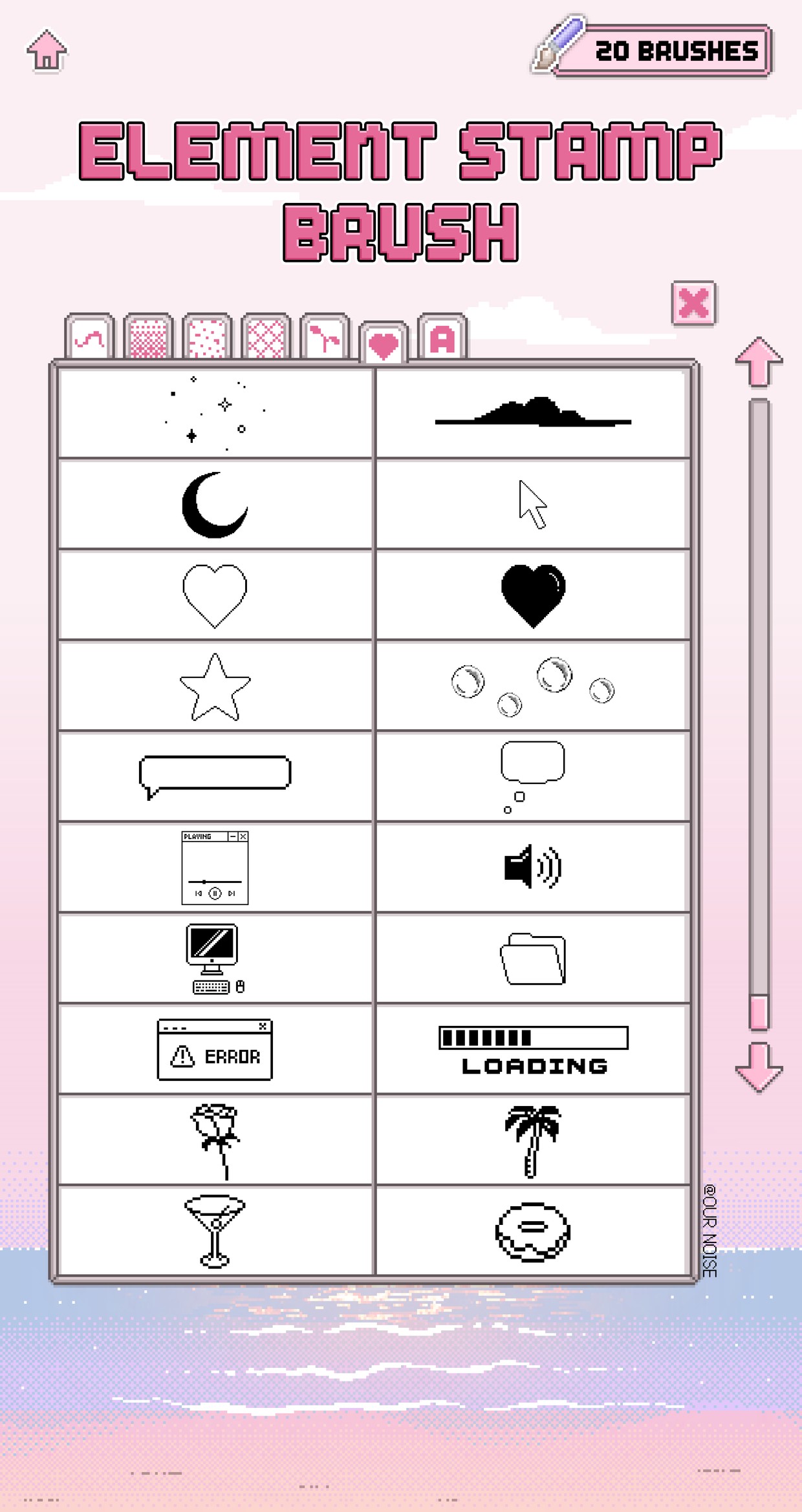
👾 20 Element Stamp Brushes👾
This set is designed for pixel art,to add small highlights and atmosphere.
Stars, hearts, moons, speech bubbles, soap bubbles, and more,
a variety of stamp elements, are included.
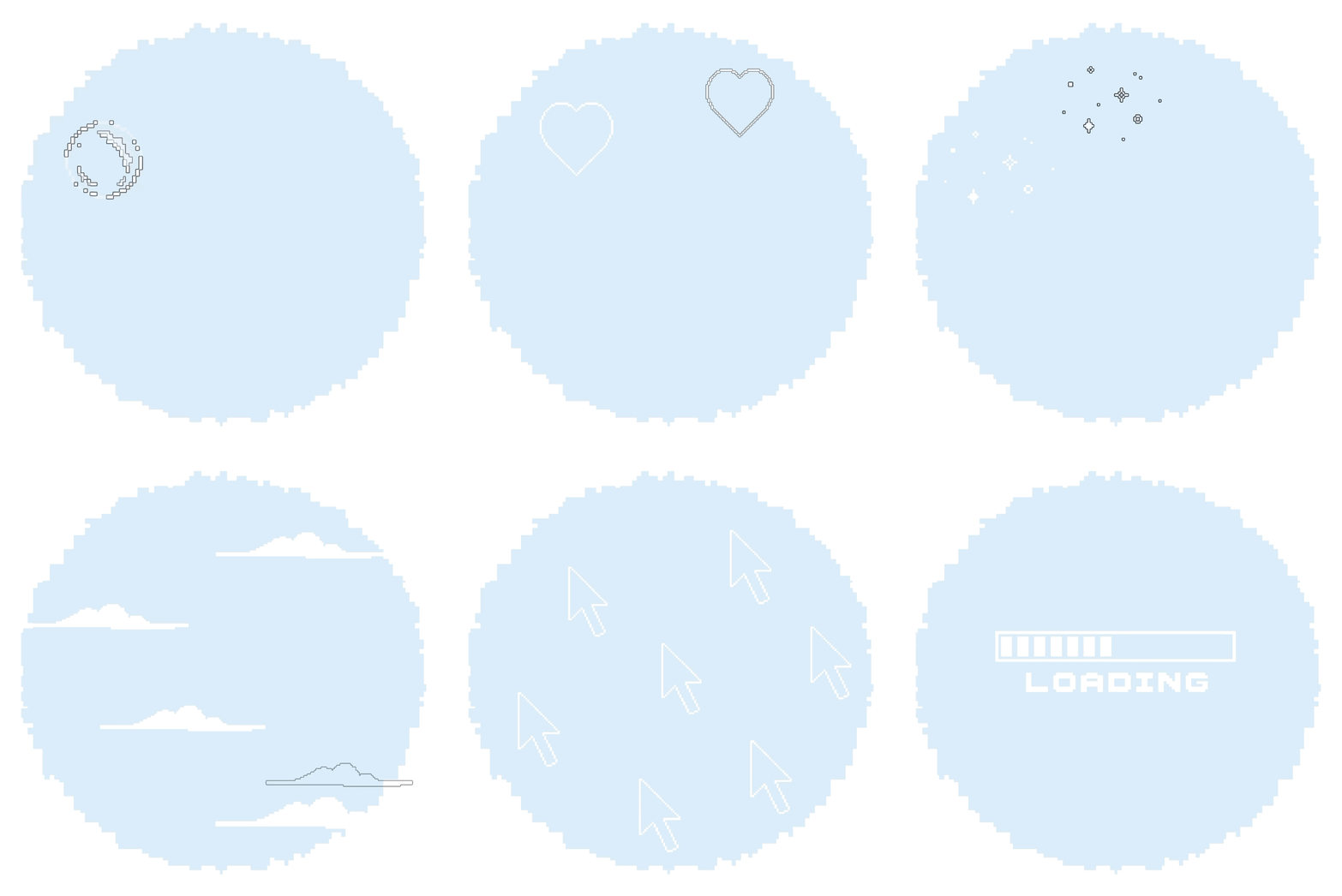
The element stamp brush setis made to be more convenient to use
on large canvases rather than small ones, for your convenience.
On a small canvas, just a few stamps are enough,
but on a large canvas, you need to cover more area than you think,
so the stamps themselves are made larger for better usability.
You can use them for photo decoration, Insta-toons, emoticons, GoodNotes, and more,
to add highlights to various projects. 👾
Next, I'll show you the English stamp set,
which is made for easier use of English pixels!
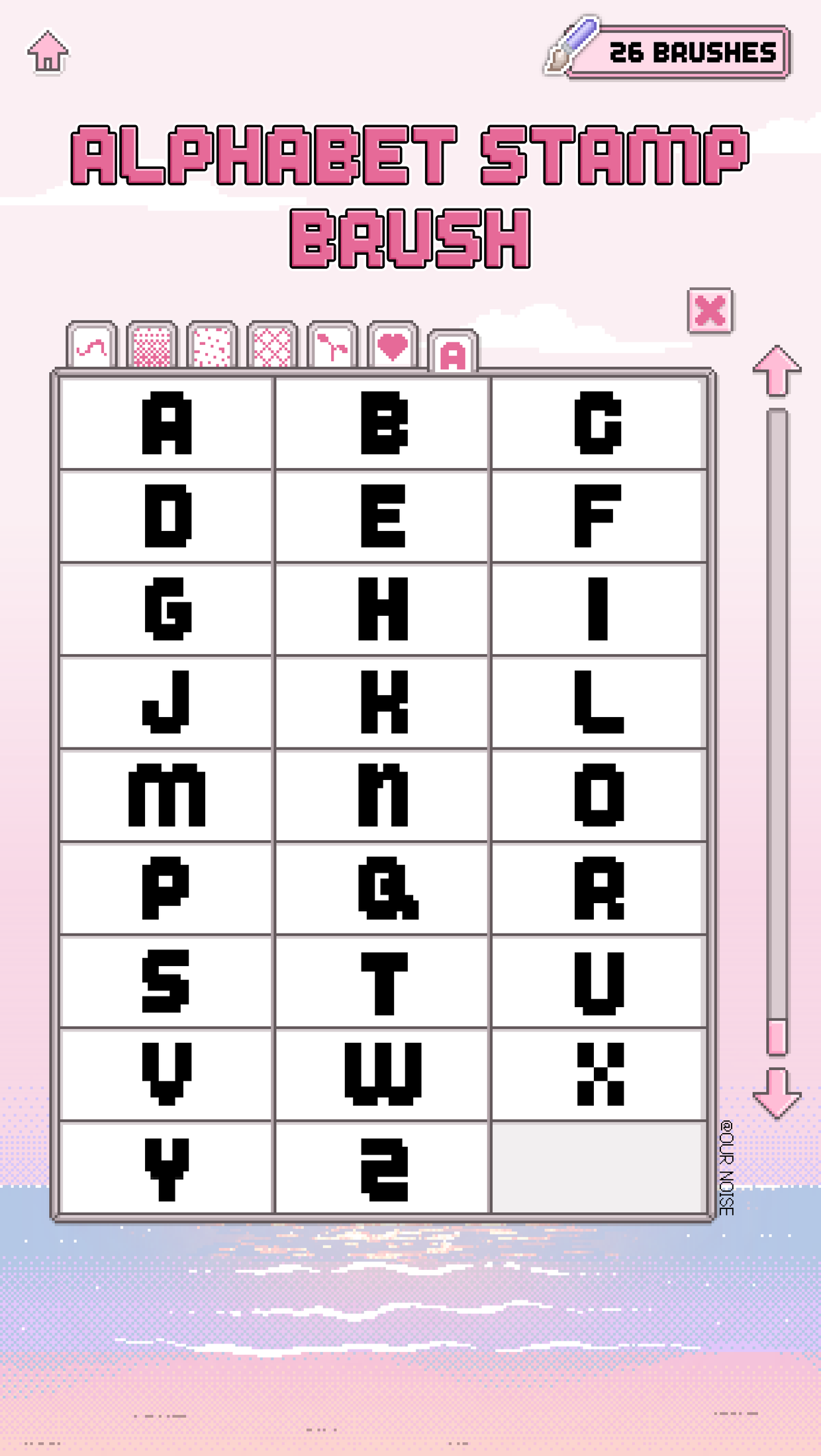
👾 26 English Stamp Brushes👾
This set is designed to add cute lettering and title effects to pixel art.
From A to Z,A brush set composed of 26 alphabet letters in stamp form. That's what it is.
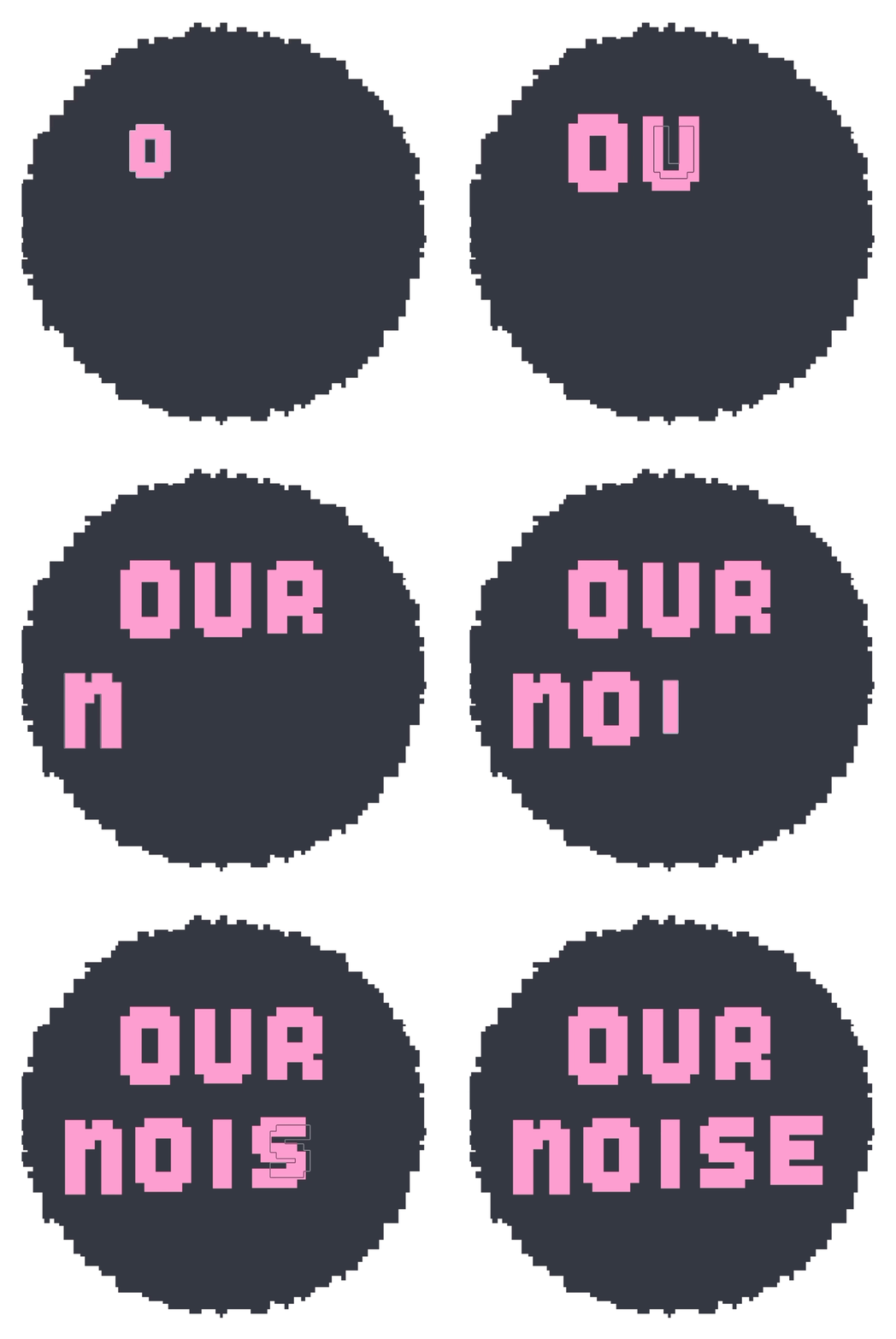
Created in a stamp format,
You can easily use it by stamping only the letters you want!
You just need to stamp it directly where you need it,
So there's no need to draw each pixel letter one by one every time.
You can complete your text quickly and neatly.
☝🏻 Up to here, we've shown you all the brushes!
Now, let me introduce the
'Pixel Grid' which, when used with the brushes, greatly increases your work efficiency.
👾 1 Pixel Grid (PNG)👾
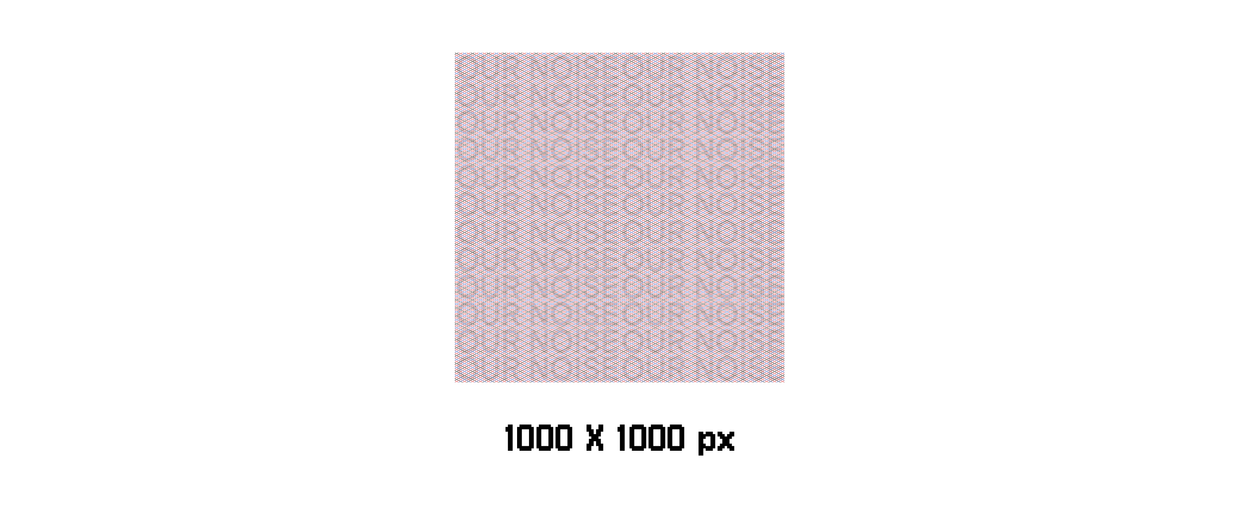
*The above image is for preview purposes and contains a watermark,
but the actual file you receive will not have a watermark.
To make working with pixel art easier,
A generous size of 1000px by 1000px, has been created.
Feel free to crop and use it according to your desired work size!
📌 Tips for using the grid are detailed in the included user manual!
<Procreate Basic Drawing Guide: 2D Grid>
When drawing pixel art in Procreate,
Usually, in the basic drawing guide,2D grid is turned on,
and you probably created pixel art by dotting within the square boxes!
<OurNoise Pixel Art Grid>
The OurNoise Pixel Art Grid is designed to match the dot spacing for pixel art,
helping you work more naturally and comfortably.
Lastly, here are some examples of real-world goods you can create with pixel art.
Let us show you some examples of physical goods! 💝
✴︎ Sticker Production Example ✴︎
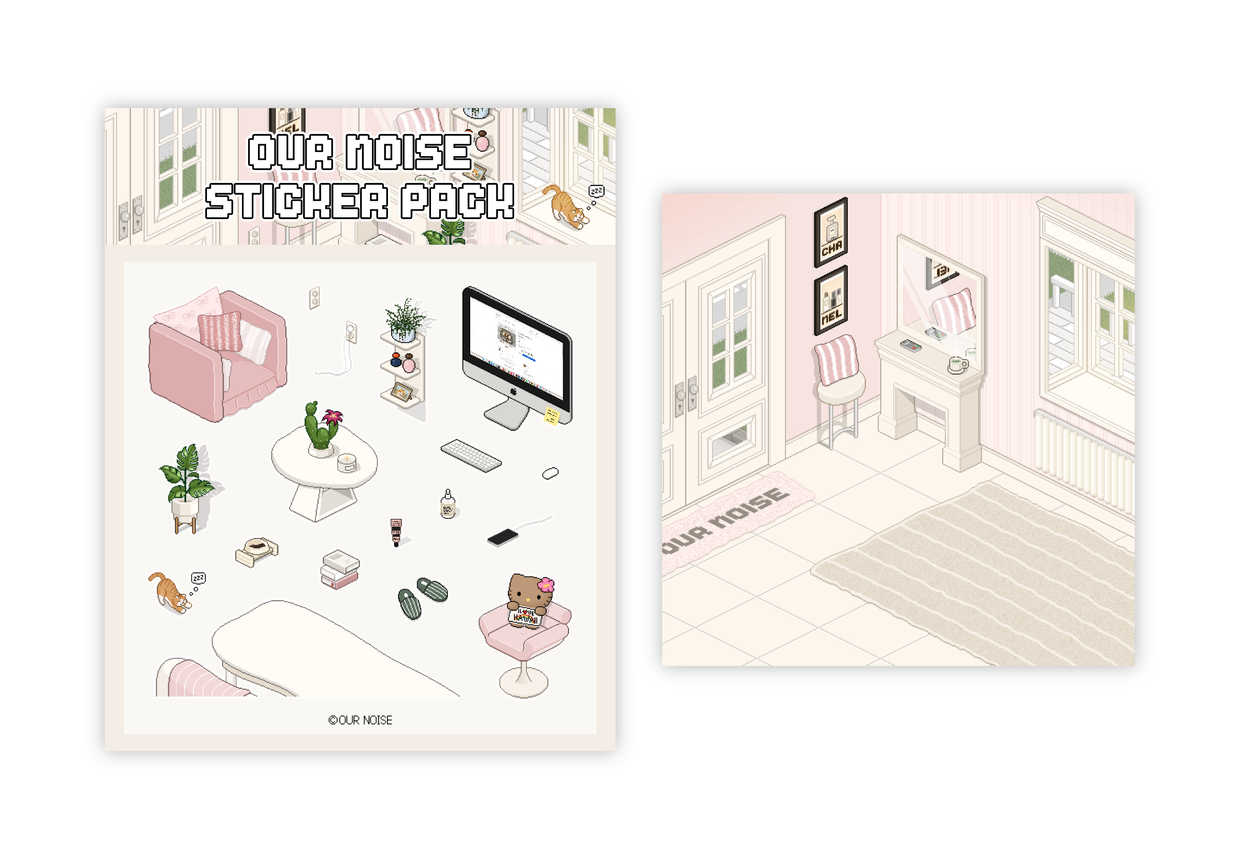
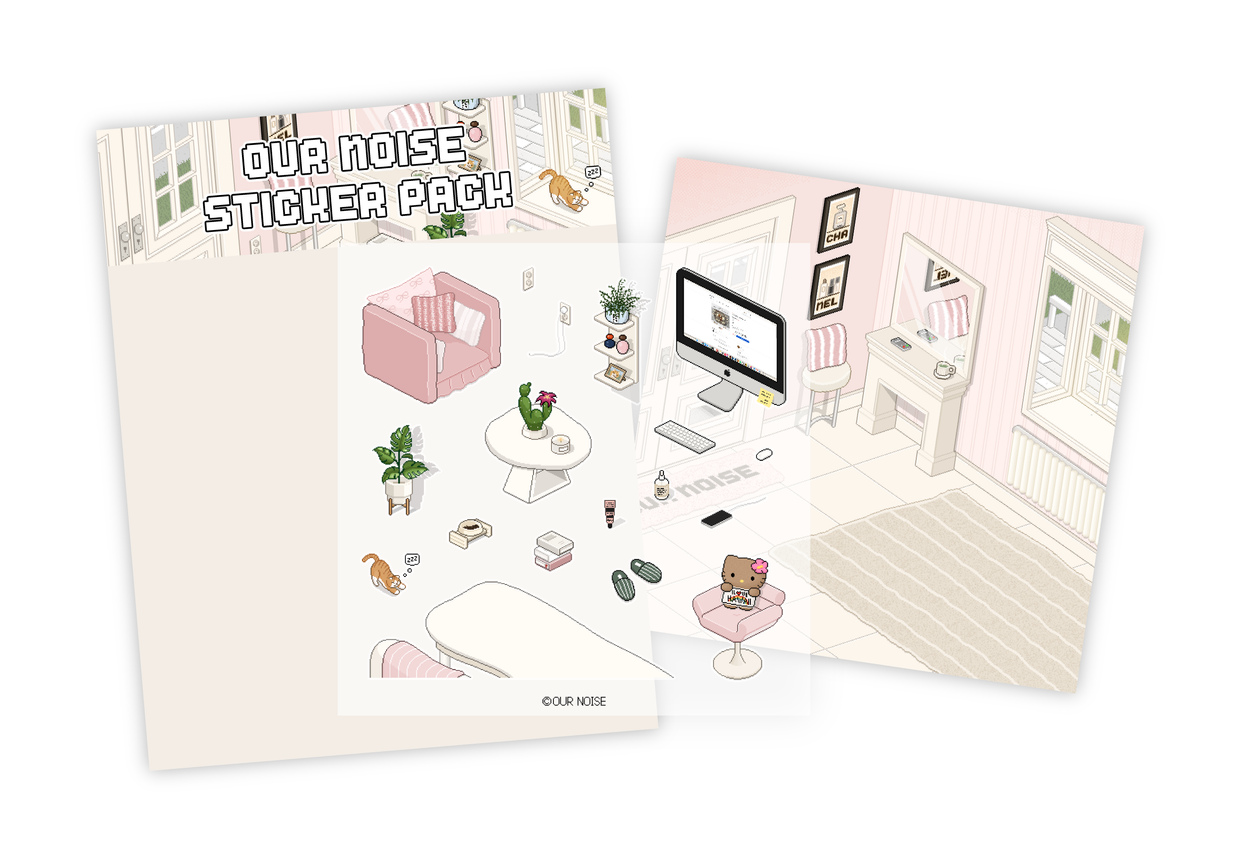
Try making your own pixel art into stickers! 👾
✴︎ Pixel Keyring Production Example ✴︎
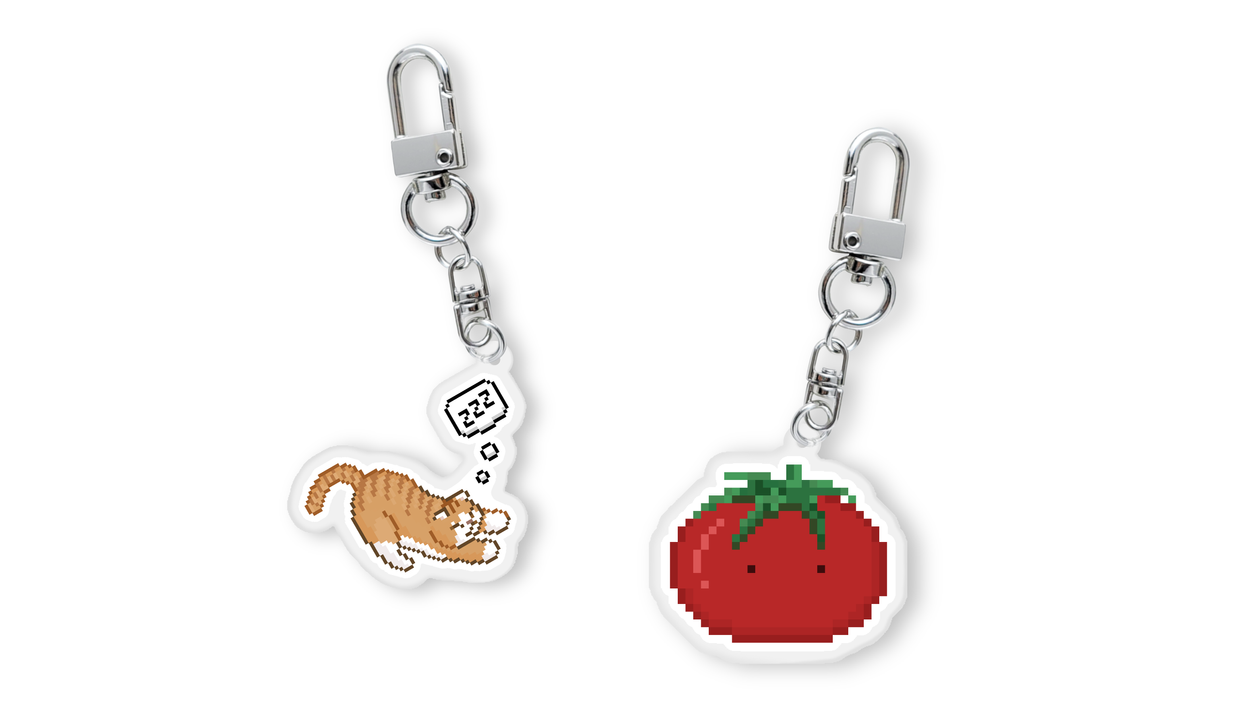
Turn your pixel art into adorable keyrings in real life! 🗝️
👾 Procreate Exclusive Guide 👾
The brushes are only available on the iPad app Procreate.
All brush files are based on Procreate version 5.4,
and we recommend using them on this version or higher.
(Refunds are difficult if you support without checking your app version.)
👾 Commercial Use Guide 👾
Our Noise brushes can be freely used for commercial creative activities.
Illustrations, merchandise, and commissioned works completed using the brushes
can be sold and used commercially without any restrictions.
🚫 Precautions 🚫
All brushes and components provided within the project
are prohibited from redistribution, resale, unauthorized duplication, secondary file modification, and transfer to others. are strictly prohibited.
Please protect the rights of both creators and users.
Hello, this is OurNoise.
To let you feel the pixel vibe in Procreate as well,
we have created brushes optimized for pixel art.
Even without a separate pixel-dedicated program,
you can easily create retro art within Procreate.
If you have always been interested in pixel art or dot graphics,
you will fully enjoy the fun of retro work with these brushes.
Reason for choosing Wadiz
OurNoise believes that it is not just a simple outcome,
but a record that captures the maker's personality and emotions. Record is what we believe.
So rather than simple sales,
To those who are waiting for and enjoying our new work,
In order to introduce ourselves officially, Wadiz was chosen.
With the start of this project,
We aim to present various experimental works in the future as well.